

免费 HEIC 转换器
这款免费 HEIC 转换器可将 iPhone 和 iPad 照片转为 JPG、PNG、WebP 等多种图片格式。无需注册,单张或整批照片都能转换,你的照片会留在你的设备上。
将图片拖放到此处
支持 JPG、PNG、WebP、GIF、SVG 等
最大文件大小:100 MB · 支持多个文件
如何使用 HEIC 转换器
添加你的 HEIC 照片。
把它们拖到上方的框中,或点击“选择图片”。你可以添加 .heic 和 .heif 文件,甚至可以混入 PNG 或 WebP 图片,每个文件最大 100 MB。
选择输出格式。
JPG 已默认选中。你可以在照片的菜单中更改,也可以点击“应用到所有文件”,按需设置“质量”或“调整大小”,然后点击“全部转换”。
下载你的照片。
用各自的按钮单独保存每个文件,或点击“全部下载”,把所有转换好的照片打包成一个 ZIP。你的 HEIC 原文件不会被改动。
关于 HEIC/HEIF 格式
由 MPEG 组织开发的现代图像格式,采用 HEVC 压缩,能以大约 JPEG 一半的文件体积提供出色画质。
优点
- 压缩效率极高
- 同时支持有损和无损压缩
- 可存储多张图像、深度图和 HDR 数据
- 支持透明背景和图像序列
缺点
- 除 Safari 外浏览器支持有限
- HEVC 编解码器存在专利限制
- Windows 需安装扩展才能原生支持
- 与网页平台的兼容性有限
技术规格
最佳使用场景
为什么选择我们的 HEIC 转换器?
将 HEIC 照片转为在任何电脑或手机上都能打开的格式,保持原始分辨率,可逐张或批量转换,无水印,也没有每日次数限制。
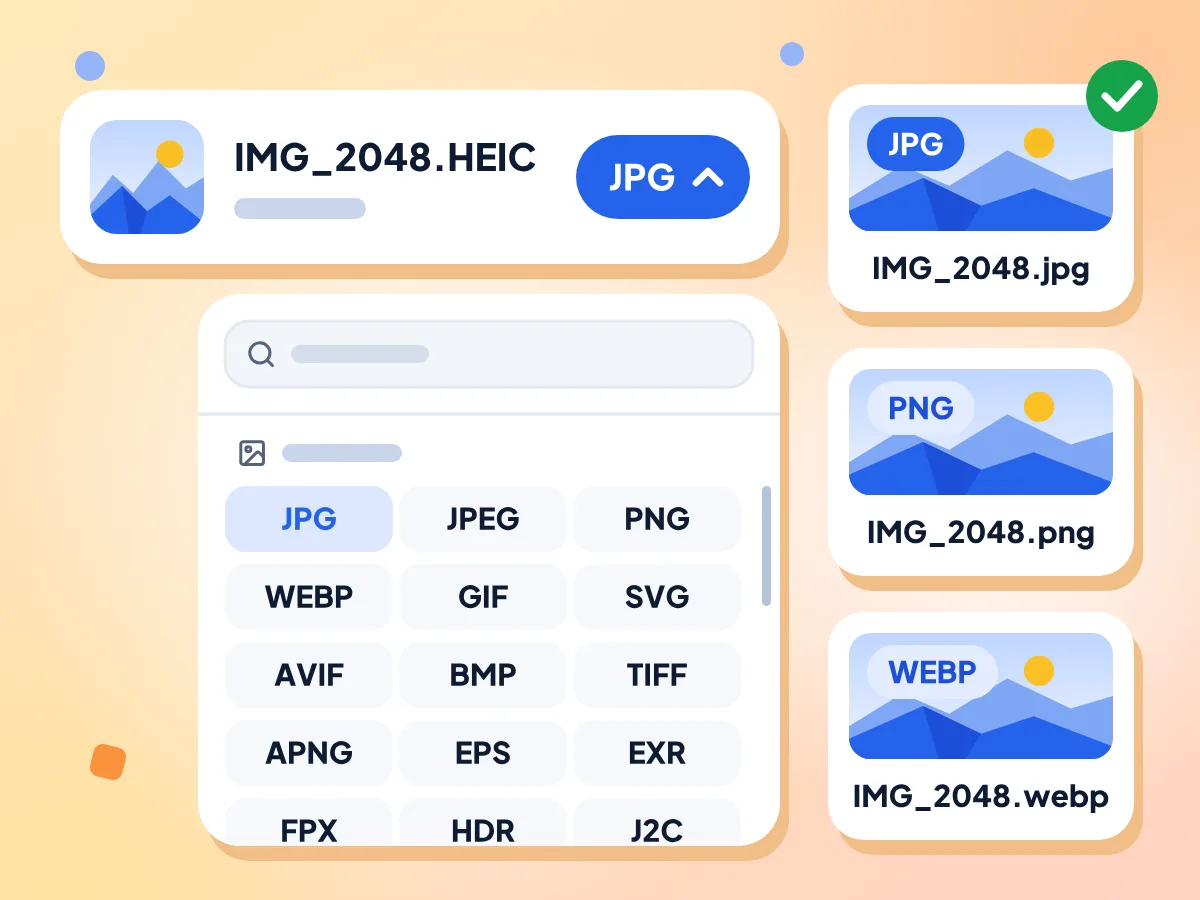
可选 JPG、PNG、WebP 等格式
每张照片默认选择 JPG,因为几乎所有手机、电脑和网站都能打开它。打开照片的格式菜单,就可以改选 PNG、WebP、AVIF、TIFF、GIF 或其他格式。
- 每张照片默认选择 JPG
- 菜单中提供 20 多种图片格式
- 同时支持读取 .heic 和 .heif 文件
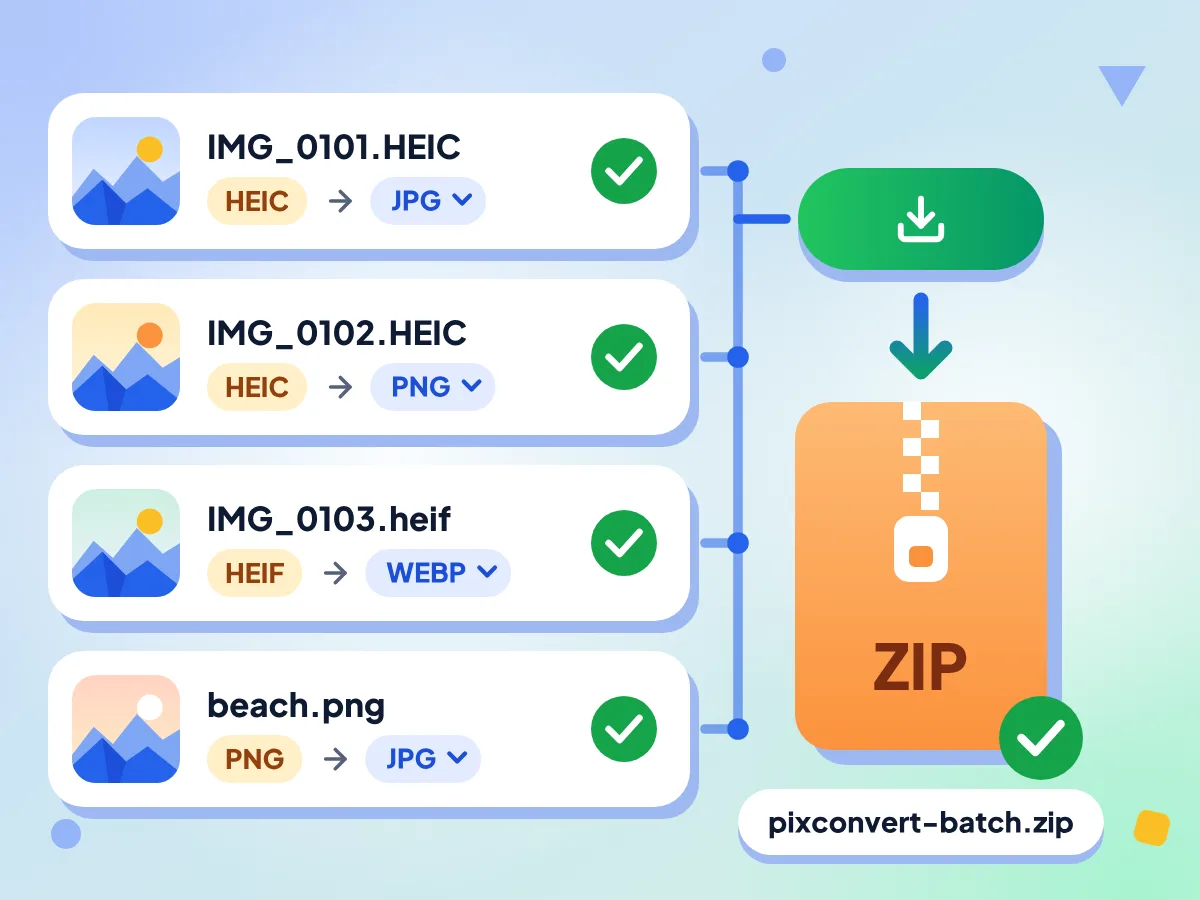
一次批量转换 HEIC 照片
添加一批手机照片,甚至可以混入 PNG 或 WebP 文件。它们会依次转换,每张都能单独设置格式,点击“全部下载”即可打包保存为一个 ZIP。
- 每张照片都可以单独设置格式
- 单个文件最大 100 MB
- 转换失败的照片可单独重试
无需安装应用或扩展
首次点击“全部转换”时,转换引擎会在浏览器中加载,大小约 14 MB,来自我们的网站,之后再访问会直接复用。在 Windows、Mac 或 Android 上都无需安装任何东西。
保持原尺寸与真实色彩
除非你在“调整大小”中设置了尺寸,否则照片会保留完整分辨率。色彩配置文件也会保留,所以 iPhone 照片的颜色不会发灰,而 GPS 位置和相机信息则会被移除。
HEIC 转换器常见问题
解答关于 Apple HEIC 照片格式及其转换方法的最常见问题。
什么是 HEIC 文件?
HEIC 文件是以高效图像容器(High Efficiency Image Container)格式保存的照片,iPhone 和 iPad 的相机默认使用这种格式。它的体积通常只有 JPG 的一半左右,但许多 Windows 电脑、Android 应用和网站都无法打开它。
这个 HEIC 转换器可以保存为哪些格式?
它可以保存为 20 多种图片格式,包括 JPG、PNG、WebP、AVIF、TIFF、GIF 和 BMP,一开始默认选中 JPG。HEIC 和 PDF 不能作为输出格式。如果想把 HEIC 照片做成 PDF,请使用免费的“图片转 PDF”工具。
我的 HEIC 照片应该选哪种格式?
用于分享和上传,选 JPG,因为几乎所有设备都能打开。打算继续编辑照片且不希望再有损失时,选 PNG,不过文件会大很多。WebP 适合网站使用,它的“质量”滑块和“无损”开关可以让你在体积与细节之间取舍。
如何在 Windows 或 Android 上打开 HEIC 文件?
先在这里把它转成 JPG 或 PNG,再用任意看图软件打开副本即可。Windows 只有在安装了微软的 HEIF 和 HEVC 扩展后,才能自行显示 HEIC。本页面使用自带的引擎读取照片,所以你的电脑或手机上不需要额外安装任何东西。
如何让 iPhone 不再拍摄 HEIC 照片?
打开“设置”,点击“相机”,再点“格式”,选择“兼容性最佳”。之后新拍的照片和视频会保存为 JPEG 和 H.264,而不是 HEIF 和 HEVC。已经拍好的照片仍然是 HEIC,可以把它们添加到这里,一次批量转换。
可以把 HEIC 转成 TIFF 或 AVIF 吗?
可以。这两种格式都在格式菜单中,和 JPG、PNG、WebP 并列。TIFF 适合印刷和照片编辑软件,AVIF 是较新的网页格式,生成的文件很小。两者都有 1 到 100 的“质量”滑块,默认值为 90。
可以把 HEIC 实况照片转成 MP4 视频吗?
这个工具不行。它只生成静态图片,菜单里没有 MP4,实况照片的 HEIC 也只会输出为一张静态图。如果你有单独的 .MOV 动态片段文件,可以用免费的视频转换器把它转成 MP4。
这个 HEIC 转换器会把我的照片发送到服务器吗?
不会。你的照片由浏览器标签页内的 worker 解码并重新保存,文件及文件名都会留在你的设备上。首次转换时会从我们的网站下载 14 MB 的转换引擎。我们只统计简单的使用情况,比如在编辑器中停留的时间,绝不涉及照片内容。
为什么我的 HEIC 文件被拒绝或无法转换?
本页面接受以 .heic 或 .heif 结尾的文件,因此部分佳能和富士相机保存为 .hif 的 HEIF 照片会被拒绝。你可以在同一批次中混合添加 HEIC、PNG、WebP 等其他图片,转换失败的照片还有单独的重试按钮。
HEIC 的技术规格是什么?
高效图像容器(HEIC)采用有损/无损压缩,输出画质为优秀。它支持透明度,支持动画。典型文件大小为小。
我应该在什么时候使用 HEIC 格式?
当你在苹果生态系统中工作,并希望以较小的文件体积获得出色画质时。 最佳使用场景包括iphone 和 ipad 摄影, 苹果生态系统工作流程, 节省存储空间的照片库。当你需要广泛的网页兼容性或跨平台支持时。
与其他格式相比,HEIC 有哪些优势?
HEIC 的主要优势:压缩效率极高. 同时支持有损和无损压缩. 可存储多张图像、深度图和 HDR 数据. 支持透明背景和图像序列。不过也请注意:除 safari 外浏览器支持有限, hevc 编解码器存在专利限制。
什么时候需要 HEIC 转换器?
分享 iPhone 照片:
- 把照片发给使用 Windows 电脑或 Android 手机的朋友
- 向只接受 JPG 或 PNG 的网页表单上传照片
- 在邮件中附上能在 Windows 和 Android 上打开的照片
网站与设计工作:
- 把商品照片保存为 WebP,用于网店
- 在编辑或抠图之前,先把 HEIC 转为 PNG
- 将 iPhone 照片导出为 TIFF,用于印刷或照片编辑软件
- 用“调整大小”让一批照片的宽度完全一致
Windows、Android 与办公场景:
- 在不支持 HEIF 的电脑上查看 HEIC 图片
- 把手机照片插入 Word、PowerPoint 或 Google Docs 文件
- 除了 .heic,也能转换 .heif 照片
- 为要求 JPG 或 TIFF 的冲印店准备照片