

Free Online Image to Text OCR Converter
Extract editable text from photographs, document scans, and screenshots across 31 languages using client-side Tesseract OCR.
Drop your image here
JPG, PNG, WebP, BMP, TIFF or GIF, up to 50 MB
Extract Text From Images in Your Browser
Turn photos, screenshots and scanned pages into plain text you can copy or save, with a confidence score for every result.
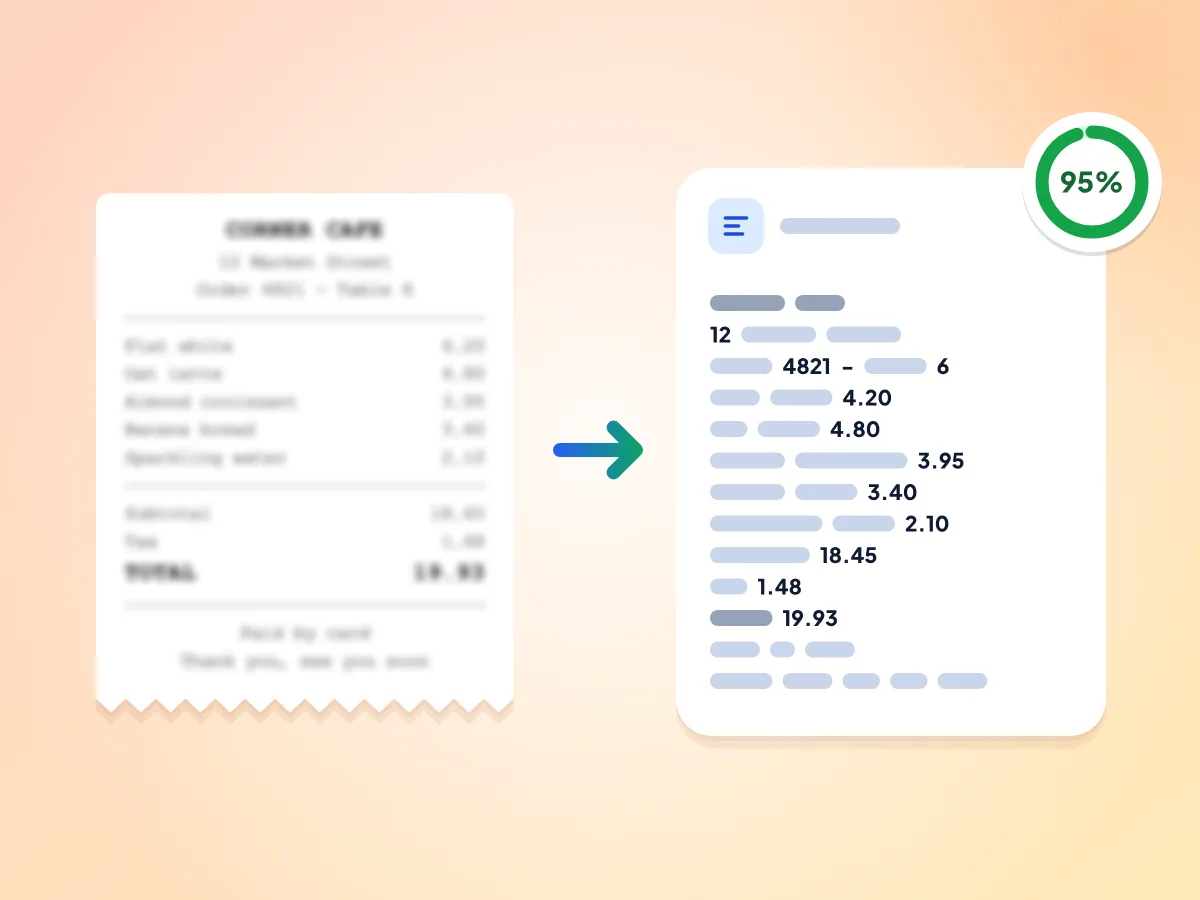
Image to Text From Receipts and Scans
Add a photo of a receipt, a scanned page or a screenshot, and the tool reads the printed text into plain text, line by line. A confidence score shows how sure it is.
- Receipt photo in, plain text out
- Printed lines come out as text lines
- Confidence score from 0 to 100%
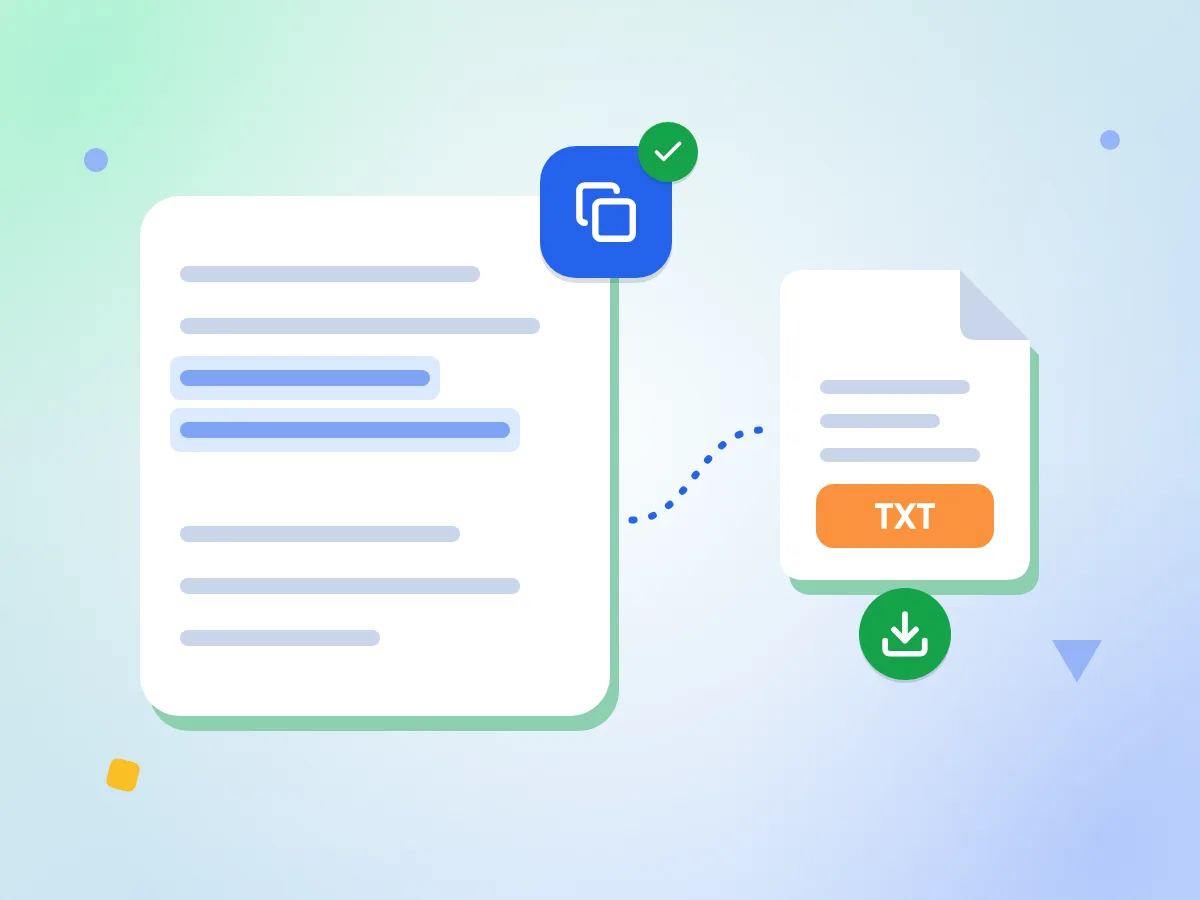
Copy Extracted Text or Download TXT
Press Copy Text to put the whole result on your clipboard, ready to paste into a document, email or spreadsheet. Or download it as a plain text file named after your image.
- One click copies the full result
- Saves photo.jpg as photo-ocr.txt
- Shows how many characters were found
Read Text in 31 Languages
Choose from 31 languages, including Spanish, French, German, Arabic, Chinese, Hindi, Japanese, Korean and Russian. Each language downloads once, under 4 MB, and your browser keeps it for next time.
Images Stay on Your Device
The OCR engine runs inside your browser tab, so your photo is never sent to a server. That makes it a safe choice for receipts, letters and other private papers.
Free, No Sign Up
There's no account, no daily limit and no watermark. Read as many images as you like, one at a time, each up to 50 MB.
Confidence Score for Every Result
After each run, a score from 0 to 100% shows how sure the engine is. The badge changes color below 80% and below 50%, a sign to check the text closely.
How to Convert an Image to Text
Add your image.
Drop a JPG, PNG, WebP, BMP, TIFF or GIF file up to 50 MB onto the page, or click to choose one from your computer or phone.
Pick the text language.
Choose one of 31 languages; English is set by default. The first time you use a language, its data file of under 4 MB downloads and stays in your browser.
Extract and copy.
Press Extract Text and wait for the progress bar to finish. Then copy the result, or download it as a TXT file named after your image.
What Can You Do with Image OCR
OCR turns the words inside a picture into plain text you can copy, search and edit in other apps.
Documents & Scanned Pages
Turn printed letters, contracts and book pages into text you can edit in any word processor. Photograph or scan each page, then read them one at a time.
- Copy the text of a printed letter or contract
- Pull a quote from a photographed book page
- Turn a receipt photo into text for your expense notes
Screenshots & Digital Content
Grab text from screenshots of apps, chats, social posts or error messages when you can't select it. Copy the result and paste it wherever you need it.
- Read text from a PDF page saved as an image
- Extract quotes from social media screenshots
- Capture error messages from software screenshots
Multilingual & International
Read text in 31 languages, including Arabic, Chinese, Hindi, Japanese, Korean, Russian and Thai. Pick the language before you start, since each run reads one language.
- Copy a menu or sign from a photo to paste into a translator
- Get the text of a letter or form in another language
- Copy subtitles from a paused video screenshot
Frequently Asked Questions
Everything you need to know about extracting text from images with our free OCR tool.
How do I convert an image to text for free?
Add a JPG, PNG, WebP, BMP, TIFF or GIF image up to 50 MB, pick the language of the text and press Extract Text. The text appears next to your image. Copy it, or download it as a TXT file.
Which languages can image to text read?
It reads 31 languages, including English, Spanish, French, German, Portuguese, Russian, Arabic, Hebrew, Hindi, Thai, Chinese (Simplified and Traditional), Japanese and Korean. Pick one language per run. Its data file, under 4 MB, downloads from a public CDN the first time and stays saved in your browser.
How accurate is image to text OCR?
It depends on the image. Sharp photos and screenshots of printed text read well; blurry, tilted or busy images do not. Check the confidence score after each run, then compare names, numbers and prices with your original.
What does the confidence score mean?
It is the engine's own estimate, from 0 to 100%, of how sure it is about the text it found. The badge changes color below 80% and again below 50%. A high score is not a guarantee, so check names, numbers and prices before you use them.
Can image to text read handwriting?
Not reliably. The tool is built for printed and typed text and has no handwriting mode. Handwriting often comes out with many wrong letters, so compare the result with your image before you rely on it.
Can I convert a PDF or an iPhone HEIC photo to text?
Not directly. The tool reads JPG, PNG, WebP, BMP, TIFF and GIF images. For a scanned PDF, save each page as an image with our PDF to Image tool, then read the pages one at a time. Convert a HEIC photo to JPG first. An animated GIF is read from its first frame only.
What format is the extracted text in?
Plain text. Copy Text puts the whole result on your clipboard, and Download .txt saves a file named after your image, such as photo-ocr.txt. Fonts, columns and tables are not kept. The result box is read-only, so make edits after you paste the text.
Can I convert multiple images to text at once?
No, the tool reads one image per run. When you are done, press Start Over and add the next image. There is no cap on how many images you read this way, and a language you already used loads faster the second time.
Why is my extracted text wrong or empty?
Check the language first, since the tool only reads the one you picked. Then look at the image: sideways photos, tiny text and low contrast cause most errors. Rotate the photo upright, crop it to the text, or use a sharper copy, then press Re-extract.
Is it safe to use online OCR?
Yes. Your image is read by the OCR engine inside your browser tab, and the text stays there until you copy or download it. The page loads the engine and language data from a public CDN and records basic usage stats, like the language picked and run time, never the image or its text.
Do I need to sign up to use image to text?
No. There is no account, no login and no daily limit, and the text comes out with no watermark. Open the page, add an image up to 50 MB and press Extract Text, and the text shows up in the same tab.
Explore More Tools
Discover other free tools that work great alongside this one
Background Remover
Remove image backgrounds and save a transparent PNG
Remove EXIF Data
Strip GPS, camera and date data from photos
Image Compressor
Reduce file size without losing quality
Image Resizer
Resize images to exact dimensions
AI Photo Enhancer
Sharpen soft photos and clean them up with AI
Face Blur
Automatically blur faces in photos for privacy