

Free AI Photo Enhancer: Fix & Sharpen Photos
Improve image quality and sharpen soft details with AI. Restore facial clarity and photo crispness with zero file uploads.
Drop your photo here
JPG, PNG or WebP, up to 50 MB and 4000 px per side
No photo handy? Try one of these:
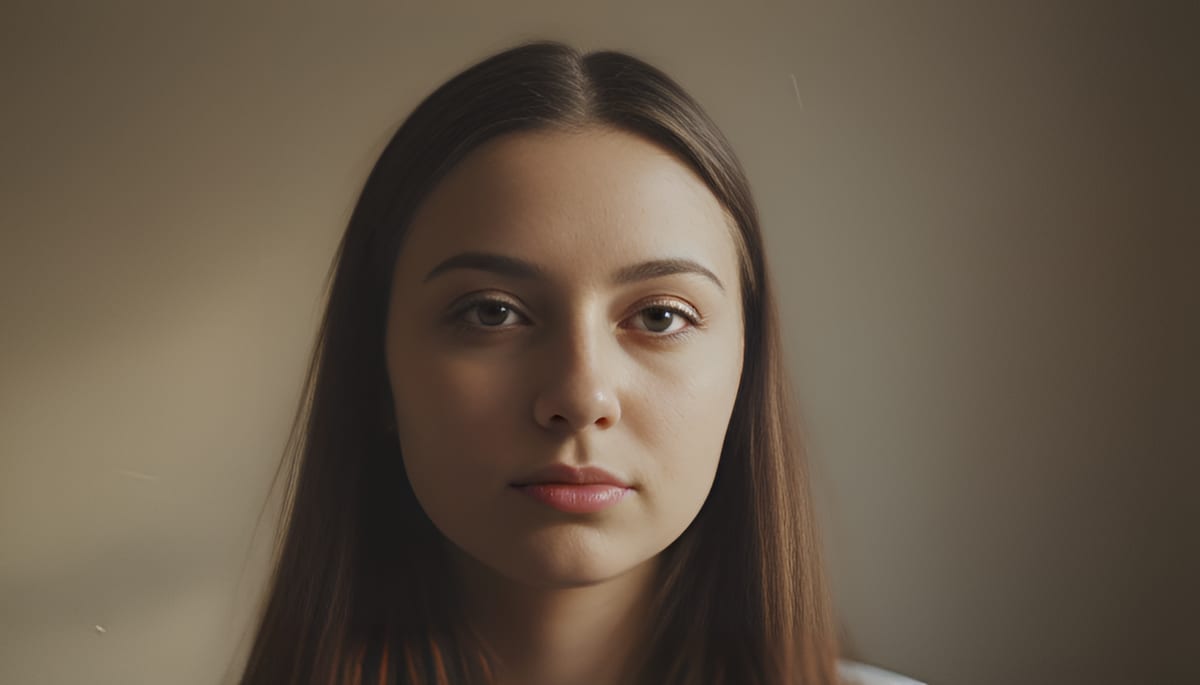
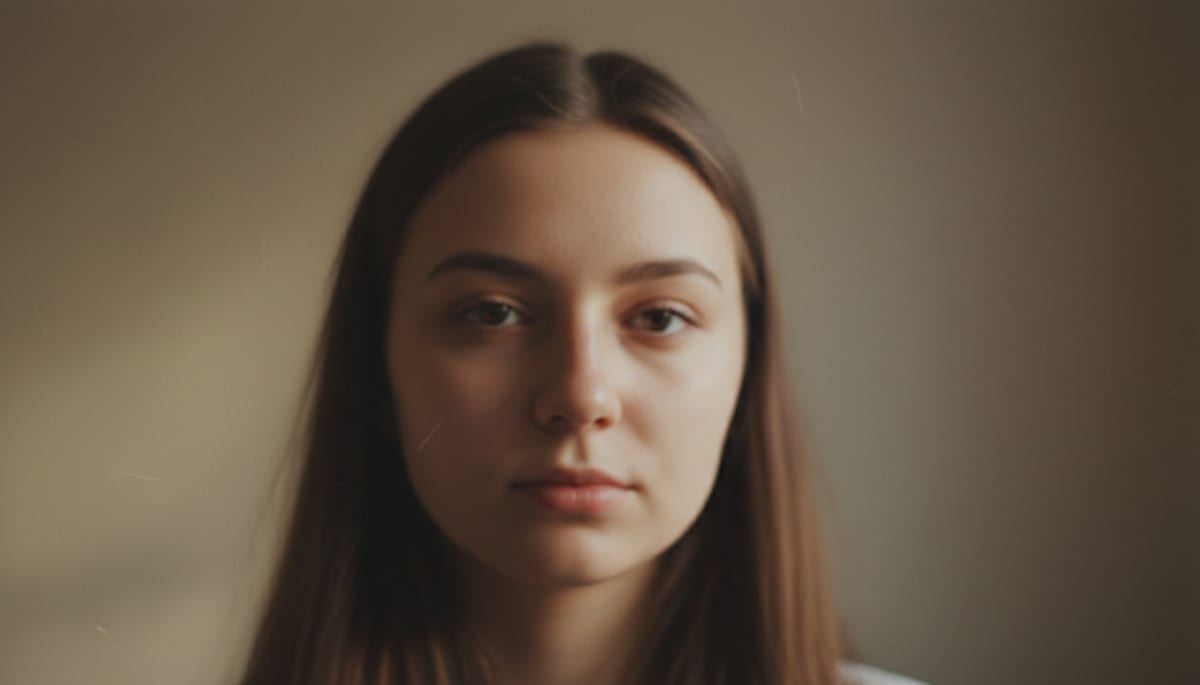
See Soft Portraits Before and After
Drag the divider to compare. Look first at the eyes, lashes and hair, where soft photos lose the most detail.
See another example:
How to Enhance Photo Quality
Add your photo.
Drop a JPG, PNG or WebP up to 50 MB and 4000 px per side, or click to choose one. The editor opens with your photo.
Pick Natural or Strong.
Natural is selected first and keeps the original look. Click Enhance. The first run downloads the 34 MB AI model, so it takes longer than later photos.
Compare and download.
Drag the slider to check the before and after, then click Download. You get a PNG named after your photo, ending in -enhanced.png.
- Accepts
- JPG, PNG, WebP
- Output
- PNG, up to 1000 px
- In your browser
- Free, unlimited
This sharpens soft edges and smooths flat areas. It doesn't brighten dark photos or enlarge small ones. Photos over 1000 px on the long side come back at 1000 px.
What the AI Photo Enhancer Does
It sharpens and cleans your photo with an AI model that runs on your device, then saves a PNG. Free, with no account or watermark.
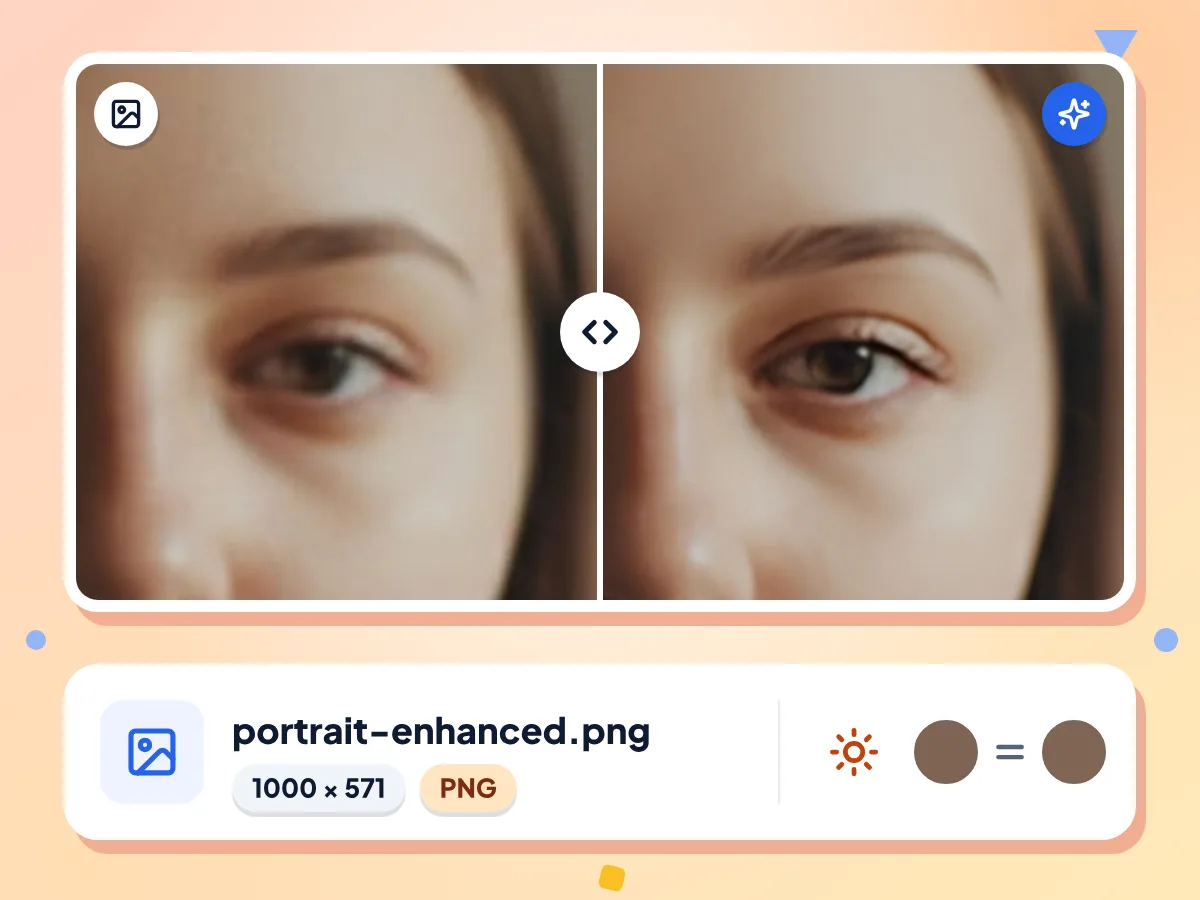
Enhance Photo Quality With AI
The AI model firms up soft edges around eyes, hair and outlines, and smooths skin and flat areas. It cleans up the photo you have and does not redraw faces.
- Output is at most 1000 px long
- Brightness and colours stay the same
- Saves a PNG ending in -enhanced.png
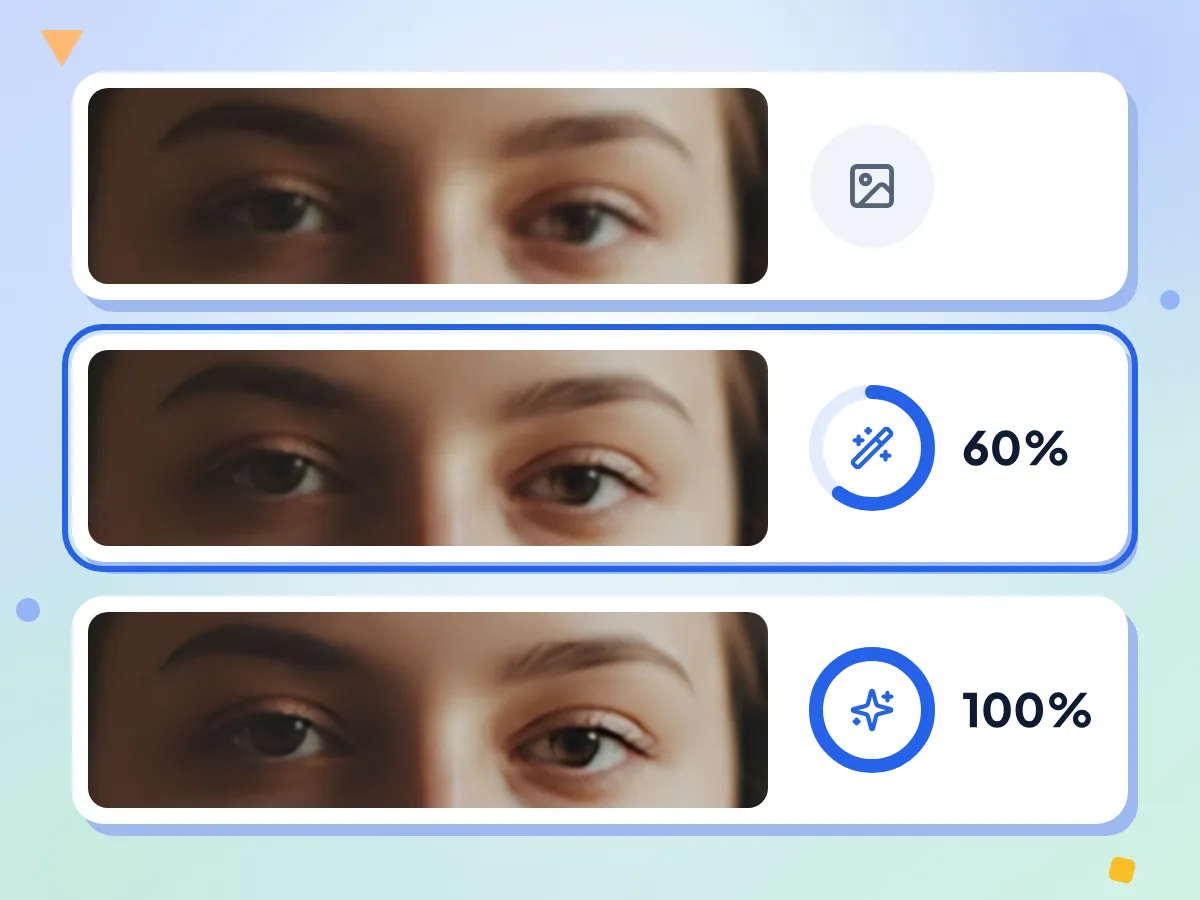
Choose Natural or Strong Enhancement
Natural mixes 60% of the AI result with 40% of your original, so the photo keeps its look. Strong uses the AI result alone for the crispest edges and smoothest skin.
- Natural is selected when you start
- Strong is 100% AI output
- Both modes take the same time
Photos Stay on Your Device
Your photo is enhanced on your device. The page fetches the AI model and logs usage stats like the mode you pick and the run time, never the photo itself.
Output Up to 1000 px Long
Photos up to 1000 px on the long side keep their size. Larger photos are scaled to 1000 px first, so a 4000 × 3000 shot comes back at 1000 × 750.
Free, No Sign-Up, No Watermark
It needs no account and has no daily cap or logo. Enhance one photo at a time, as often as you like.
One Download, Then Reused
The first run downloads the 34 MB AI model, then your browser keeps it for later visits. The AI Image Upscaler's 2x mode uses the same file, so it should not download again.
Who Uses the AI Photo Enhancer
Phone owners, family archivists and anyone with a soft or fuzzy photo they want to look cleaner.
Soft Phone Photos
Firm up a slightly soft phone shot before you share it. Strong suits small, blurry photos; Natural suits photos that only need a light touch.
- Selfies and group shots that came out a little soft
- Photos that a chat app saved small and soft
- Portraits where eyes and hair look a little fuzzy
Old Digital and Scanned Photos
Firm up soft edges in scanned prints or files from an old digital camera. It won't fix scratches, tears or faded colour, and it keeps the brightness as it is.
- Old camera photos at 640 or 800 px keep their size
- Scanned prints that look soft on screen
- Family photos you want to share on a screen
Web and Social Images
Tidy up small product shots, avatars and post images that will be shown on screen. The PNG is at most 1000 px on the long side, which suits web use.
- Product thumbnails from an old online listing
- Profile pictures and avatars for social accounts
- Blog and post images that got re-saved many times
Explore More Tools
Discover other free tools that work great alongside this one
AI Image Upscaler
Upscale images up to 4x with AI super-resolution
AI Image Denoiser
Remove noise and grain from photos with AI
Background Remover
Remove image backgrounds and save a transparent PNG
Image Compressor
Reduce file size without losing quality
Image Resizer
Resize images to exact dimensions
Image Cropper
Crop images freehand or to 1:1, 16:9 and other ratios
Frequently Asked Questions
Answers about enhancing photo quality, output size, the two modes and privacy.
How do I enhance photo quality for free?
Drop a JPG, PNG or WebP on this page, pick Natural or Strong, and click Enhance. Compare the result with the slider, then click Download to save a PNG. There is no account, no watermark and no daily limit.
What's the difference between the photo enhancer and the AI upscaler?
The enhancer runs the same 2x Real-ESRGAN model as the upscaler's 2x mode, then scales the result back down, to at most 1000 px on the long side. The upscaler keeps the bigger image. Use the upscaler to add pixels and the enhancer to clean up a photo without enlarging it.
What do Natural and Strong change?
Natural blends 60% of the AI result with 40% of your original photo, so texture stays closer to how it was. Strong uses the AI result alone: edges look crisper and skin and flat areas look smoother. Both take the same time to run.
What size will my enhanced photo be?
The same as your photo if its long side is 1000 px or less. Bigger photos are scaled down so the long side is 1000 px before the AI runs, and the PNG comes out at that size. A 4000 × 3000 phone photo comes back at 1000 × 750.
Can I enhance HEIC, GIF or transparent PNG files?
HEIC and GIF aren't accepted, so convert iPhone photos to JPG first. The enhancer takes JPG, PNG or WebP up to 50 MB and 4000 px per side. A transparent PNG works, but its see-through areas turn solid. You always get a lossless PNG, often several times bigger than a small JPG.
Can it fix a very blurry or out-of-focus photo?
Only partly. The model firms up soft edges and light blur, but it can't bring back detail the camera never captured, such as a face lost to heavy motion blur. Strong gives the biggest change. Text or shapes that are smeared past recognition stay unreadable.
Will it make faces in my photo clearer?
A little. Eyes, lashes and hairlines get crisper and skin gets smoother, but the model treats a face like any other part of the photo. It doesn't rebuild missing features, so a tiny or badly blurred face stays soft.
Does it brighten dark photos or fix colours?
No. The enhancer keeps the brightness and colours of your photo and works on sharpness and soft edges. To fix a dark or dull shot, adjust exposure in a photo editor first, then enhance it. It also doesn't repair scratches or tears on scanned prints.
Why is the first photo slow, and will it work on my phone?
The first run downloads the 34 MB model plus the AI engine, then your browser keeps the model for later visits. Your own device does the work, so phones and older laptops take longer and can run out of memory. If it fails, try a smaller photo or a desktop browser.
Is it really free, and is there a limit?
Yes. There is no account, watermark or daily limit, because the model runs on your own device. You enhance one photo at a time, as often as you like. To enhance many photos with one setting, use the Bulk Image Editor.
Does the enhancer keep my photo private?
Yes. Your browser reads the photo and the AI model enhances it on your device. The page only fetches the model and engine and reports usage stats like the mode, run time and a rough output size. The picture and its file name are never part of those stats.