

Free Batch SVG Optimizer
This batch SVG optimizer minifies up to 100 SVG files at once with one set of cleanup options. See the size saved for each file, then download them all in a ZIP. No sign-up needed.
Drop your SVGs here
or click to browse. SVG files only, up to 100 at once
Optimize Many SVG Files in One Batch
Drop up to 100 SVGs, set the cleanup options once, and get every optimized file back in one ZIP with a size report for each.
Batch Optimize Up to 100 SVG Files
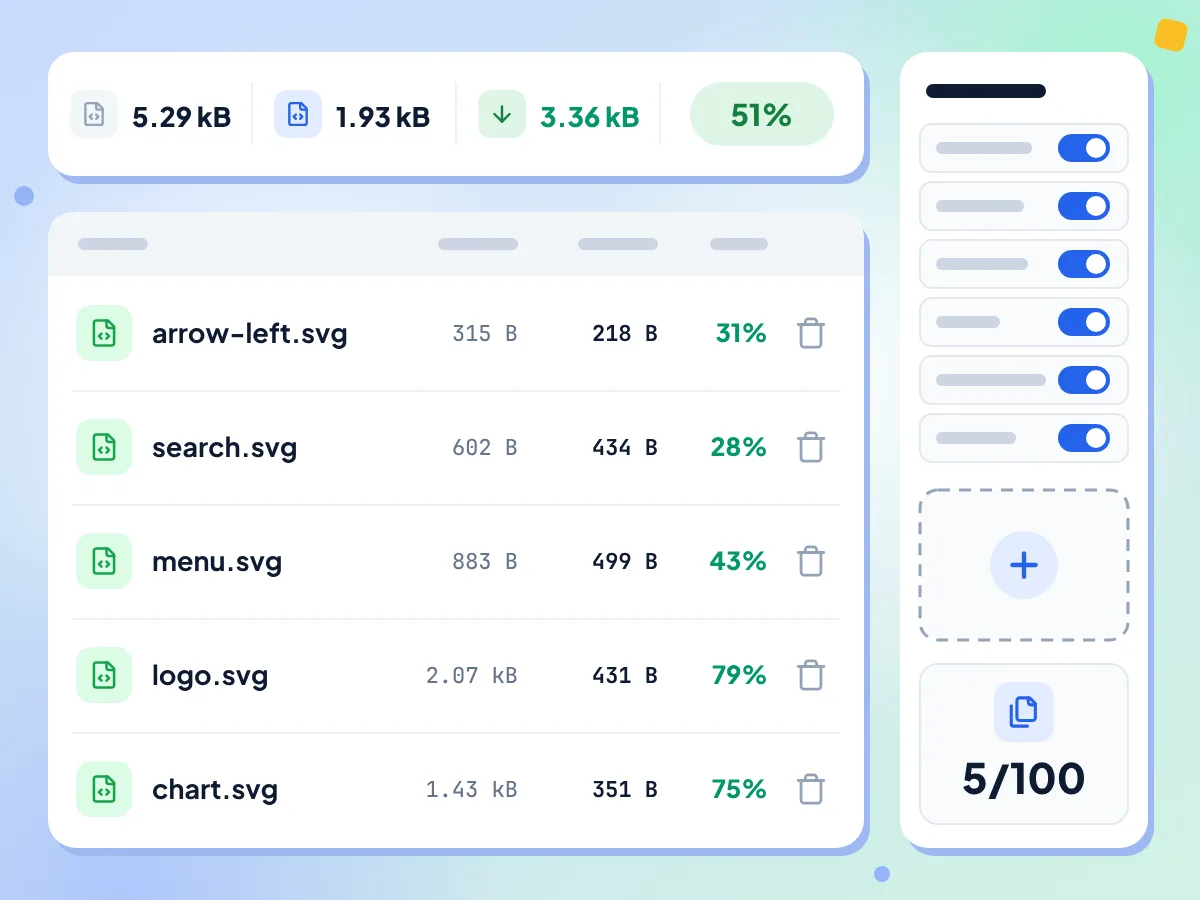
Drop a whole icon set and every file is optimized with the same options. A table lists each SVG with its original size, optimized size and percent saved, plus a count out of 100.
- Up to 100 SVG files per batch
- Original, optimized and percent saved per file
- Add more files or remove any row
Download All Optimized SVGs as a ZIP
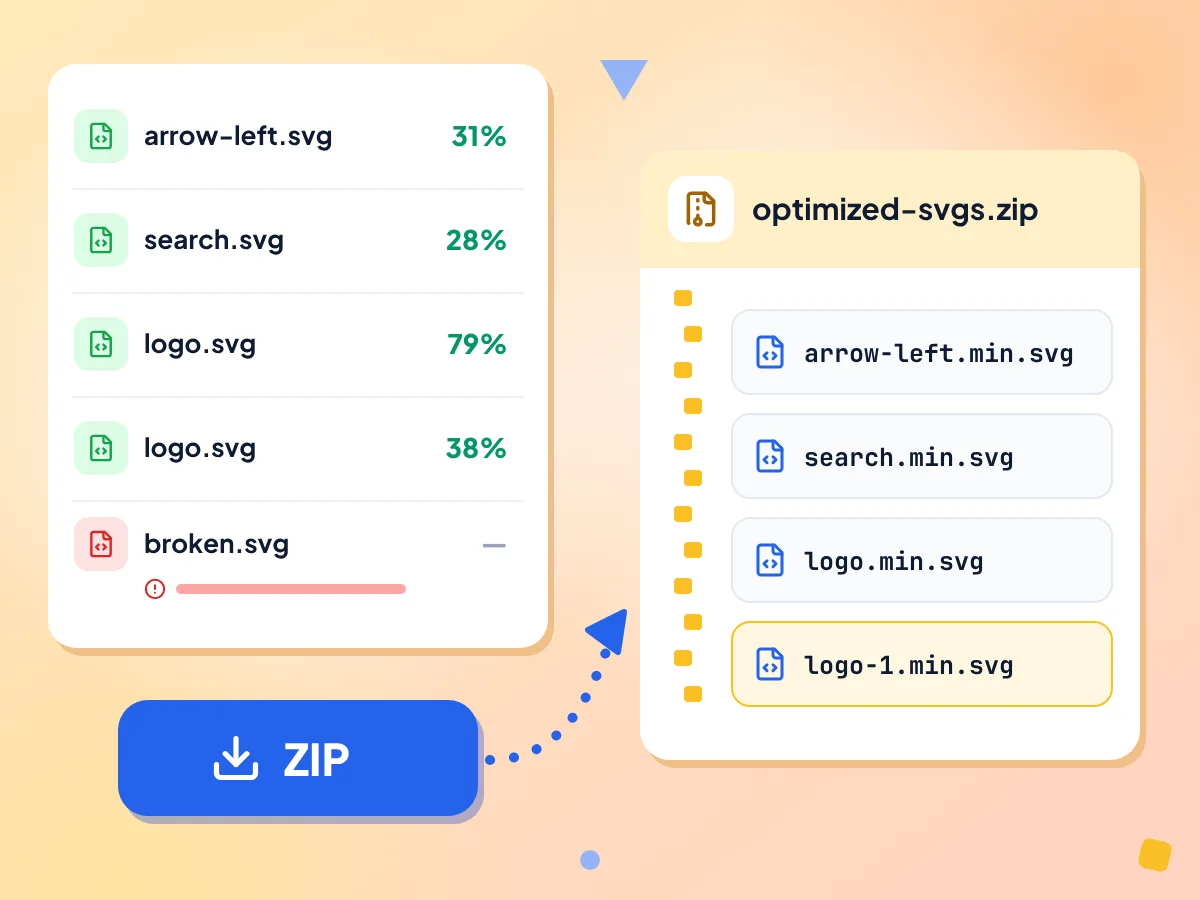
Click Download ZIP to save every finished file in optimized-svgs.zip. Each SVG keeps its name with .min.svg on the end, and a repeated name gets -1 added instead of overwriting.
- One archive named optimized-svgs.zip
- logo.svg saved as logo.min.svg
- Failed files are left out of the ZIP
One Set of Options for All
Six switches apply to every file: Remove metadata, Remove comments, Collapse groups, Clean IDs, Remove hidden elements and Merge paths. All start on, and changing one re-optimizes the whole batch.
Batch Totals and Average
Above the table you see the total original size, total optimized size, total size saved and the average saving per file. A progress bar counts the files while the batch runs.
Same Cleanup as SVG Optimizer
Files run through SVGO with the same cleanup as the single SVG Optimizer. This page shows sizes only, so open a file in the SVG Optimizer when you want a visual preview or code view.
Your SVG Files Stay Local
The whole batch is optimized in this browser tab and zipped on your device. Anonymous stats go out, like the number of files and the options used, but no SVG code or file names.
How to Batch-Optimize SVGs in 3 Steps
Add your SVG files.
Drop up to 100 .svg files on the page or click to browse. Optimizing starts as soon as the editor opens.
Set the options once.
Turn any of the six cleanup switches on or off, and every file is optimized again. Add more files, up to 100 in all, or remove rows as you go.
Download the ZIP.
Click Download ZIP when the batch finishes. Every finished file is saved as its name plus .min.svg, and failed files are left out.
Who Uses the Batch SVG Optimizer
Teams shipping dozens or hundreds of SVGs and needing a consistent optimization pass.
Icon Libraries
Optimize a folder of icons in one go before adding them to a component library. Every icon gets the same cleanup, so the whole set stays consistent.
- Batch-clean icons exported from a design app
- Tidy a third-party icon pack before using it
- Remove unused IDs from a whole icon set
Design Systems
Apply one set of rules to every logo, illustration and UI graphic in a design system. Each file gets the same six cleanup options, and the table shows what each one saved.
- Shrink every brand logo variant in one batch
- Prepare icons before turning them into React or Vue components
- Keep IDs by switching Clean IDs off first
Site-Wide SVG Cleanup
Collect the SVGs from a site, run them in batches of up to 100, and see the total size saved. Check a few results in a browser before you swap the files in.
- Cut the total size of a site's SVG images
- Spot which files shrink most in the per-file table
- Split folders of more than 100 files into batches
Frequently Asked Questions
Common questions about batch optimizing SVG files online.
How do I optimize multiple SVG files at once?
Drop up to 100 SVG files on this page. They are optimized together with the same six cleanup options, and the table shows the size saved for each file. When the batch finishes, click Download ZIP to save them all in one archive.
How many SVGs can I optimize at once?
Up to 100 files per batch, and the editor counter shows how many you have. Add more SVGs takes only as many files as still fit under 100 and skips the rest without a message. A first drop of more than 100 files is rejected as a whole with 'Please upload valid SVG files.'
Can I use different settings for different files?
No. The six switches apply to the whole batch, and changing one re-optimizes every file. To give one SVG its own settings, remove it from the list and run it through the single SVG Optimizer, which also shows a visual preview.
What does the downloaded ZIP contain?
The ZIP, named optimized-svgs.zip, holds every file that finished. Each keeps its name with .min.svg on the end, so icon.svg becomes icon.min.svg. If two files share a name, the second one becomes icon-1.min.svg. Files that failed are left out.
How large can each SVG file be?
The page sets no size limit per file. Each SVG is read as text and optimized in your browser tab. All files start together on the page's main thread, so a large batch or a very large file may make the tab pause for a moment. Embedded photos don't get any smaller.
What does Avg. savings mean in the totals?
Avg. savings is the mean of the percent saved by each file, not the share of the total. A batch with one big file and many tiny ones can show a low average and still save a lot, so check Total saved as well. Failed files count as 0%.
Why did some files fail in the batch?
A file fails when its code is not valid SVG, such as a broken or unclosed tag. Its row shows the error, the other files still finish, and the failed file is left out of the ZIP. Fix the file in a text editor and add it again.
Should I turn off Clean IDs for an icon set?
Turn it off if your CSS, JavaScript or sprite sheet points to IDs inside the icons. Each file is cleaned on its own, so two icons that both end up with the ID a will clash when you place them inline on one page.
Is batch optimizing the same as optimizing one file?
The cleanup is the same: both pages run the same SVGO plugins with the same defaults. This page adds the 100-file list, the totals and the ZIP. The single SVG Optimizer adds a side-by-side preview and a code view for checking one file.
Can I add or remove files after the batch starts?
Yes. Use Add more SVGs in the settings panel to drop extra files. Only as many as fit under 100 are added, and the rest are skipped without a message. Click the trash icon on a row to remove it. The list is then optimized again and the totals update.
Are my SVG files sent to a server?
No. Each SVG is optimized and zipped inside your browser tab, and the ZIP goes straight to your downloads. Anonymous usage stats are sent, such as how many files you added, a total size range and the options used. File names and SVG code are not.
Explore More Tools
Discover other free tools that work great alongside this one
SVG Optimizer
Minify and clean SVG files with SVGO
SVG to PNG
Rasterize vector graphics to PNG
Favicon Generator
Make ICO and PNG favicons from a PNG, JPG, WebP or SVG
Image Compressor
Reduce file size without losing quality
Batch EXIF Remover
Remove metadata from up to 50 images at once
Image Converter
Convert between 30+ image formats