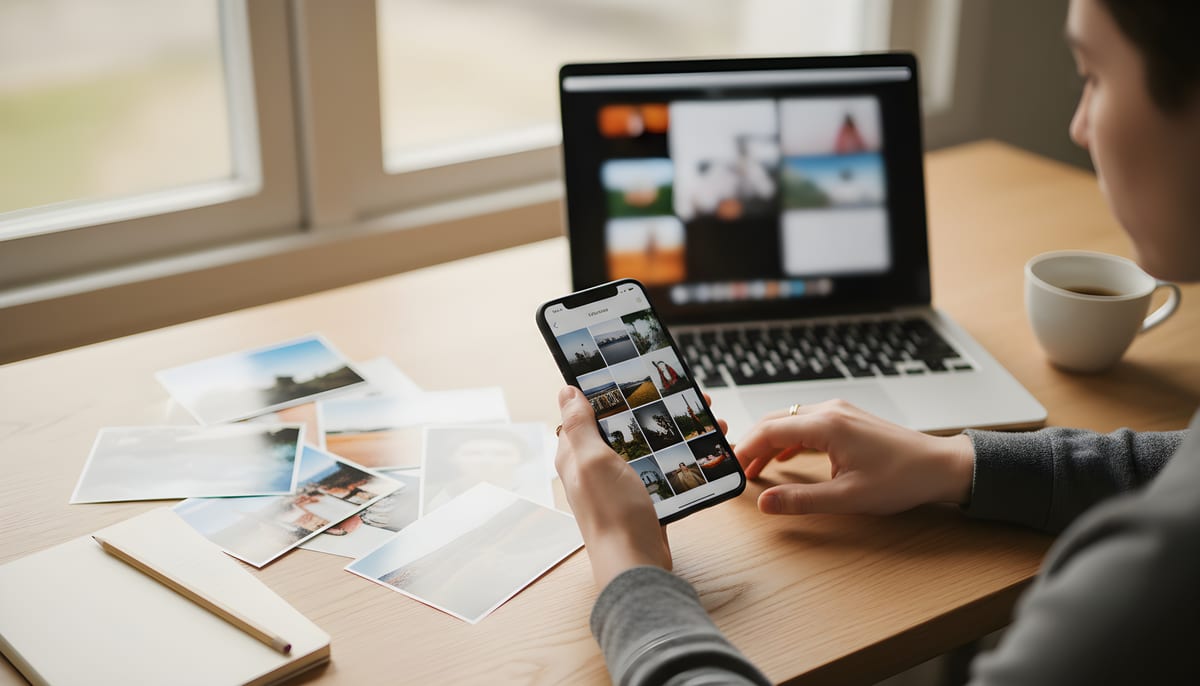
 Before
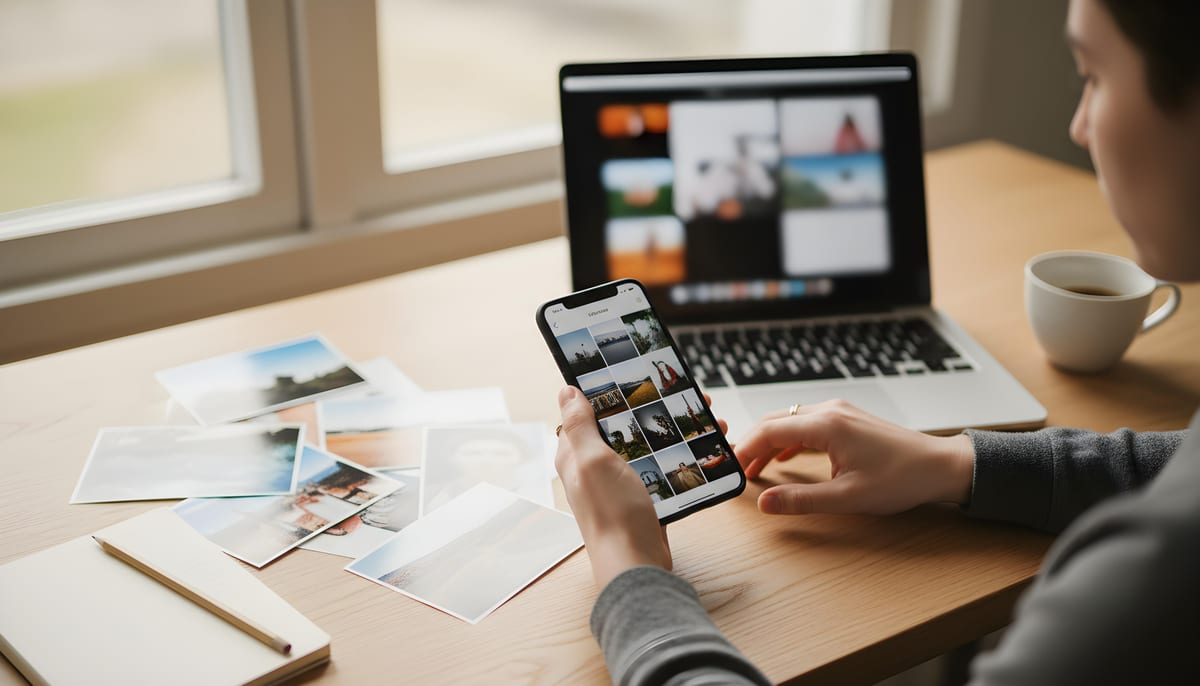 After
AfterImage Compressor
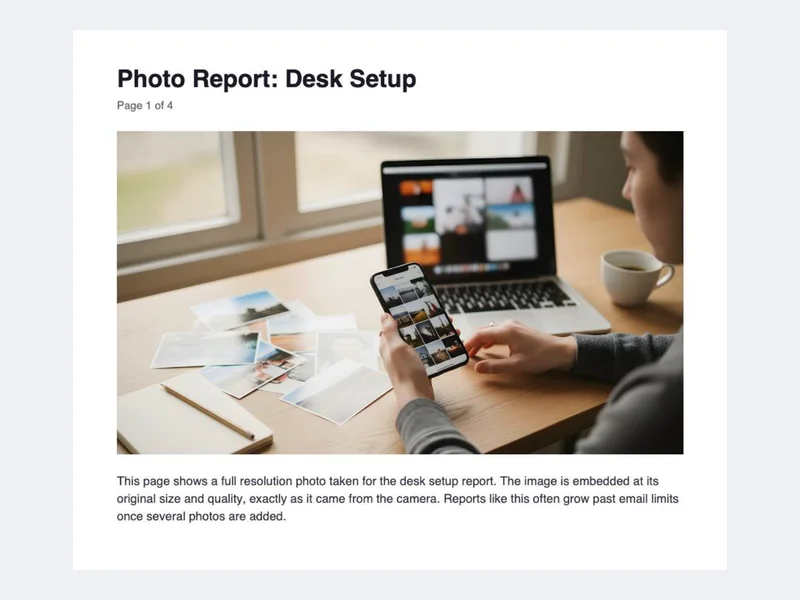
1.8 MB → 597 KB
A desk photo at default settings, shown as matching crops of the full file


Convert, compress and edit images, video, audio and PDF files with 100+ free browser tools. Fast, private, and no sign-up needed.
Drop your files here
Images, video, audio and PDF · up to 1 GB per file
Max file size: 1 GB · Multiple files supported
Start with a converter, or jump to a tool for compressing, resizing, trimming and more.
Convert HEIC, PSD, WebP and 20+ other image types to JPG, PNG, AVIF and more.
Convert MP4, MOV, WebM, MP3, WAV and more
Merge, compress and turn PDF pages into images
Remove backgrounds, upscale and enhance photos
QR codes, passwords, invoices and everyday math
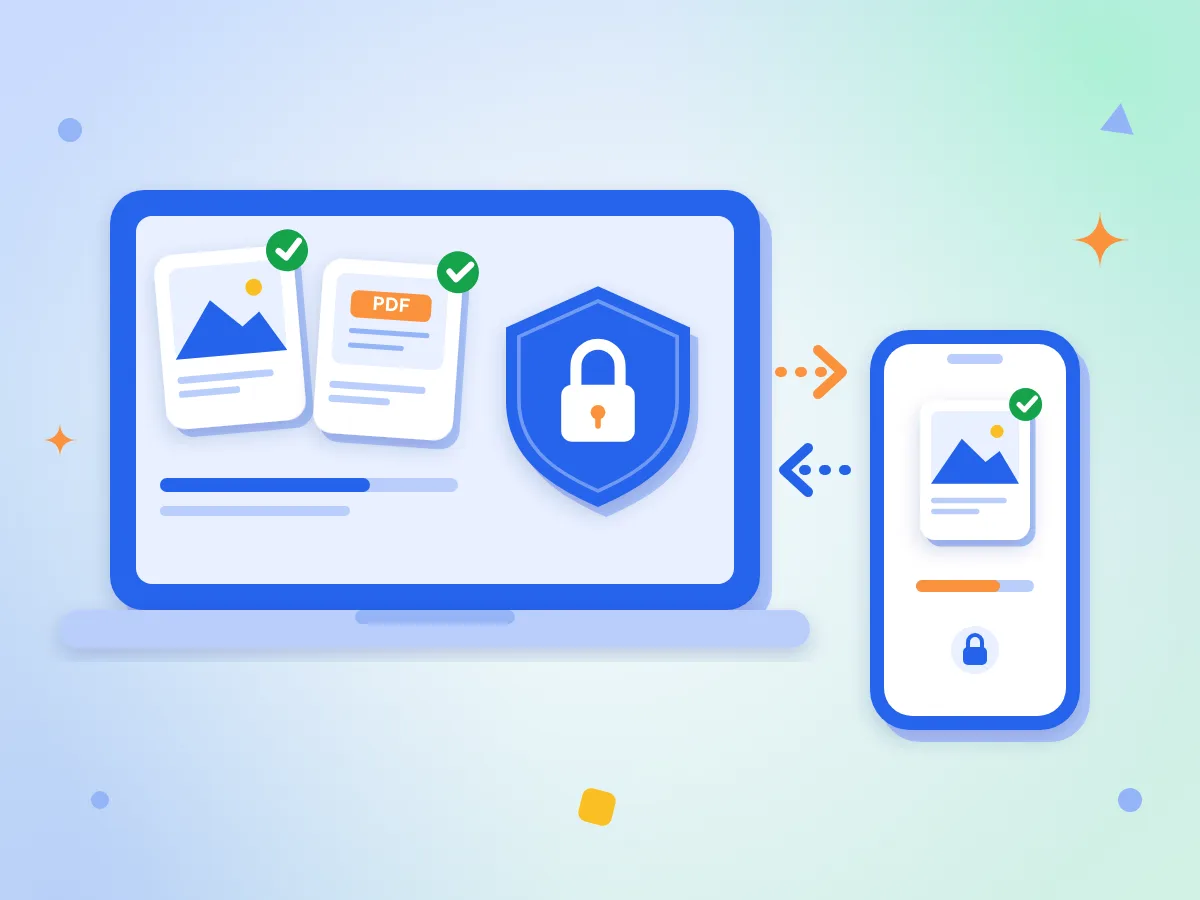
PixConvert is a set of 100+ free tools for image, video, audio and PDF files. Convert, compress, resize, crop and trim in your browser, with nothing to install and no account to create.
You can also remove backgrounds, add watermarks, make QR codes, pull text out of images, merge and split PDFs, and use design and developer utilities. The tool pages come in 8 languages.
Jump straight to a common conversion
These are real outputs from the tools, measured on the files shown.
BeforeAfter1.8 MB → 597 KB
A desk photo at default settings, shown as matching crops of the full file
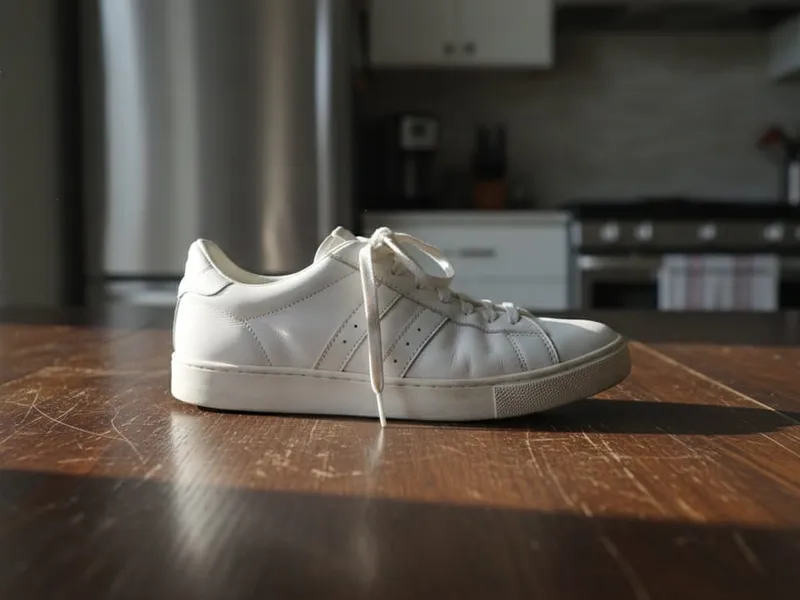 Before
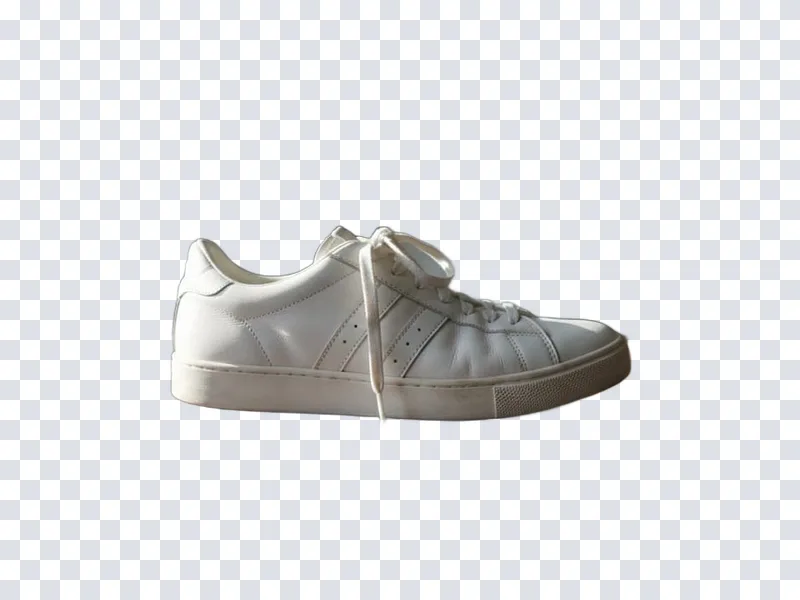 After
After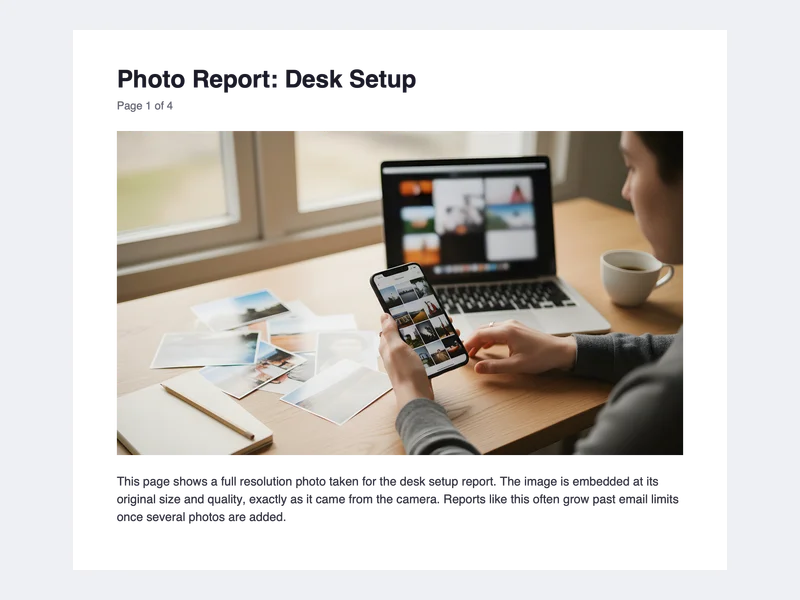 Before
 After
After4.6 MB → 262 KB
A 4-page photo-heavy PDF at default settings. Text-only PDFs shrink less
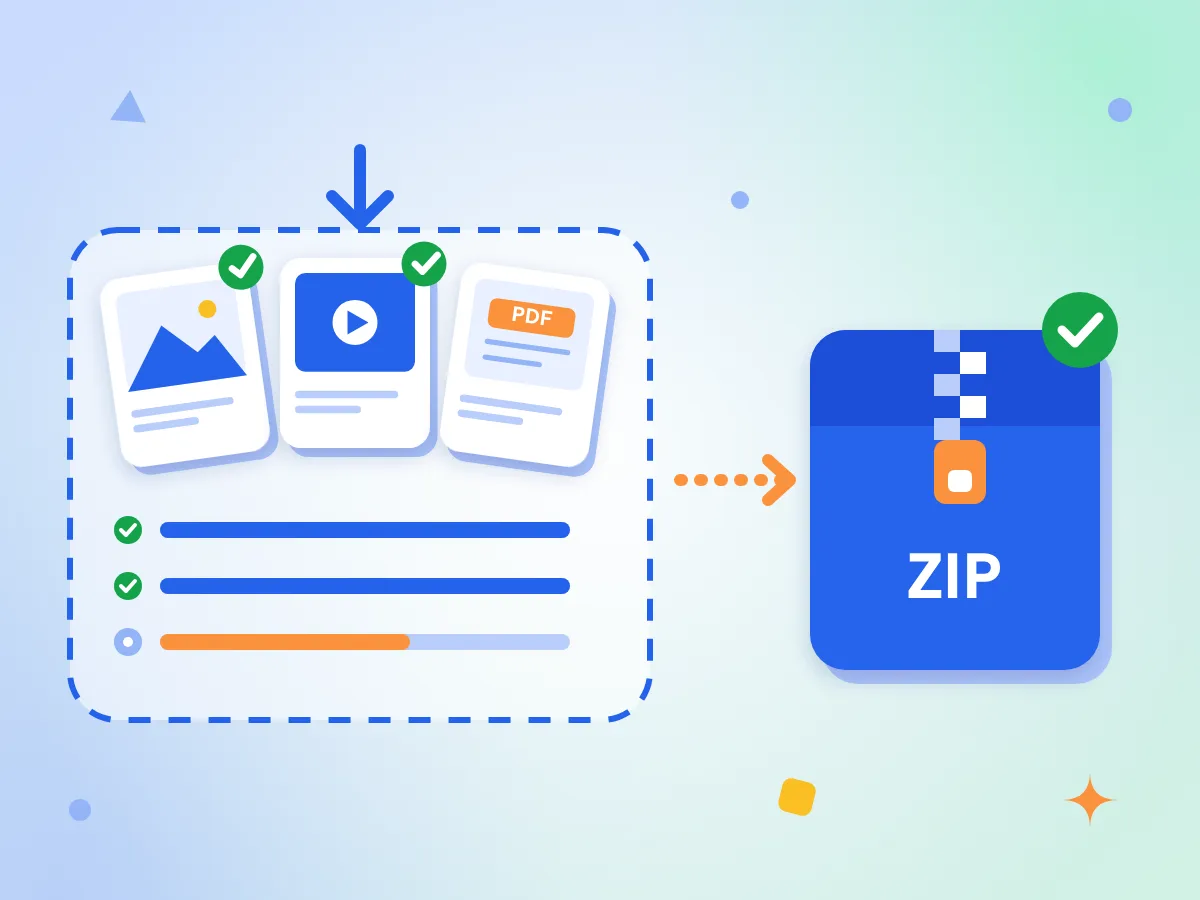
Drop files onto the page or pick them from your device. Images, video, audio and PDF pages can go into the same batch, and each file can have its own output format.
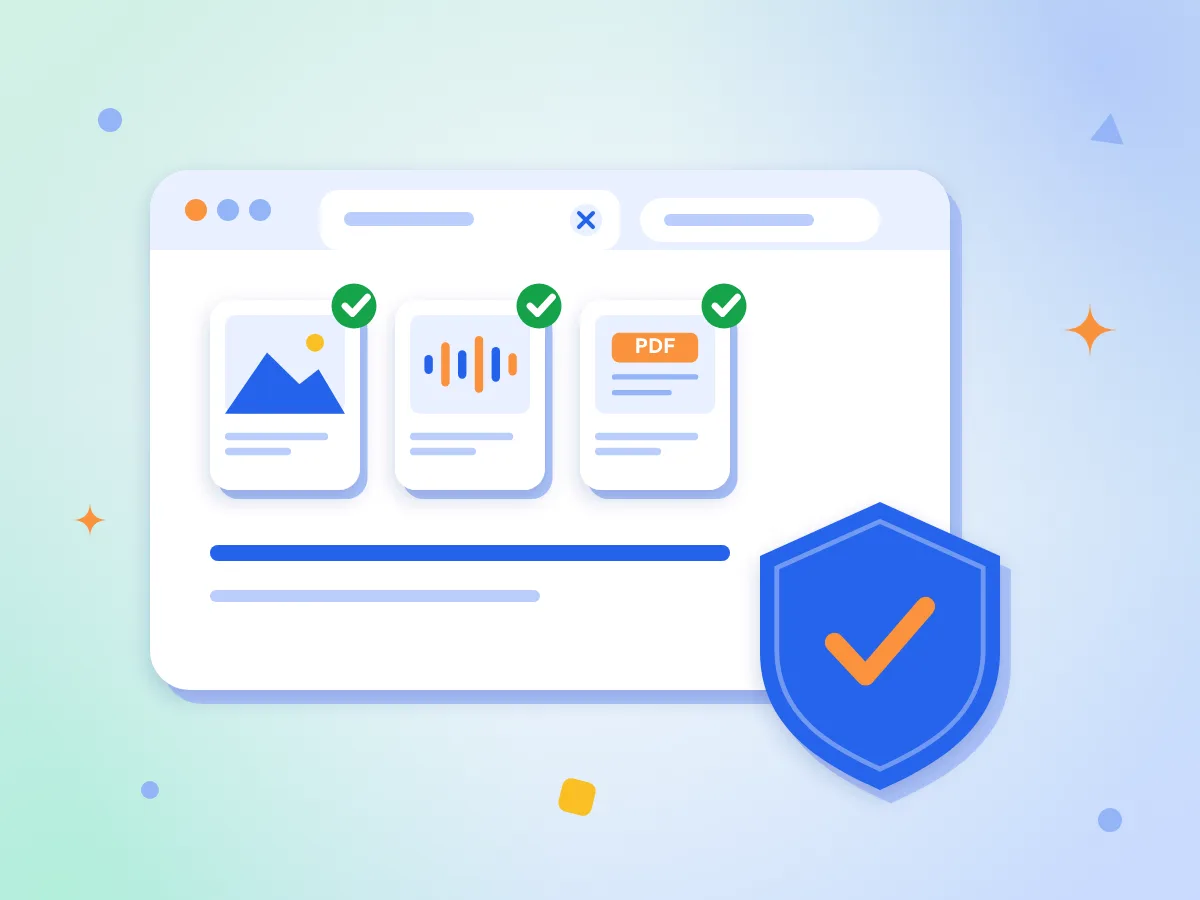
Browser tools open your file right in the page and never send it to a server. Your photos, videos and documents stay with you, from the first click to the download.
Each file shows its own progress and status. If one file fails, the rest still finish, and you can retry the failed one on its own.
Open JPG, PNG, WebP, HEIC, AVIF, SVG, GIF, TIFF, PSD, MP4, MOV, WebM, MKV, MP3, WAV and OGG files, plus PDF pages as images, and save them in the format you pick.
Set image quality and size, or video and audio bitrate, codec and frame rate. Override the settings for one file when it needs different treatment.
Upscale, enhance, denoise and remove backgrounds with AI models that run in your browser. Each model downloads once, then your browser keeps it for next time.
Three steps from file to finished result
Drag files onto the drop area or click it to choose them from your device. Images, video, audio and PDF all work, and you can add many files together.
Choose an output format for each file, or apply one format to all. Adjust quality, size or bitrate if you want to. The defaults suit everyday use, so you can skip this step.
Click Convert All and watch each file finish. Save files one by one, or use Download All to get the batch as a single ZIP. Large videos take longer, because your device does the work.
Answers about cost, safety, limits and formats
Yes, it is free and needs no account. Every tool that runs in your browser has no watermark and no daily limit, and you can start as soon as the page loads. Each file does have a size cap, covered below.
No. Browser tools convert your file on your own device, so it never reaches our servers. The page does download the converter engine the first time you use it, about 14 MB for images and about 32 MB for audio and video. Your file is never part of that download.
More than 40. Images: JPG, PNG, WebP, HEIC, AVIF, SVG, GIF, BMP, TIFF and PSD. Video: MP4, MOV, WebM, AVI and MKV. Audio: MP3, WAV, OGG and AAC. HEIC photos and PDF pages can be converted from, but not saved as.
Each file has a limit: images up to 100 MB, audio and PDF up to 500 MB, and video up to 1 GB. There is no limit on how many files you add and no daily cap. Very large files take longer, because your device does the work.
Yes. Add as many files as you like, choose an output format for each or apply one to all, then click Convert All. Files convert one after another, and Download All saves the finished batch as one ZIP.
Yes. It is a regular web page, so you can open it on your phone, tablet or computer with no app or extension to install. Use a current version of Chrome, Edge, Firefox or Safari. Large videos run faster on a computer.
You install nothing, and browser tools never send your files to a server. The trade-off is speed: a browser converts one file at a time with limited memory and one processor thread, so very large videos and batches run slower than in desktop software.
No. PixConvert converts images, video and audio. For PDF it turns pages into images, turns images into a PDF, and compresses, merges, splits and rotates PDFs. It does not convert Word, Excel or PowerPoint files.
Yes. Every tool page is available in English, Spanish, Portuguese, French, German, Japanese, Chinese and Turkish. Use the language menu in the top bar to switch.
It can. PNG and WAV lose nothing, but JPG, WebP, AVIF, MP3 and AAC are lossy formats. Images have a quality slider from 1 to 100, set to 90 by default. Converting never brings back detail that an earlier save already removed.