

Free AI Image Upscaler: Enlarge Photos to 4K
Upscale low-resolution photos 2x or 4x using AI. Enhance fine details and make images sharp without blur or watermark.
Drop your image here
JPG, PNG or WebP, up to 50 MB
No photo handy? Try one of these:
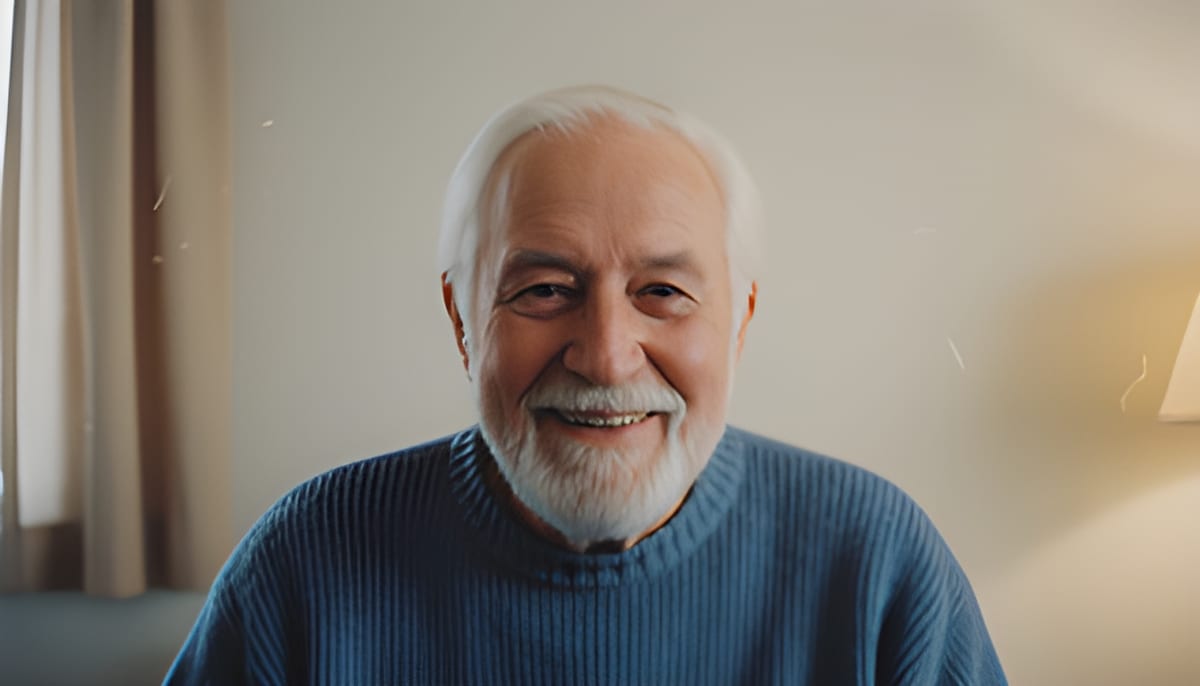
See 4x upscaling on small photos
Drag the divider. The left side is a 320 px photo stretched to fit, the right side is the same photo upscaled 4x.
See another example:
How to Upscale an Image in 3 Steps
Add one image.
Drop a JPG, PNG or WebP up to 50 MB. Images larger than 800 px on the long side are scaled down to 800 px before upscaling.
Pick 2x or 4x.
2x doubles the width and height and runs faster. 4x makes them four times larger. The first run downloads the AI model, about 34 MB.
Compare and download.
Drag the slider to check the result against the original, see the new pixel size, then download a PNG named after your file.
- Accepts
- JPG, PNG, WebP
- Scale
- 2x or 4x
- Largest result
- 3200 px long side
Images over 800 px are scaled down to 800 px first, so results top out at 1600 px with 2x or 3200 px with 4x. Output is always a PNG.
Free AI Image Upscaler That Runs on Your Device
Real-ESRGAN models make small images 2x or 4x larger in your browser, with no account and no watermark.
Upscale Images 2x or 4x With AI
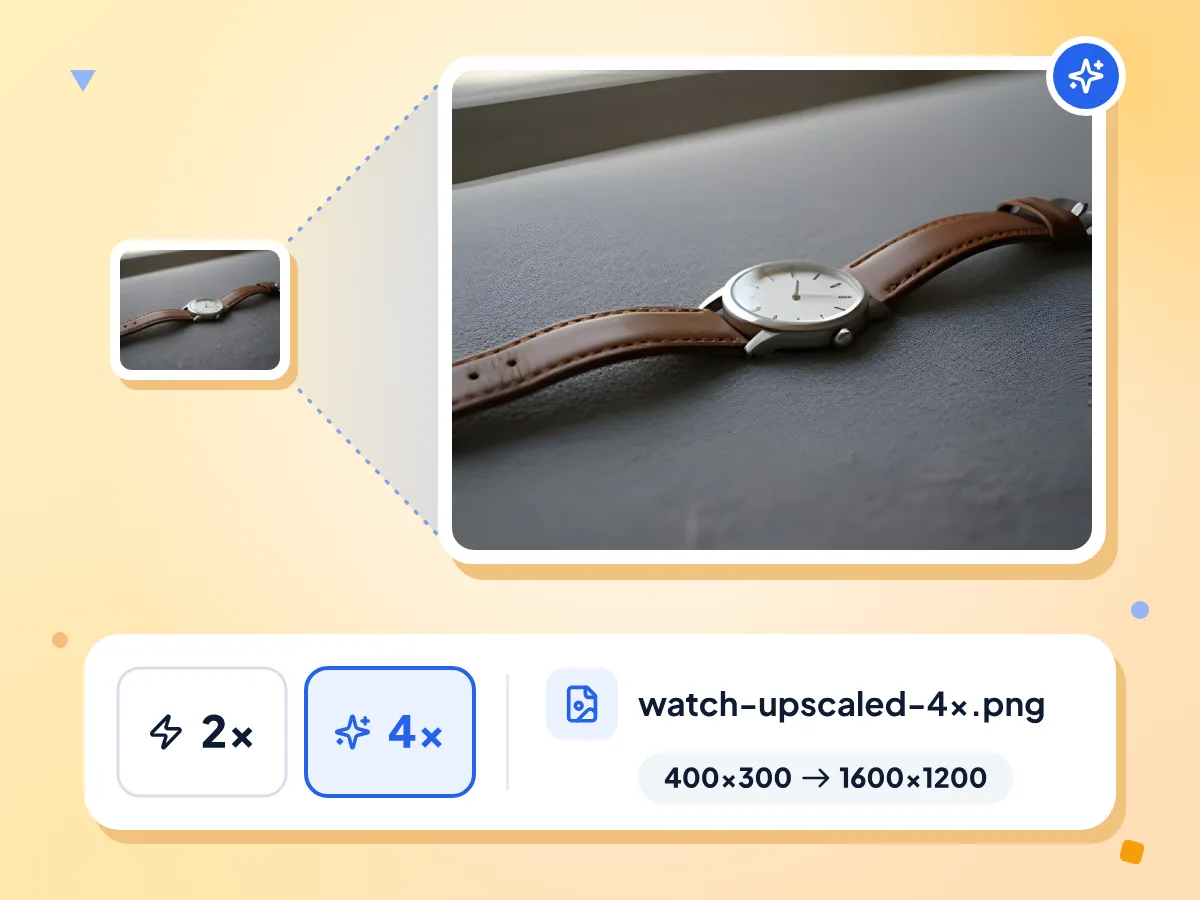
Pick 2x to double the width and height, or 4x to make them four times larger. A 400 x 300 photo becomes 800 x 600 or 1600 x 1200, saved as a PNG.
- 2x doubles width and height
- 4x gives 16 times the pixels
- Saved as a PNG, no watermark
AI Upscaling Predicts Sharper Edges
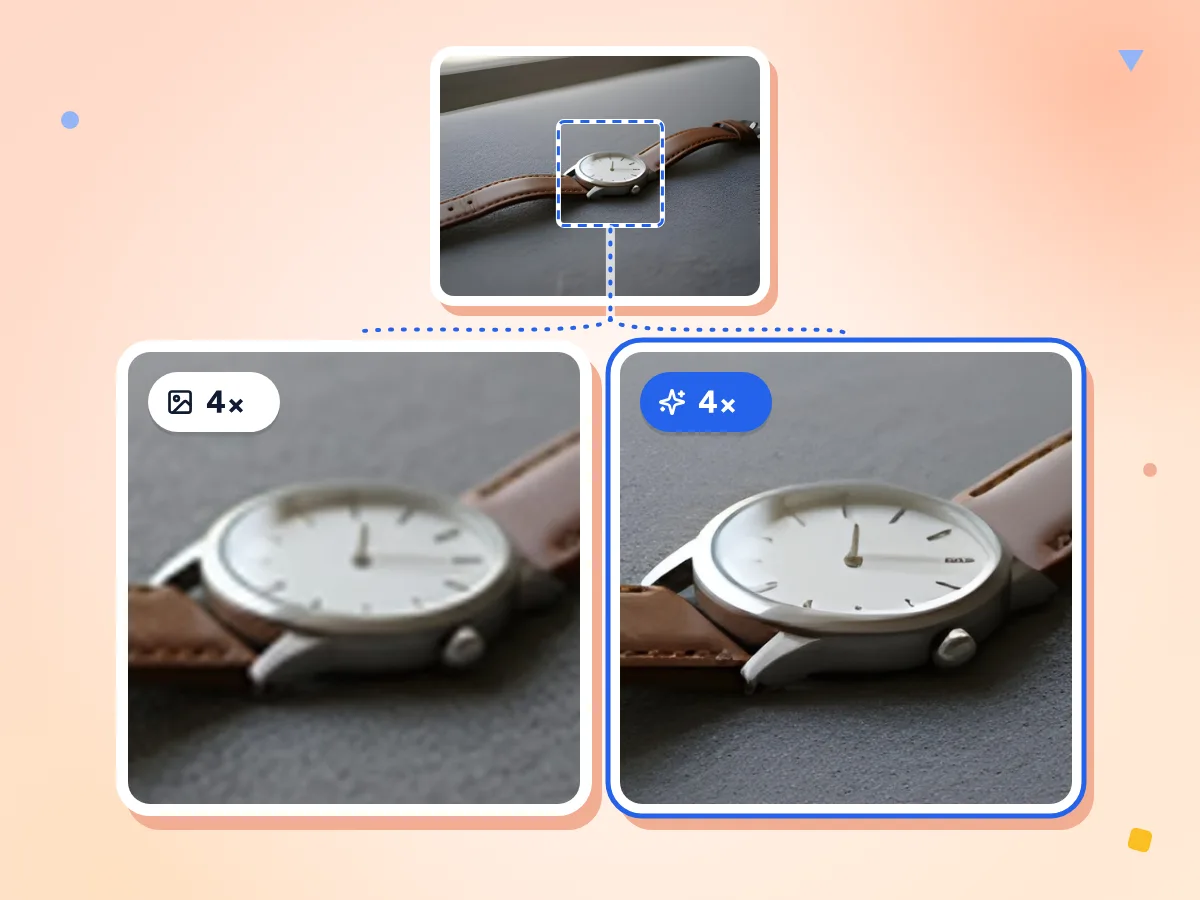
A plain resize blends neighboring pixels, so edges go soft. Real-ESRGAN predicts edges and texture instead. The added detail is a prediction, so tiny text and faces can come out changed.
- Sharper edges than a bicubic stretch
- Added detail is predicted, not recovered
- Same model family at 2x and 4x
Runs on Your Device
The upscale runs on your device, using its graphics chip when the browser supports WebGPU and the processor otherwise. Your photo stays on your device the whole time.
Model Is Saved After First Run
The first run downloads the AI model, about 34 MB for each scale, plus the AI engine. Your browser keeps the model, so later runs skip that download.
No Sign-Up, No Watermark
Upscale as many images as you like on your device. There is no account, no daily cap and no watermark on the PNG you download.
Built for Small Images
Images up to 800 px on the long side are upscaled as they are. Larger ones are scaled down to 800 px first, so 4x tops out at 3200 px.
Who Uses the AI Image Upscaler
From marketplace thumbnails to old family photos, here is where 2x and 4x upscaling helps most.
Small Product and Listing Photos
Marketplace thumbnails and old product shots are often a few hundred pixels wide. Upscale them 4x so they hold up on a large screen or a zoomable listing page.
- Enlarge a 300 px thumbnail to 1200 px
- Get sharper edges than a plain stretch
- Download a PNG ready for your listing
Old Photos and Small Scans
Old phone photos and small web copies of family pictures look soft when shown big. Upscaling 2x or 4x gives a larger file for a slideshow, frame or photo book.
- Enlarge photos saved from old phones or chats
- Prepare small prints up to about 10 by 8 inches
- Compare original and result with the slider
Art, Screenshots and Graphics
Digital art, illustrations and screenshots can be upscaled too. The model was trained on photos, so it smooths hard pixel edges and can add texture to flat colors.
- Enlarge concept art and illustrations for larger screens
- Upscale small screenshots for slides or documents
- Pixel art comes out smoothed, not blocky
Explore More Tools
Discover other free tools that work great alongside this one
AI Photo Enhancer
Sharpen soft photos and clean them up with AI
AI Image Denoiser
Remove noise and grain from photos with AI
Image Compressor
Reduce file size without losing quality
Image Resizer
Resize images to exact dimensions
Background Remover
Remove image backgrounds and save a transparent PNG
Image Converter
Convert between 30+ image formats
Frequently Asked Questions
Answers about scale, size limits, speed and privacy when you upscale an image.
How do I upscale an image for free?
Drop a JPG, PNG or WebP image up to 50 MB on this page. In the editor, pick 2x or 4x and click Upscale. When it finishes, drag the slider to compare, then download the PNG. There's no account and no watermark.
Should I choose 2x or 4x?
Choose 4x for small images such as thumbnails, and 2x when the image is already medium sized. 2x doubles the width and height. 4x makes them four times larger, which is 16 times the pixels. In our test, 4x took about five times longer than 2x on a processor alone.
How large can the upscaled image be?
Up to 3200 px on the long side. Images over 800 px on the long side are scaled down to 800 px first, so 2x tops out at 1600 px and 4x at 3200 px. A photo already bigger than that comes back smaller, so this tool is made for small images.
Is AI upscaling better than just resizing an image?
For enlarging, yes. A plain resize, like the Image Resizer, blends nearby pixels, so a 4x stretch looks soft. Real-ESRGAN predicts edges and texture instead, which looks sharper. The new detail is a prediction, though, so tiny text, logos and faces can come out slightly changed.
Which file types can I upscale, and what format do I get?
You can upscale one JPG, PNG or WebP image at a time, up to 50 MB. The result is always a PNG named after your file, such as photo-upscaled-4x.png. HEIC and GIF files are not accepted, and transparent areas come out solid, so a see-through background is lost.
Why is the upscaler slow or stuck on loading?
The first run downloads the AI model, about 34 MB per scale, plus the AI engine, so a slow connection takes a while. After that the work runs on your device. Without WebGPU it uses the processor, and 4x on an 800 px photo can take several minutes. Try 2x first.
Does the upscaler upload my image?
No. The upscale runs in your browser, so the image stays on your device. The page downloads the AI model and engine, and sends usage stats such as the scale you picked, the time taken and a rough file size, but never the image itself.
Is the AI image upscaler free with no sign-up?
Yes. There's no account, no watermark and no daily cap. You can upscale as many images as you like, one at a time, because the work runs on your own device.
Can I upscale a photo for printing?
Yes, for small prints. A sharp print needs about 300 pixels per inch, and the largest result here is 3200 px on the long side, which prints at about 10.7 inches on that side. The PNG has no DPI value set, so choose 300 DPI in your print or layout software.
Does it work on drawings, anime or pixel art?
It works on drawings and screenshots, but the model was trained on photos. In our test it rounded off the hard steps in pixel art and added faint texture to flat color. Sprites that must stay blocky are better enlarged with nearest-neighbor scaling in an image editor.
Can I upscale more than one image at a time?
Not on this page, which takes one image per run. The Bulk Image Editor has Upscale 2x and 4x steps that run the same models on a whole batch on your device, and you download the results in a zip file.