

Free QR Code Generator
Use this free QR code generator to turn any link or text into a QR code. Pick a size and colors, then download a PNG. No sign-up, and codes never expire.
Size
Preview
Who Uses Our QR Code Generator
Print a code on paper or packaging, and people reach your link with one scan from a phone camera.
Marketing & Events
Put a code on flyers, posters and event badges that opens a landing page or signup form. Add UTM tags to the link to see scan visits in your own analytics.
- Flyers, posters and outdoor ads that open your landing page
- Event badges and lanyards that link to the schedule
- Packaging and inserts that open a product guide or offer
Restaurants, Retail & Hospitality
Link table cards to your online menu, a review page or a booking form. Guest Wi-Fi works too if you type the network details in the Wi-Fi text format.
- Table cards that open your online menu
- Guest Wi-Fi codes typed in the standard Wi-Fi format
- Counter signs that link to your review page
Personal & Networking
Add a code to your resume, business card or wedding invite so people open your portfolio, profile or RSVP page without typing the address.
- Business cards that link to your profile or portfolio
- Resumes with a link to your work samples
- Wedding invites that open the RSVP page
What This Free QR Code Generator Does
Static QR codes for links and text, in your colors, at four PNG sizes. Your link goes straight into the code, with no redirect.
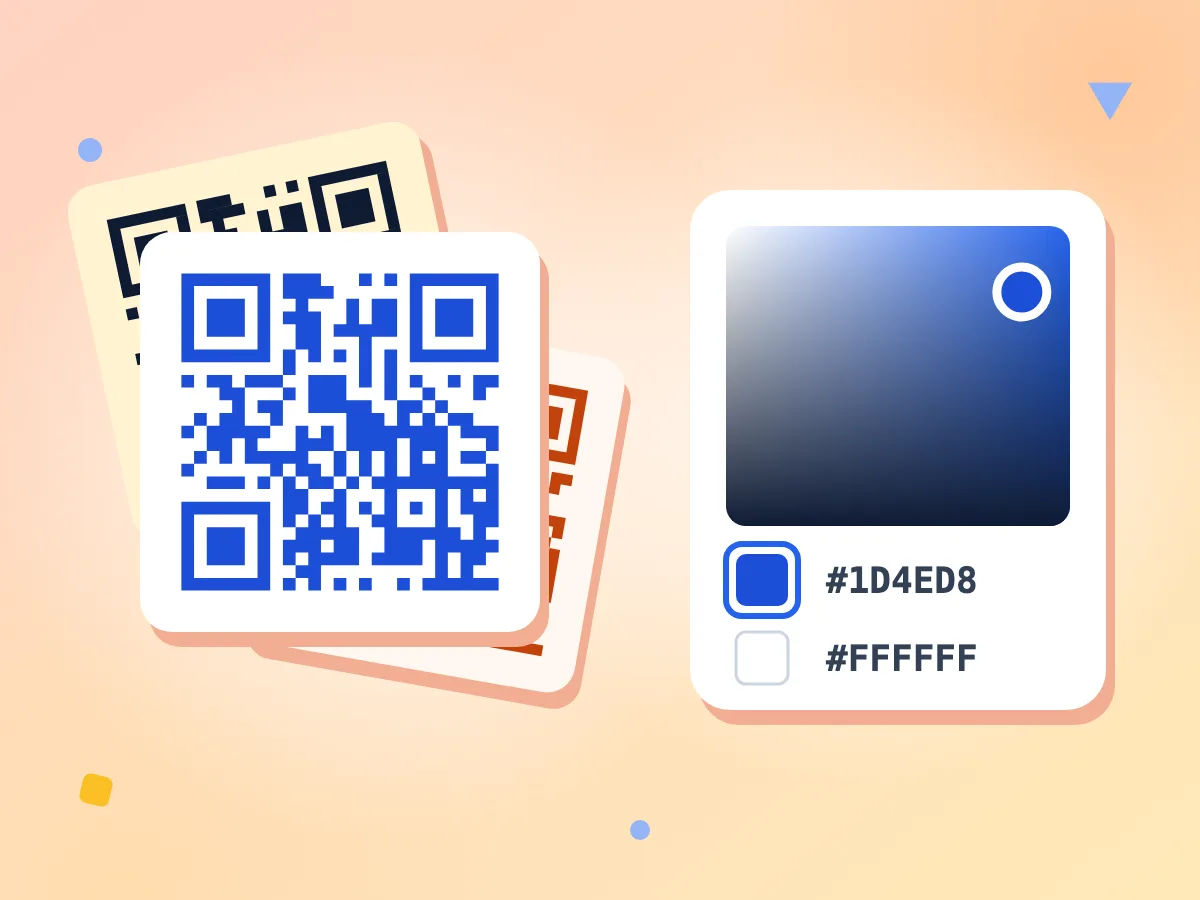
Choose Custom QR Code Colors
Pick any foreground and background color, and the hex code shows next to each one. The default is black on white. Keep the code dark on a light background so phones can read it.
- Any color for the code and background
- Hex value shown for each color
- Starts as black code on white
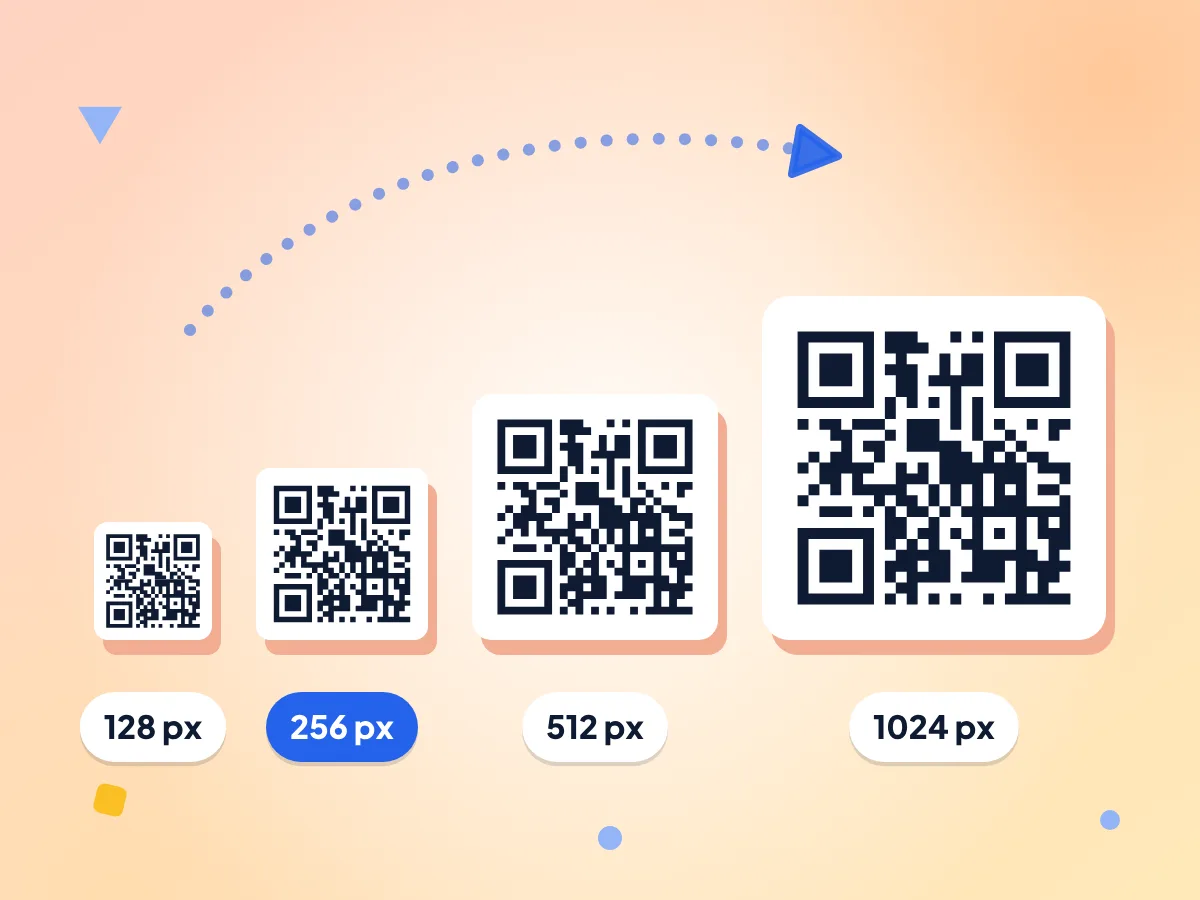
Download QR Code PNGs in Four Sizes
Choose 128, 256, 512 or 1024 pixels square before you generate. At 300 DPI, the 1024 px file prints about 8.7 cm (3.4 in) wide, enough for flyers, menus and table cards.
- 128, 256, 512 or 1024 px
- 256 px is picked by default
- Thin border in your background color
Any Link or Plain Text
Paste a website link or type plain text, up to 2,331 characters. Emoji and accented letters take more space, so fewer fit. Line breaks inside the text are kept.
No Redirect, No Scan Tracking
The code holds your link exactly as you typed it, with no short link in between. Scans go straight to your page, and we never see or count them.
Error Correction Built In
Every code carries extra data, so a phone can still read it when about 15% is scratched or smudged. The level is fixed, so there is nothing to set.
No Expiry, No Account
The QR code is a plain image with your link inside, so it keeps working as long as the link does. There is no account, subscription or watermark.
How to Create a QR Code
Enter your link or text.
Paste the full web address, starting with https://, or type any text into the box. Line breaks are kept in the code.
Pick a size and colors.
Choose 128, 256, 512 or 1024 px, then set the code and background colors. A dark code on a light background scans most reliably.
Generate and download.
Click Generate QR Code to see it, then Download PNG to save qrcode.png. Changed a setting? Click Generate again, and scan the code with your phone before you print.
Frequently Asked Questions
Answers to the most common questions about generating QR codes online.
How do I create a QR code for a link?
Paste the full link, starting with https://, into the URL or Text box and click Generate QR Code. Pick a size and colors first if you like. Ctrl+Enter (Cmd+Enter on a Mac) also works. Then click Download PNG and test the saved code with your phone camera.
Do QR codes made here expire?
No. The link or text is stored inside the code itself, so it works for as long as the link does. There is no short link or redirect that a subscription could switch off. If your web page moves, make a new code.
What is the difference between a static and dynamic QR code?
A static code holds your link directly, so it can't be edited or count scans. A dynamic code holds a short link that redirects, so the target can change and scans can be counted, often on a paid plan. This tool makes static codes only.
What can I put in a QR code?
Any text up to 2,331 characters, or fewer if it has emoji or accented letters. A web link is the usual choice, but plain text also works, as does an email address written as mailto:name@example.com or a phone number written as tel:+15551234567.
Can I make a QR code for Wi-Fi?
Yes, by typing the network details in the standard Wi-Fi text format. There is no Wi-Fi form, so enter WIFI:T:WPA;S:YourNetwork;P:YourPassword;; with your own details. Put a backslash before any ; or : in them. Most phone cameras then offer to join. Test it first.
Can I add a logo to my QR code?
Not with this tool. It sets the size and the two colors only, with no logo or image overlay. Codes use error correction level M, which recovers about 15% damage, so placing a logo on top in another app can stop it scanning. Test any edited code.
What size QR code should I download for print?
Use 1024 px for print. At 300 DPI it covers about 8.7 cm (3.4 in), which suits flyers, menus and business cards. For screens and email, 256 or 512 px is enough. The farther away people scan from, the bigger the printed code should be.
Why won't my QR code scan?
Check the colors first. Phones need a dark code on a light background with strong contrast, and the tool doesn't check this for you. Light-on-dark and pale codes may fail on some phones, as do codes printed too small or with the border cropped off. Try black on white again.
Why does it say it failed to generate my QR code?
Your text is probably too long. A QR code holds up to 2,331 letters and symbols, and fewer with emoji or accented letters, so longer text fails with a general error. Shorten it or link to a web page instead. If long text needs a bigger code than you picked, the tool moves up a size and says so.
Can I download the QR code as SVG, JPG or with a transparent background?
No. Downloads are PNG only, saved as qrcode.png, in one of four square sizes. The background is always a solid color you pick, not transparent. To get JPG or WebP, run the PNG through the free image converter.
Is this QR code generator free with no sign-up?
Yes. There is no account, no watermark and no daily limit, so you can make as many codes as you need. It makes one code at a time, though, so there is no bulk mode or spreadsheet import.
Does PixConvert see the link in my QR code?
No. The code is drawn on your own device, and your link or text is never sent to us. The page records basic usage, such as the size you picked and how many characters you typed, but not the words themselves.
Explore More Tools
Discover other free tools that work great alongside this one
Image Compressor
Reduce file size without losing quality
Image Resizer
Resize images to exact dimensions
Background Remover
Remove backgrounds with AI precision
Image Converter
Convert between 30+ image formats
PNG to WebP
Smaller files, same quality for web
Video Converter
Convert videos between popular formats