

Free Percentage Calculator
Use this free percentage calculator to find a percent of a number, what percent one number is of another, or the percent change between two values. Pick a mode and type two numbers.
How to Calculate Percentages
Pick a mode.
Choose X% of Y, X is what % of Y, or % change from X to Y. The labels on the two boxes change to match.
Type two numbers.
Enter a value in each box. Whole numbers, decimals and negative numbers all work, and there is no size limit.
Click Calculate.
The result appears under the buttons. If you change a number afterwards, click Calculate again, because the result does not update by itself.
Frequently Asked Questions
Answers about percent formulas, percent change, rounding and how each mode works.
How do I calculate a percentage of a number?
Multiply the number by the percent, then divide by 100. For example, 15% of 80 is 15 × 80 ÷ 100 = 12. In this calculator, choose X% of Y, type 15 and 80, and click Calculate to get 12.
How do I find what percent one number is of another?
Divide the part by the whole and multiply by 100. If you scored 45 out of 50 on a test, 45 ÷ 50 × 100 = 90%. Choose X is what % of Y, type 45 as X and 50 as Y, then click Calculate.
How do I calculate percentage change between two numbers?
Subtract the old value from the new one, divide by the old value and multiply by 100. Going from 50 to 75 is a 50% increase, and 80 to 60 is a 25% decrease, shown as -25%. Use the % change from X to Y mode.
What is the difference between percent change and percentage points?
Percentage points are the plain gap between two percentages, while percent change compares that gap with the starting value. A rate rising from 4% to 5% is up 1 percentage point but up 25%. This calculator gives percent change; subtract the two rates for points.
Why does nothing appear when I click Calculate?
The answer would need a division by zero. That happens in X is what % of Y when Y is 0, and in % change when the From value is 0, since change from zero has no percent. Change that number and click Calculate again; no message explains it yet.
How are the results rounded?
Whole-number answers show as they are. Other answers are rounded to four decimal places with trailing zeros removed, so 1 out of 3 shows 33.3333%. Results smaller than 0.00005 round to 0, and very large numbers can appear in e notation, such as 1e+24.
How do I add a percentage to a number?
Multiply the number by the percent, divide by 100, then add that to the number. To add 15% to 80, 15% of 80 is 12, so the total is 92. There is no add-percent mode yet: choose X% of Y, then add the result yourself.
Can I use negative numbers and decimals?
Yes. Both boxes take negative numbers and decimals, such as 12.5% of 200 (25) or -10% of 50 (-5). In % change mode the difference is divided by the absolute starting value, so going from -50 to -25 counts as a 50% increase.
How do I calculate a percentage in Excel?
Put the part in A1 and the whole in B1, type =A1/B1 in C1 and format C1 as a percentage. For the change from A1 to B1, use =(B1-A1)/ABS(A1). Those are the same formulas this calculator uses, before its four-decimal rounding.
Why didn't the result change after I edited a number?
The result only updates when you click Calculate. If you change a number afterwards, the old answer stays on screen until you click again. Switching modes clears the result, and the reset button clears both numbers but keeps your mode.
Is this percentage calculator free and private?
Yes. It's free, with no account and no limit on how many sums you run. Your numbers are worked out in your browser and never saved or sent. On the live site, Google Analytics counts page visits and ads load, but neither receives your numbers.
Percentage Calculator With Three Ways to Work It Out
Find a percent of a number, what percent X is of Y, or the percent change between two values, all from the same two boxes.
Find a Percentage of Any Number
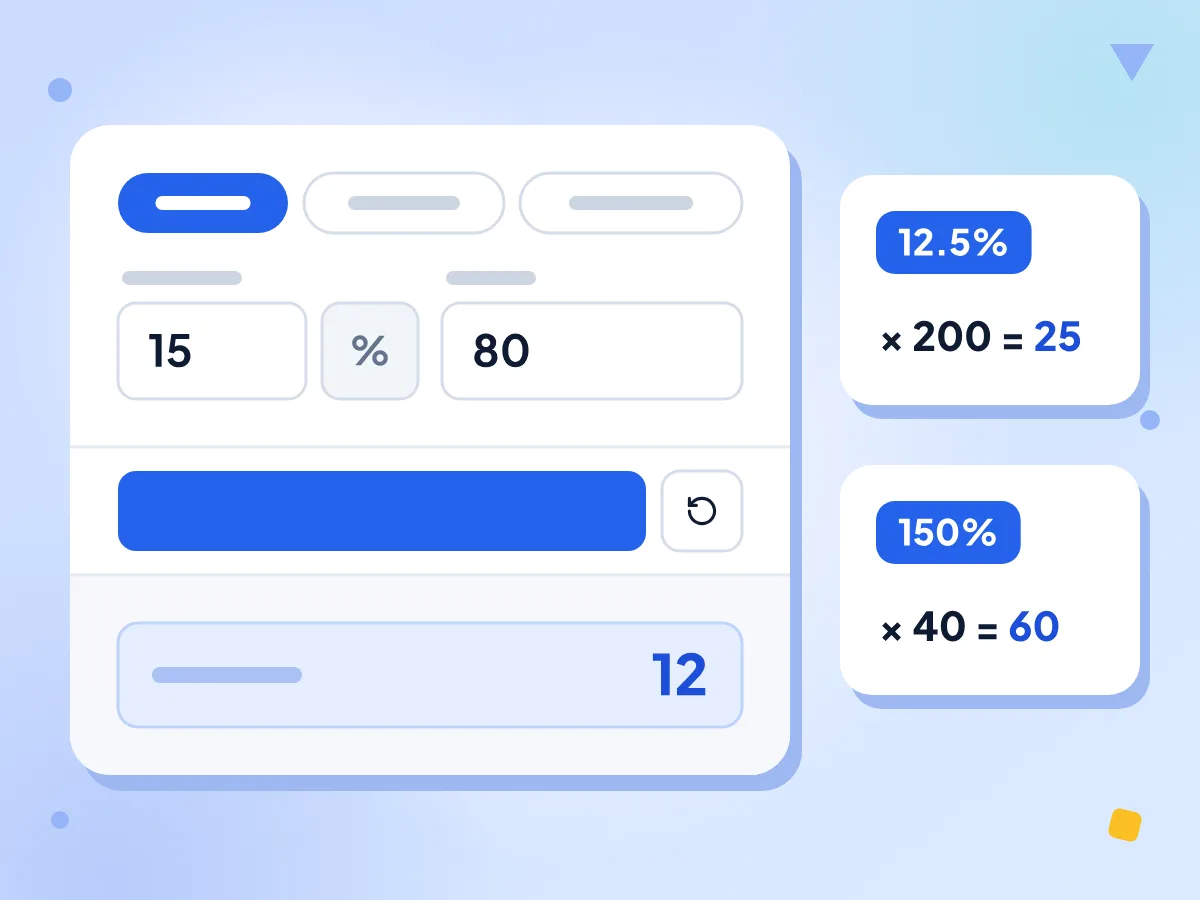
Choose X% of Y, type the percent and the number, then click Calculate. The answer is a plain number, so 15% of 80 shows 12. Decimals and rates above 100% work too.
- 15% of 80 gives 12
- Decimal rates like 12.5% accepted
- Rates above 100% work, like 150%
Calculate Percent Change Between Two Numbers
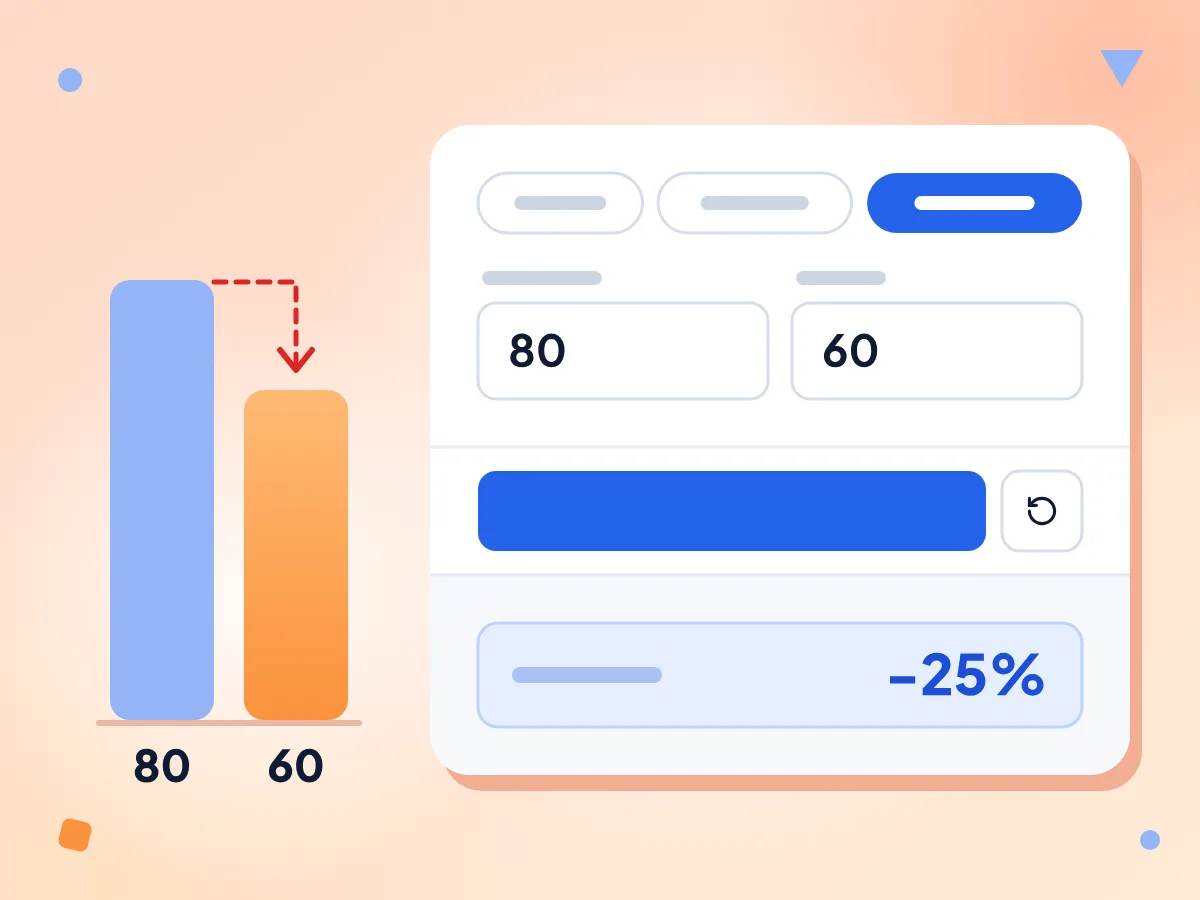
In % change mode, type the starting value in From and the new value in To. A rise shows as a positive percent and a drop as negative, so 80 to 60 shows -25%.
- Increases positive, decreases negative
- 80 to 60 shows -25%
- Result shown with a % sign
What Percent X Is of Y
Divide one number by another and see the share as a percent. A test score of 45 out of 50 shows 90%, and 1 out of 3 shows 33.3333%.
Results to Four Decimals
Whole answers show as whole numbers. Other answers are rounded to four decimals with trailing zeros dropped, so 2 out of 3 shows 66.6667% and 0.1 to 0.3 shows a clean 200%.
Switch Modes Without Retyping
Your numbers stay put when you change modes. Type 40 and 200 once, then switch and click Calculate: 80 (40% of 200), 20% (40 out of 200) or 400% (change from 40 to 200).
Free, No Sign-Up, Nothing Saved
Run as many sums as you like without an account. The numbers you type are worked out in your browser, never stored, and never sent to us.
Who Uses a Percentage Calculator?
Students, shoppers and teams who track numbers from one month to the next.
Students & Teachers
Turn raw test marks into percentages and check grade cutoffs. Type 45 and 50 in the X is what % of Y mode to see a score of 90%.
- Turn a raw test score into a percent
- Find the marks needed for a 70% cutoff
- Check answers to percent homework problems
Shopping & Finance
Work out sales tax, a raise or how far a price has moved. For a sale price and your savings in one step, the discount calculator shows both.
- Find the 8% sales tax on a price
- See how much a 5% raise adds to a salary
- Track how much a stock or fund has moved
Business & Analytics
Measure growth, market share and conversion rates. Compare this month with last month in % change mode, or find each product's share of total sales.
- Month-over-month and year-over-year revenue growth in percent
- Conversion rate from visits and sales
- Each region's share of total sales
Explore More Tools
Discover other free tools that work great alongside this one
Percentage Calculator
Calculate percent of a number, what percent, or percent change
Discount Calculator
Calculate sale price and savings from a discount percentage
Tip Calculator
Calculate tip amount and split the bill between any number of people
BMI Calculator
Calculate Body Mass Index in metric or imperial units
Loan Calculator
Calculate the monthly payment, total interest and total cost of a fixed-rate loan
Currency Converter
Convert 30 currencies at daily ECB reference rates