

Free AI Image Denoiser: Remove Grain
Eliminate sensor noise, grain, and compression artifacts from night shots and high-ISO photos. Restore smooth gradients and sharp edges.
Drop your photo here
JPG, PNG or WebP, up to 50 MB and 4000 px per side
No photo handy? Try one of these:
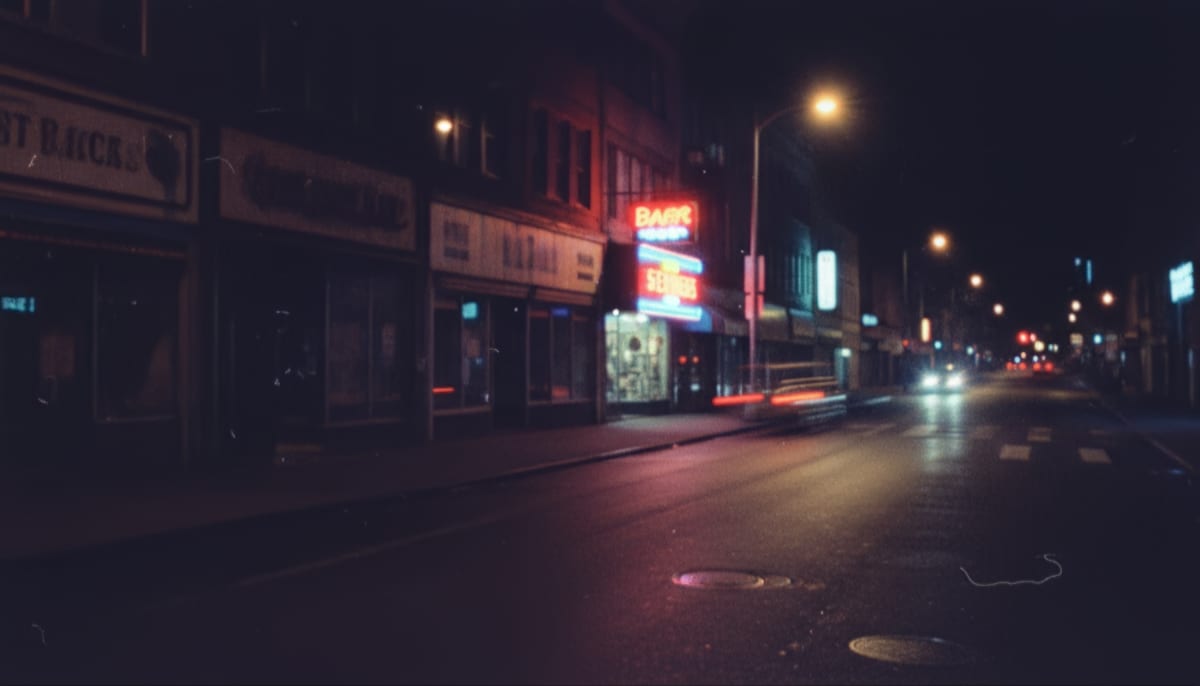
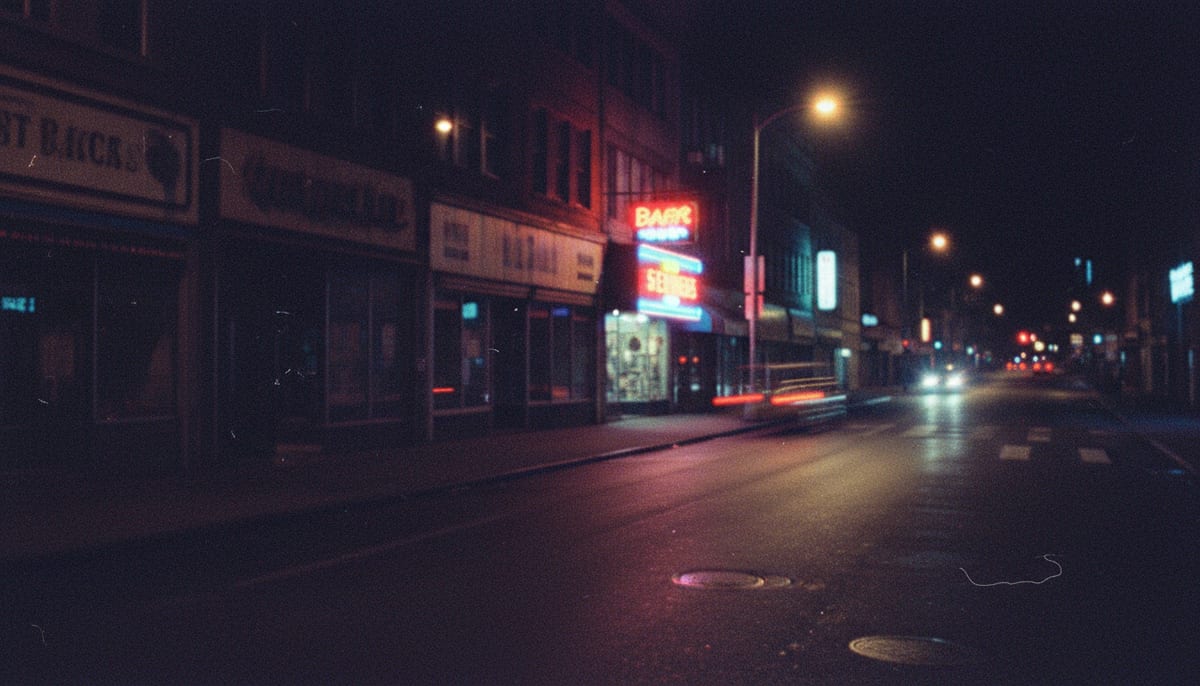
See it clean up a grainy shot
Drag the divider. Night and indoor photos carry the most noise, which is where the difference is clearest.
See another example:
How to Remove Noise From a Photo
Add your photo.
Drop or choose one JPG, PNG or WebP up to 50 MB and 4000 px per side. The editor opens with Medium strength already picked.
Pick a strength.
Keep Medium, or choose Light for more natural texture or Strong for the smoothest result. Then click Denoise. The first run downloads the 30 MB model.
Compare and download.
Drag the slider to check the before and after. If it looks too smooth, pick a lighter strength and run it again, then download the PNG.
- Accepts
- JPG, PNG, WebP
- Removes
- Grain and colour noise
- In your browser
- Free, unlimited
Photos longer than 1000 px are scaled down before the AI runs, so the PNG you download is at most 1000 px on its long side.
AI Noise Removal for Grainy Photos
One AI model cleans the grain, three strengths decide how much of it you keep, and the PNG downloads free with no watermark.
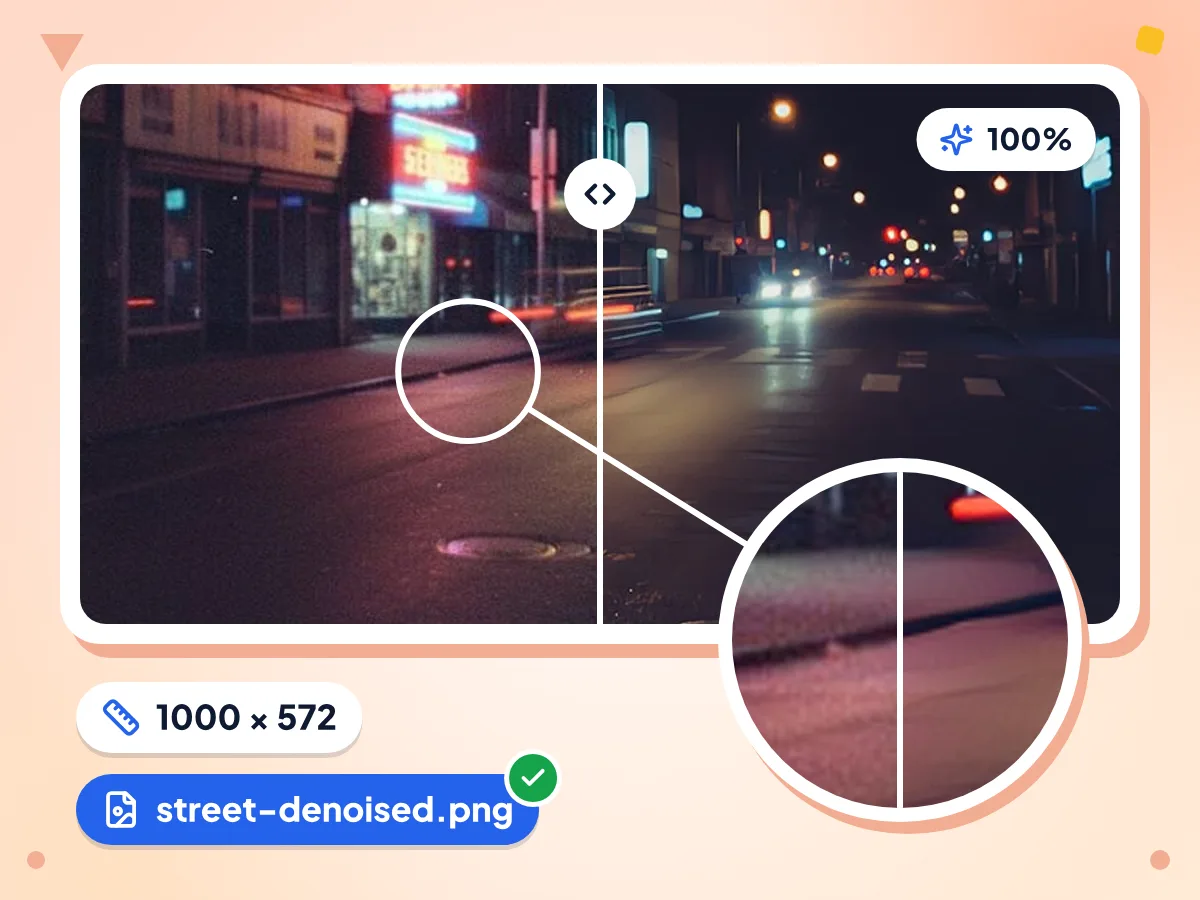
Remove Noise From Photos With AI
An AI denoise model smooths ISO grain and colour speckle in skies, walls and shadows. It works at 1× scale, so edges stay crisp instead of smearing like a simple blur.
- Edges stay crisp while grain goes
- Smooths grain in flat areas and shadows
- Model downloads once, about 30 MB
Choose Light, Medium or Strong Denoise
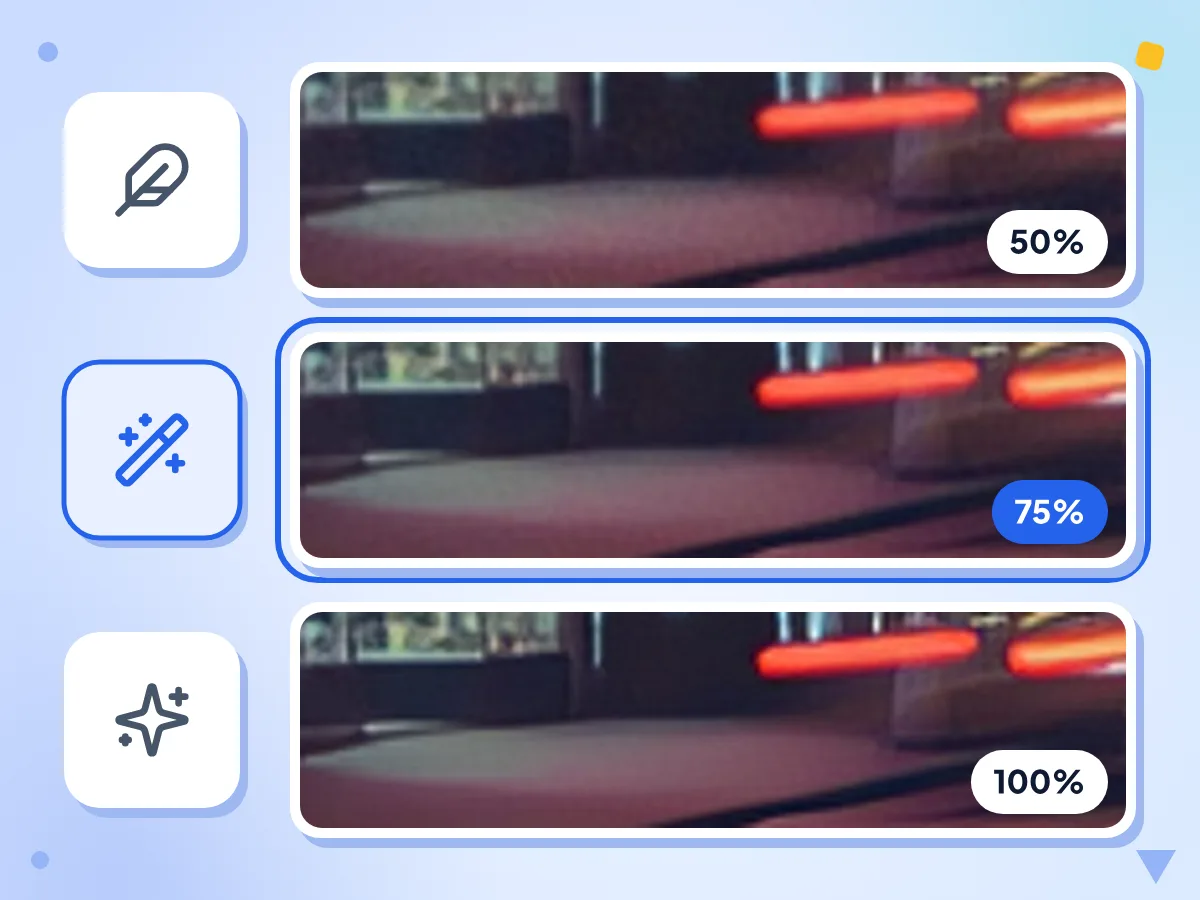
Every strength runs the same AI pass, then mixes the result with your original. Light keeps the most natural texture, Strong gives the smoothest finish, and Medium sits between them.
- Light: 50% AI, 50% original
- Medium, the default: 75% AI
- Strong: the full AI result
PNG Download, No Extra Compression
The cleaned photo saves as a PNG named after your file with -denoised added. PNG files run larger than JPGs, so compress it afterwards if you need a small file.
Large Photos Scaled to 1000 px
Photos longer than 1000 px are scaled down before the AI runs, which keeps memory use safe on phones. Smaller photos keep their exact pixel size.
One 30 MB Model Download
The first run downloads the AI model, about 30 MB, and keeps it in your browser's storage. Later runs reuse that copy, so only the processing is left.
Free, No Sign-Up, No Watermark
Clean as many photos as you want, one per run. You don't need an account, there's no daily cap, and the PNG carries no logo or watermark.
When to Remove Noise From a Photo
Grain shows up wherever the light was short. These are the photos where a denoise pass helps most.
Night and Low-Light Photos
Phones and cameras raise ISO in dim light, which adds grain and colour speckle. Clean night streets, concerts and candlelit dinners without losing the edges of signs and faces.
- Grainy night street and city photos
- Concert, party and stage shots in dim light
- Colour speckle in dark shadows and skies
Indoor Photos Without Flash
A room lit by a single lamp pushes the camera to high ISO. Smooth the grain on photos of pets, kids, food and products taken indoors in the evening.
- Pets and kids photographed indoors at night
- Product shots taken in a dim room
- Food photos lit by a single warm lamp
Before You Upscale or Share
Clean the grain first so later steps don't sharpen it. Denoise, then enlarge the result with the AI Image Upscaler or shrink the PNG before posting it online.
- Remove grain before enlarging a small photo
- Tidy a noisy photo before posting it
- Soften grain on scanned prints and film photos
Explore More Tools
Discover other free tools that work great alongside this one
AI Photo Enhancer
Sharpen soft photos and clean them up with AI
AI Image Upscaler
Upscale images up to 4x with AI super-resolution
Image Compressor
Reduce file size without losing quality
Background Remover
Remove image backgrounds and save a transparent PNG
Image Resizer
Resize images to exact dimensions
Image Cropper
Crop images freehand or to 1:1, 16:9 and other ratios
Frequently Asked Questions
Strength settings, photo size limits, the model download and how this tool differs from the AI Photo Enhancer.
How do I remove noise from a photo for free?
Drop a JPG, PNG or WebP up to 50 MB on this page. Keep Medium strength or pick Light or Strong, then click Denoise. The first run downloads the AI model. Drag the slider to compare, then download the PNG. No account or watermark.
What do the Light, Medium and Strong settings change?
They set how much of the AI result you keep. Light mixes 50% AI with 50% of your original, Medium uses 75% AI, and Strong uses the AI result alone. All three run the same model, so Light is gentler but not faster.
Why is my denoised photo smaller than the original?
Photos longer than 1000 px are scaled down before the AI runs, so the PNG is at most 1000 px on its long side. This keeps memory use safe on phones. The size badge in the editor shows the original's size, not the result's. For a bigger file, enlarge the result with the AI Image Upscaler.
Why is the PNG file bigger than my JPG?
PNG is lossless, so it stores every cleaned pixel with no new compression. In our test, an 88 KB JPG at 1200 × 686 came back as a 1 MB PNG at 1000 × 572. If you need a small file for email or the web, run the PNG through the Image Compressor.
Can it fix a grainy photo taken in low light?
Yes, it smooths the grain and colour speckle that high ISO adds in dim light. It can't add light or detail the camera never caught, so a dark photo stays dark and blur from shaky hands stays too. Denoise first and brighten afterwards, so the grain isn't boosted.
How is this different from the AI Photo Enhancer?
They run different AI models. This denoiser uses a 1× noise-removal model with three strengths. The AI Photo Enhancer runs a 2× restoration model and scales the result back down, which sharpens and cleans in one pass. Pick the denoiser when grain is the main problem.
Why does denoising take so long on my phone or laptop?
The AI runs on your own device, so speed depends on its chip. It uses WebGPU when your browser offers it and the processor otherwise, working through 256 px tiles one by one. On older or low-power devices that can take minutes. Close other tabs, or cancel and try a smaller photo.
Is my photo sent anywhere when I denoise it?
No. The photo is decoded and cleaned inside your browser, and the PNG is made there too. The page does fetch the AI model from Hugging Face and the engine from jsDelivr, and it records usage stats such as the strength and run time, never the photo itself.
Can I denoise several photos at once?
Not on this page, which cleans one photo per run. For a batch, the Bulk Image Editor takes up to 100 photos (30 on phones), has a Remove noise step that uses the same model at Medium strength, and saves the results in one ZIP.
Is the AI Image Denoiser free, and is there a limit?
Yes, it's free with no account, no watermark and no daily cap. The limits are per photo: up to 50 MB and 4000 px per side going in, and up to 1000 px on the long side coming out.
Does it keep transparent backgrounds?
No. The result is always fully opaque, and transparent areas usually turn black, because the browser stores them with no colour. If you need a cutout, denoise the photo first, then remove the background with the Background Remover.