

Compress GIF Files Free
Compress GIF files for free and keep every frame and its timing. Pick a quality level or type a size like 256KB for Discord. No sign-up, and your files stay on your device.
Drop your GIFs here to compress them
or click to browse. Animated GIFs keep every frame, up to 50 MB each.
What This Free GIF Compressor Can Do
Reduce GIF size with a quality slider, fewer colors, smaller frames or a target size, and keep the animation playing.
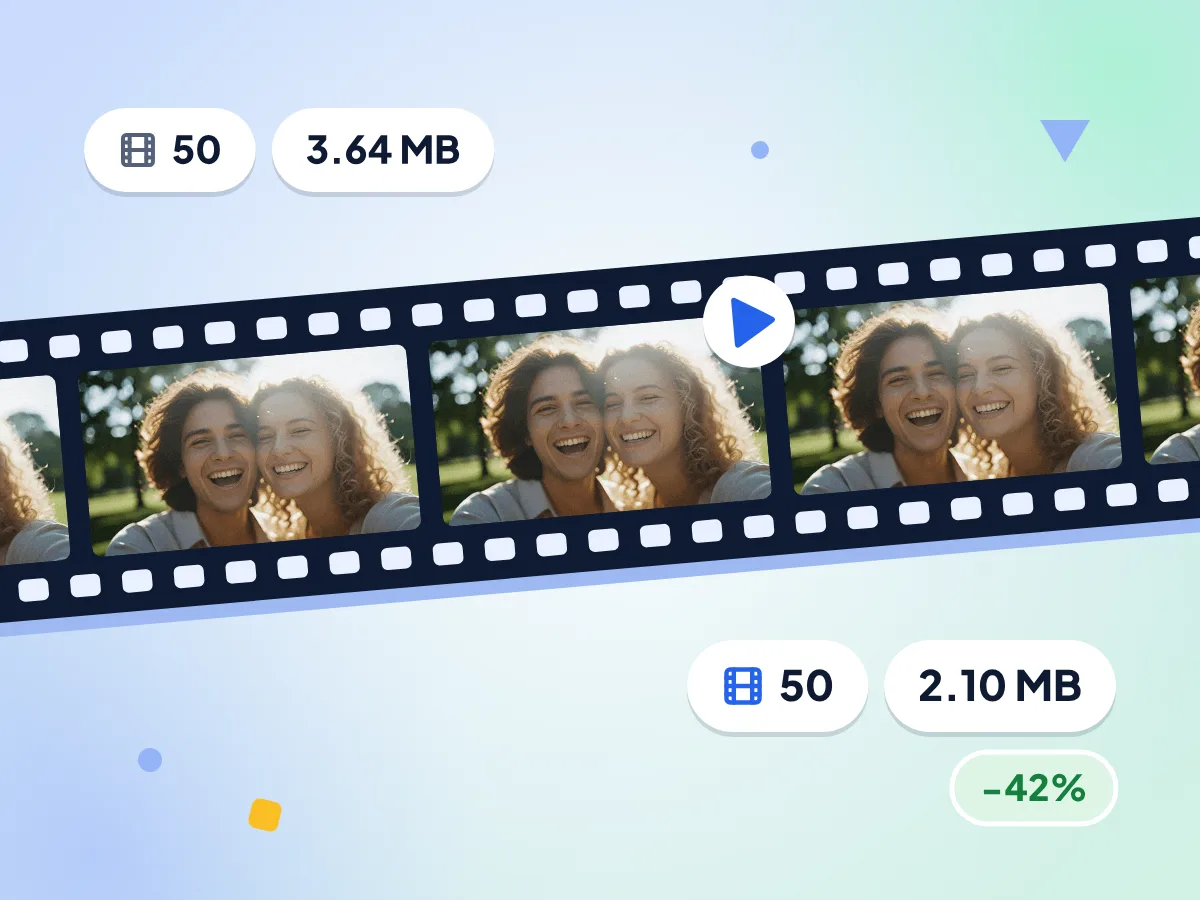
Compress GIFs and Keep Every Frame
Animated GIFs come out animated. Every frame and its timing stay in place, while the optimizer strips pixels that repeat between frames so the file gets smaller.
- Repeated pixels between frames are stripped
- 50 frames in, 50 frames out
- Default quality 75 cut our test GIF 42%
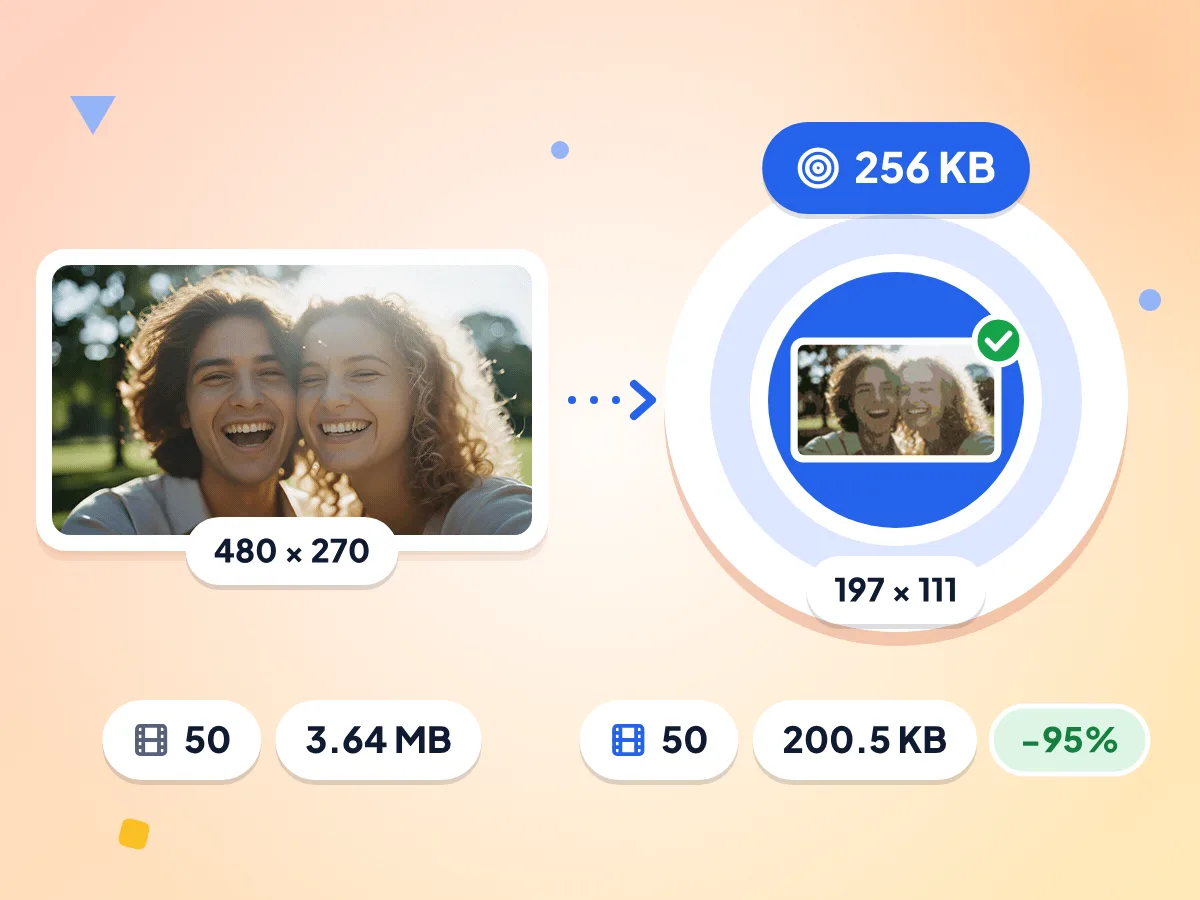
Compress GIF to 256KB or Any Size
Type any size in KB or MB, or tap 100 KB, 250 KB, 500 KB or 1 MB. The compressor raises lossy compression, then cuts colors, then shrinks the frames until your GIF fits.
- Our 3.64 MB GIF hit 200.5 KB
- All 50 frames kept, resized to 197 × 111
- Shows the smallest size if it can't fit
Quality Slider for Lossy Savings
Slide from 1 to 100, starting at 75. Lower values give a smaller file with more grain, and 100 skips the lossy step so the GIF is only optimized.
Trim the Color Palette
Keep the GIF's own palette or cut it to 256, 128, 64 or 32 colors. Fewer colors means a smaller file, so try 64 for simple logos and stickers.
Resize and Keep the Animation
Shrink by percent or fit the GIF inside a max edge in pixels. Every frame is resized, the animation keeps playing, and small GIFs are never enlarged.
Batch GIFs Into One ZIP
Add many GIFs at once, up to 50 MB each. Every file shows its own status, and you can save them one by one or all together as a ZIP.
How to Compress a GIF
Add your GIF files.
Drop one or more GIFs on the upload area above, or click to pick them. The editor opens with GIF output already selected.
Choose how small to go.
Move the quality slider, cut the colors, resize the frames or type a target size like 256KB. Use one setting or combine them.
Compress and download.
Press Compress and compare the new size with the original. Save each GIF on its own, or download the whole batch as one ZIP file.
Where a Smaller GIF Helps
Most places that show GIFs also cap their size. Reduce GIF size once and post it without the upload error.
Discord Emoji and Stickers
Discord emoji must be under 256 KB, and a short reaction GIF can easily be bigger. Type 256KB in the target box and the compressor works it down to fit.
- Animated server emoji under the 256 KB cap
- Stickers and reaction GIFs for your server chats
- Profile and banner animations that keep moving
Websites and Blogs
Heavy GIFs slow pages down and use up visitors' mobile data. Shrink the frames to the width your layout shows and trim the palette to cut the weight.
- Product demos and how-to animations on landing pages
- Animated banners and blog post illustrations
- Short screen recordings in help docs and changelogs
Chat, Email and Social Posts
Chat apps, email services and social sites all limit how big an upload can be. Pick a target that fits the limit and send a GIF that goes through the first time.
- Reaction GIFs for Slack and WhatsApp group chats
- Animated email signatures and newsletter headers
- Memes and short loops for social media posts
Frequently Asked Questions
Answers about GIF size, quality, Discord limits and keeping the animation.
How do I compress a GIF?
Upload your GIF, then lower the quality slider, cut the colors or resize the frames and press Compress. If you need a fixed limit, type a size such as 500KB in the target box instead. Download the result once the new size looks right.
How do I compress a GIF for Discord?
Type 256KB in the target size box for an emoji, since Discord emoji must be under 256 KB. Press Compress and the tool lowers quality, then colors, then frame size until the GIF fits. For stickers or chat uploads, enter the limit Discord shows you.
Can I compress a GIF without losing quality?
Yes, to a point. Set quality to 100 and keep All colors, and the GIF is only optimized: pixels that repeat between frames are stripped with no lossy step. The savings are smaller this way. For a bigger cut, try quality between 60 and 80.
Will my animated GIF still play after compressing?
Yes. Every frame and its timing are kept, whether you lower quality, cut colors, resize or set a target size. The compressor never drops frames or changes the speed, so the animation plays just like the original.
What does the Colors setting do?
It sets how many colors the GIF can use. All keeps the original palette, while 256, 128, 64 and 32 cut it down. Fewer colors means a smaller file, but smooth gradients and photo-like clips may show banding at 64 or 32.
What does the quality slider change for a GIF?
It controls lossy GIF compression on a scale of 1 to 100, starting at 75. Lower numbers make a smaller file with more grain and noise. At 100 the lossy step is skipped and the GIF is only optimized.
Why can't my GIF reach the target size?
Long GIFs with large frames have a floor. The tool raises lossy compression, cuts colors down to 32 and shrinks the frames step by step. If the file still doesn't fit, the result shows the smallest size it reached, so you know how close it got.
How much smaller will my GIF get?
It depends on the number of frames, the colors and how much moves. In our test, a 50-frame GIF of 3.64 MB dropped to 2.10 MB at default settings. With a 256 KB target it reached 200.5 KB and kept all 50 frames at 197 × 111.
Will my GIF still loop after compressing?
Yes. The loop setting is copied into the new file, so a GIF that loops forever keeps looping forever. Frame timing stays the same too. Only the file size changes, plus any color or size settings you pick.
Does compressing a GIF remove hidden data?
Yes, by default. Strip metadata is on in the Advanced settings, so comments and names saved inside the GIF are removed and add nothing to the file size. Turn the switch off if you want to keep that text.
How big a GIF can I compress, and how long does it take?
Each file can be up to 50 MB, and you can add many at once. Typical GIFs finish in seconds. Long GIFs with large frames take longer, since the work runs on your own computer or phone rather than a remote server.
Is this GIF compressor free and safe for private GIFs?
Yes. It is free with no sign-up, no watermark and no daily cap. Your GIFs are processed in your browser and are not sent to any server, so private clips and work files stay with you.
Explore More Tools
Discover other free tools that work great alongside this one
JPEG Compressor
Shrink JPG photos with a quality slider or KB target
PNG Compressor
Cut PNG size with fewer colors, transparency kept
WebP Compressor
Shrink WebP images, animated ones stay animated
Image Compressor
Reduce file size without losing quality
Image Resizer
Resize images to exact dimensions
Image Converter
Convert between 30+ image formats