

Transparent Background Maker
Remove the background from any photo and download a transparent PNG. It runs in your browser, so the image never leaves your device.
Drop your image here
Supports JPG, JPEG, PNG, and WebP
No photo handy? Try one of these:
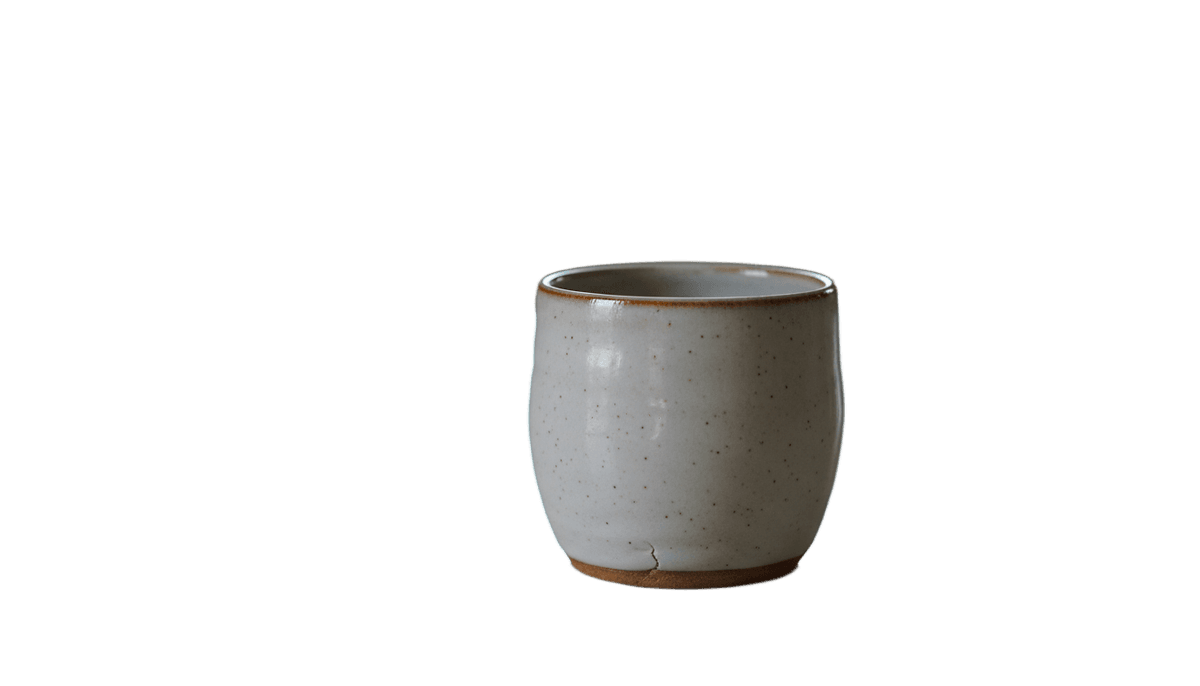
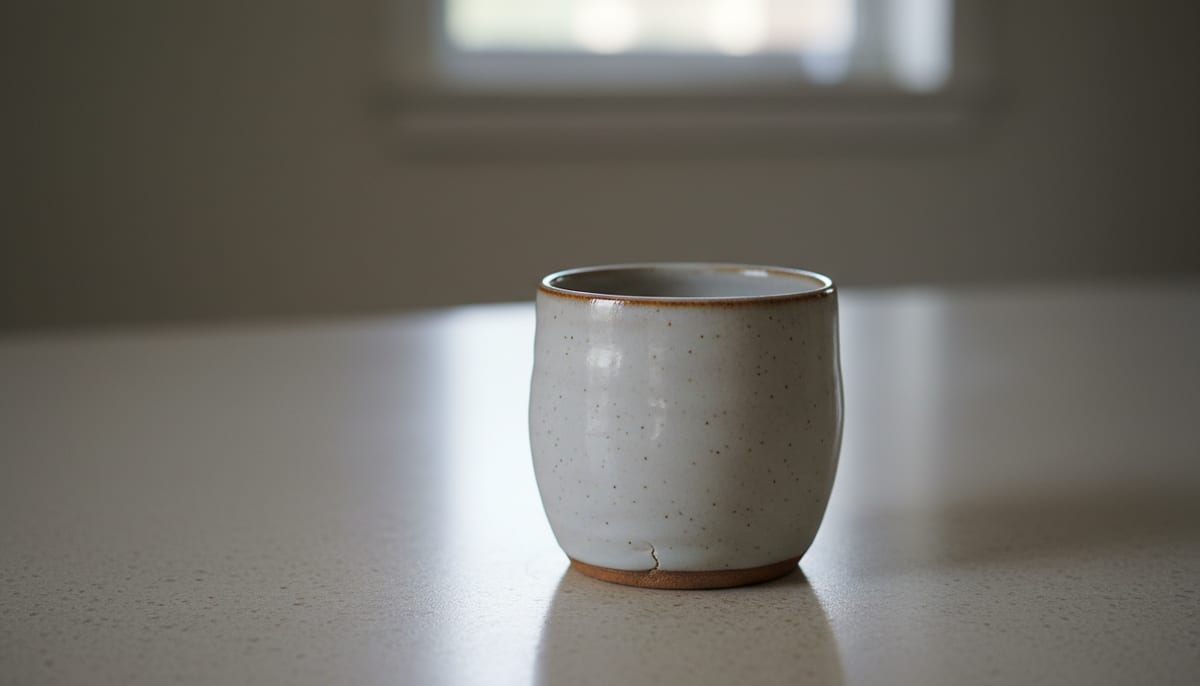
See a real cutout on a transparent background
Drag the divider. The checkerboard is what transparency looks like: in your design tool, whatever sits behind shows through.
See another example:
How to Make a Background Transparent
Upload your image by dragging it in or clicking to browse.
Choose Fast or High Quality, then click Remove Background.
Download your image as a PNG with a transparent background.
- Accepts
- JPG, PNG, WebP
- Output
- PNG or WebP with alpha
- In your browser
- Free, unlimited
Browser mode processes up to 1920px on your device and your photo is never uploaded. Pick PNG or WebP to keep the transparency; JPG cannot store it and would come out white.
Everything You Need in a Transparent Background Maker
AI accuracy that runs in your browser, with no subscription. Get a clean, transparent PNG in seconds.
AI-Powered Accuracy
State-of-the-art segmentation models handle hair, fur, and fine edges cleanly. No messy halos, no manual touch-ups needed.
Private by Default
The free mode runs the AI model on your own device using WebGL and WebAssembly, so your photos never leave your browser.
Fast and High Quality Modes
Pick Fast for quick previews or High Quality for complex subjects like wispy hair, transparent objects, or busy backgrounds.
Transparent or Any Color Background
Keep the background see-through as a PNG, or place the subject on white, black, or any color you pick and export a JPG. Switching colors is instant and never reruns the AI.
No Sign-up, No Watermark
The browser mode is free forever. No account, no credit card, and no watermark on the result. Make unlimited images transparent and download as many PNGs as you want.
Works Offline After First Use
Once the AI model downloads, the tool works fully offline. Handy for flights, trains, or spotty Wi-Fi.
Who Uses This Transparent Background Maker
From Etsy sellers to designers, anyone who needs a clean cutout reaches for a fast, private tool.
E-commerce and Product Photos
Export logos, icons and product cutouts as PNGs that sit cleanly on any background in your design tool.
- Logos that work on light and dark
- Overlays for slides and mockups
- Assets that layer without a white box
Designers and Content Creators
Isolate subjects for posters, thumbnails, social graphics, and composites, no design software required.
- Subjects layered over video stills
- Cutouts dropped into posters
- Subject cutouts for photo edits
Personal and Everyday Use
Profile pictures, digital stickers, meme edits, and family photos with a new background.
- Clean headshots for LinkedIn or resumes
- Stickers with no white edges
- Profile pictures on any backdrop
Explore More Tools
Discover other free tools that work great alongside this one
White Background Maker
Put a product or portrait on a clean white background
Black Background Maker
Put a photo or product on a solid black background
Grey Background Maker
Put a photo or product on a neutral grey background
Blue Background Maker
Put a photo on a solid blue background for ID and school photos
Green Background Maker
Put a photo on a solid green background for chroma keying
Blur Background
Blur the background behind your subject, like portrait mode
Background Remover
Remove backgrounds with AI precision
Image Resizer
Resize images to exact dimensions
Image Compressor
Reduce file size without losing quality
Circle Crop
Crop any image into a perfect circle with transparent background
Frequently Asked Questions
Answers to common questions about making an image background transparent.
Does this background remover upload my images to a server?
No. The default mode runs entirely in your browser using WebAssembly and WebGL, so your images never leave your device.
Can I make a JPG background transparent?
You can upload a JPG, JPEG, PNG, or WebP image, but a JPG cannot store transparency itself since it has no alpha channel. This tool solves that by giving you back a PNG file, which does support transparency, so your JPG photo ends up with a real see-through background.
Why does my transparent image show a checkered pattern?
The gray and white checkerboard is not part of your image. It is how image editors and browsers display transparent areas so you can see where the background was removed. Once you place the PNG in a design tool or on a webpage, that area shows whatever is behind it instead of the grid.
What is the difference between Fast and High Quality modes, and can I use this on my phone?
Fast mode uses a smaller AI model built for speed and works well on simple backgrounds. High Quality mode uses a larger model that produces cleaner edges around hair and fine detail. Both modes run in any modern mobile or desktop browser, so you can use either one on your phone.