

Compress WebP Images Free
Compress WebP images free, including animated WebP, with a quality slider or a target size like 100KB. Add one file or a whole batch. Your files never leave your device.
Drop your WebP files here
or click to browse. Animated WebP and GIF stay animated, up to 50 MB each.
What This Free WebP Compressor Does
Shrink still and animated WebP files with a quality slider, a KB target or a lossless switch, then save one file or the whole batch.
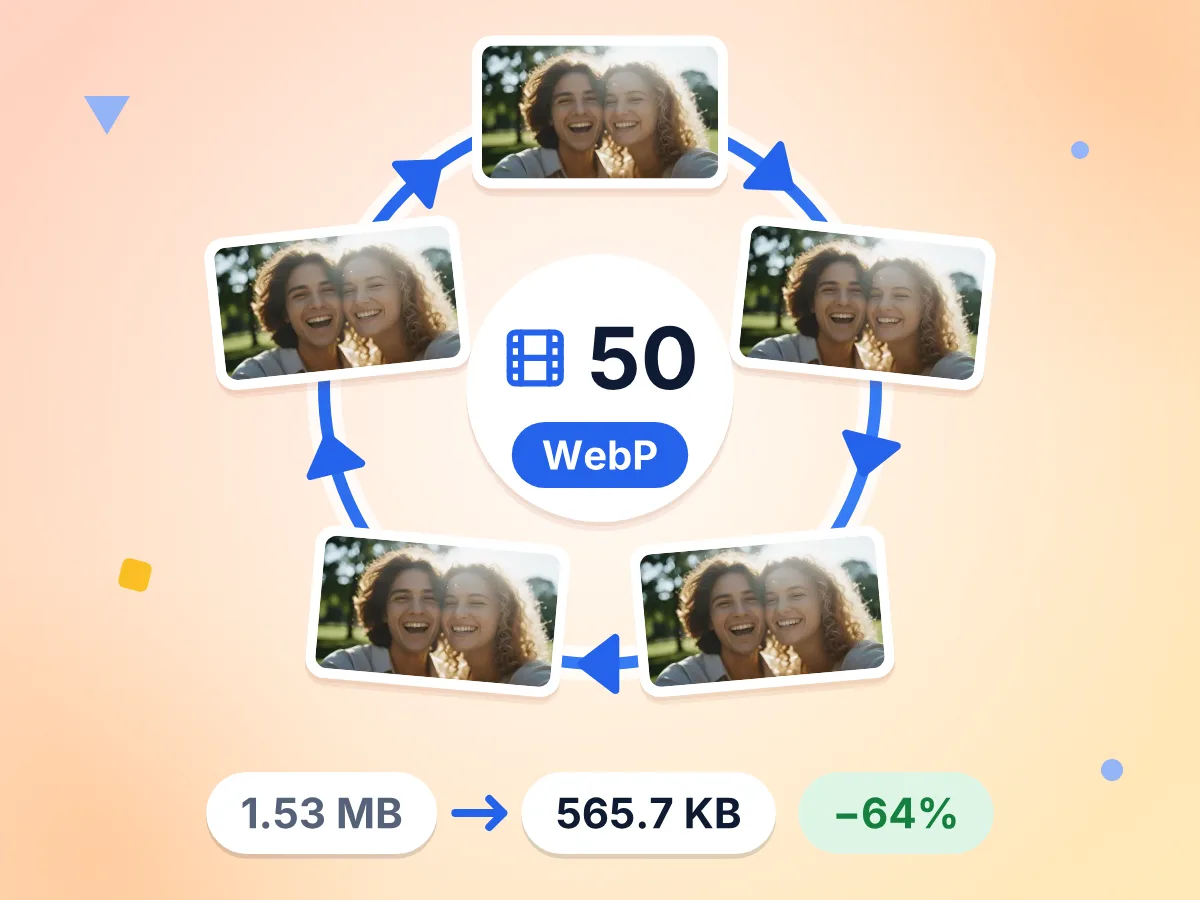
Compress Animated WebP, Keep Every Frame
Every frame is kept when you compress an animated WebP. Quality, resize and target size apply to all frames, so the loop plays as before in a much smaller file.
- 1.53 MB to 565.7 KB at quality 75
- All 50 frames kept at 480 × 270
- Up to 6 quality tries per target
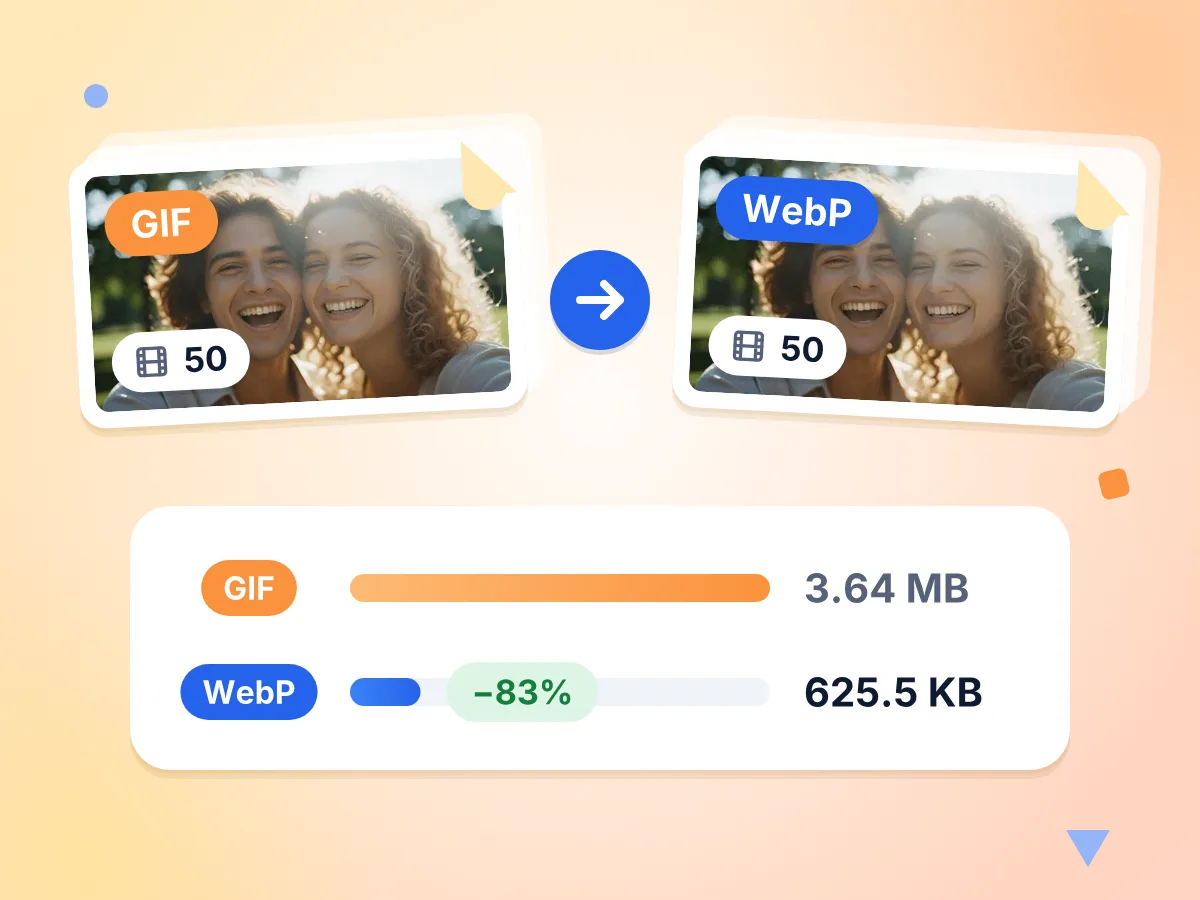
Turn Heavy GIFs Into Animated WebP
Drop in an animated GIF and it comes back as an animated WebP with every frame kept. In our test, a 3.64 MB GIF became a 625.5 KB WebP.
- WebP output is already picked
- All 50 frames kept, 83% smaller
- Transparent areas stay clear
Aim for a Size Like 100KB
Enter a limit in KB or MB, or pick a preset from 100 KB to 1 MB. Quality steps down first, and the dimensions shrink only when quality alone falls short.
Lossless When Every Pixel Counts
Switch on Lossless under Advanced to save a pixel-perfect WebP. These files come out larger than lossy ones, so keep the switch for logos, screenshots and sharp line art.
Transparent Backgrounds Stay Clear
See-through areas survive compression when the output is WebP. Logos, stickers and product cutouts keep their clean edges and sit neatly on any page color.
Batch Compress, One ZIP
Add many WebP files at once, up to 50 MB each. Every row shows its status plus old size, new size and percent saved, and the whole batch downloads as one ZIP.
How to Compress a WebP Image
Add your WebP files.
Drop one image or a whole batch on the upload area. The editor opens with WebP already picked as the output format, and each file gets its own row.
Choose quality or a target.
Drag the quality slider, which starts at 75, or enter a target such as 100 KB. Turn on Lossless under Advanced if no pixel may change.
Download the smaller files.
Press Compress, then check the old size, new size and percent saved for each file. Save them one by one or get the whole batch as a ZIP.
Where a Smaller WebP File Helps
Lighter WebP files load faster, fit strict upload limits and keep animations quick to play.
Faster Websites and Blogs
Exported WebP files are often heavier than they need to be. Save them again at a lower quality or cap the longest edge so your pages load sooner.
- Cap hero images at 1920 px on the longest edge
- Keep every product photo under the same KB budget
- Shrink a folder of blog images before adding them to your CMS
Animated Stickers and Banners
Animated WebP files grow fast because each frame adds weight. Compress the whole animation with every frame kept, so it plays quickly in chats and on pages.
- Lighten animated stickers for chat apps and forums
- Shrink looping banners on landing pages and online stores
- Swap a bulky animated GIF for a smaller animated WebP
Upload Forms With a Size Cap
Some forms and marketplaces take WebP but cap each file at a set size. Type that cap as your target and the tool lowers quality until the file fits.
- Profile photos and avatars that must stay under 100 KB
- Marketplace listing photos with a strict per-image limit
- Portfolio and gallery images for sites with small upload caps
Frequently Asked Questions About Compressing WebP
Answers about quality, animation, target sizes and transparency for WebP files.
How do I compress a WebP image without losing quality?
Turn on Lossless under Advanced. The WebP is saved pixel for pixel, though savings are smaller and the quality slider is switched off. For a much smaller file, use lossy quality between 75 and 85 and compare the result with the before and after slider.
Can I compress an animated WebP and keep the animation?
Yes. Every frame is kept, and the quality, resize and target size settings apply to all of them. In our test, a 50-frame animated WebP of 1.53 MB came out at 565.7 KB at quality 75, which is 64% smaller.
How do I compress a WebP to 100KB?
Tap the 100 KB button or type 100KB in the target size box. For a still image the tool tries up to 8 quality levels, then shrinks the width and height if needed. If the file still will not fit, you see the smallest size it reached.
Can an animated WebP get under 100KB?
Often, yes. For animations the tool tries up to 6 quality levels, then shrinks the frames if the file is still too big. Our 1.53 MB, 50-frame test file reached 83.9 KB with all 50 frames kept, at 307 × 173.
Why did my WebP get bigger after compressing?
This happens when the original was saved at a low quality and you compress it at a higher one, or when Lossless is on. Lower the quality slider, or set a target size so the new file has to stay under a limit you choose.
Does a compressed WebP keep its transparent background?
Yes. When the output format is WebP, transparent areas stay clear in both lossy and lossless mode. Switching the output to JPEG fills those areas with a solid color, so keep WebP selected for logos, stickers and cutouts.
Can I turn an animated GIF into a smaller WebP here?
Yes. Drop the GIF in and leave WebP as the output format. It comes out as an animated WebP with every frame kept, and the new file is often much smaller than the GIF, so it loads faster on pages and in chats.
What quality setting works well for WebP?
Start with the default of 75, which suits most photos on web pages. Move up to 85 or 90 for detailed product shots, or down to about 60 for small thumbnails. Check each result with the before and after slider before you download.
Do all browsers support WebP images?
Yes, all modern browsers show WebP images, both still and animated. Some older apps and upload forms still accept only JPEG or PNG. For those, switch the output format to JPEG or PNG in the editor before you compress.
Should I keep WebP or switch to AVIF or JPEG?
Keep WebP for most websites, since it handles photos, transparency and animation in one format. Try AVIF when you want an even smaller still image and your audience uses current browsers. Pick JPEG when a form or app rejects WebP.
Is this WebP compressor free, and do I need an account?
It is free, with no account, no watermark and no daily cap. Your WebP files are processed by your own browser on your computer or phone, and the finished files go straight to your downloads.
Explore More Tools
Discover other free tools that work great alongside this one
JPEG Compressor
Shrink JPG photos with a quality slider or KB target
PNG Compressor
Cut PNG size with fewer colors, transparency kept
GIF Compressor
Make animated GIFs smaller and keep every frame
Image Compressor
Reduce file size without losing quality
Image Resizer
Resize images to exact dimensions
Image Converter
Convert between 30+ image formats