

Free AVIF to JPG Converter
Convert AVIF to JPG for free, one picture or a whole batch. Images saved from websites become standard JPGs that open in photo viewers, Word and upload forms, and they stay on your device.
Drop your images here
AVIF
Max file size: 100 MB · Multiple files supported
How to Convert AVIF to JPG Online
Add your AVIF files.
Drop them on the box above or tap Choose images. Add one file or a whole batch, each up to 100 MB.
Check your settings.
JPG is already picked as the output. Leave Quality at 90 or drag the slider, set a Resize size if you need one, then press Convert All.
Save your JPGs.
Use the download button on each file, or press Download All to get one ZIP for two or more files. The AVIF originals are not changed.
AVIF vs JPG/JPEG: What Changes
Understanding the differences between AVIF and JPG/JPEG helps you choose the right format for your needs.
| Specification | AVIF | JPG/JPEG |
|---|---|---|
| Compression | Lossy/Lossless | Lossy |
| Quality | Excellent | Good to Excellent |
| Transparency | Yes | No |
| Animation | Yes | No |
| File Size | Very Small | Small to Medium |
Why convert from AVIF?
- Slow encoding speed
- Limited support in older browsers
- Not yet widely adopted by image editors
Why choose JPG/JPEG?
- Excellent compression for photographs
- Universal browser and device support
- Small file sizes
When to use AVIF
When targeting modern browsers and need the smallest possible file sizes with excellent quality.
When to use JPG/JPEG
When you need small file sizes for photographs or complex images with many colors.
AVIF to JPG Conversion Features
Save AVIF pictures as JPGs at their full size, one file or many at a time. No account, no watermark and no daily cap.
Convert AVIF Images to JPG
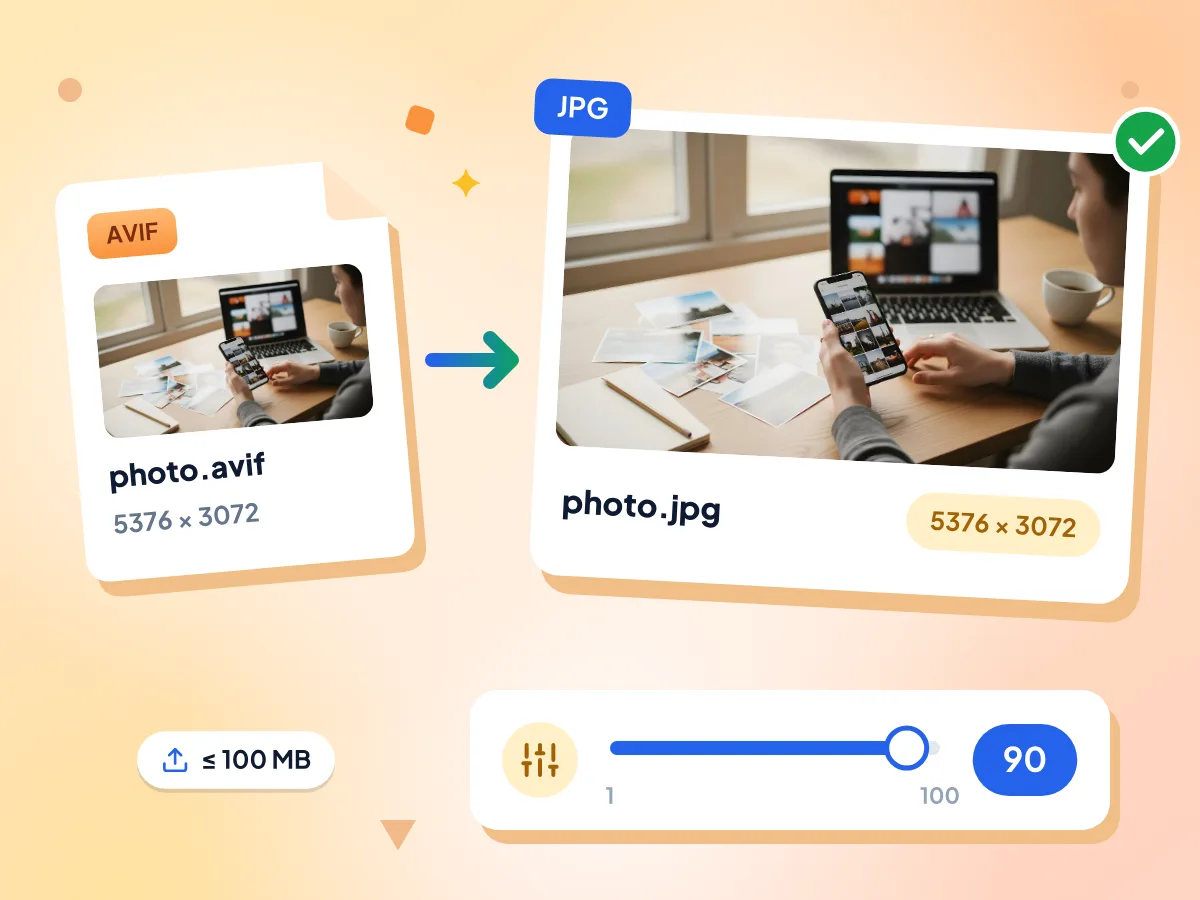
Drop an AVIF saved from a website or exported from an editor, and get a standard JPG back at the same width and height. Quality starts at 90 and goes up to 100.
- Accepts .avif files up to 100 MB
- Keeps the full image resolution
- Quality slider from 1 to 100
Bulk Convert AVIF to JPG
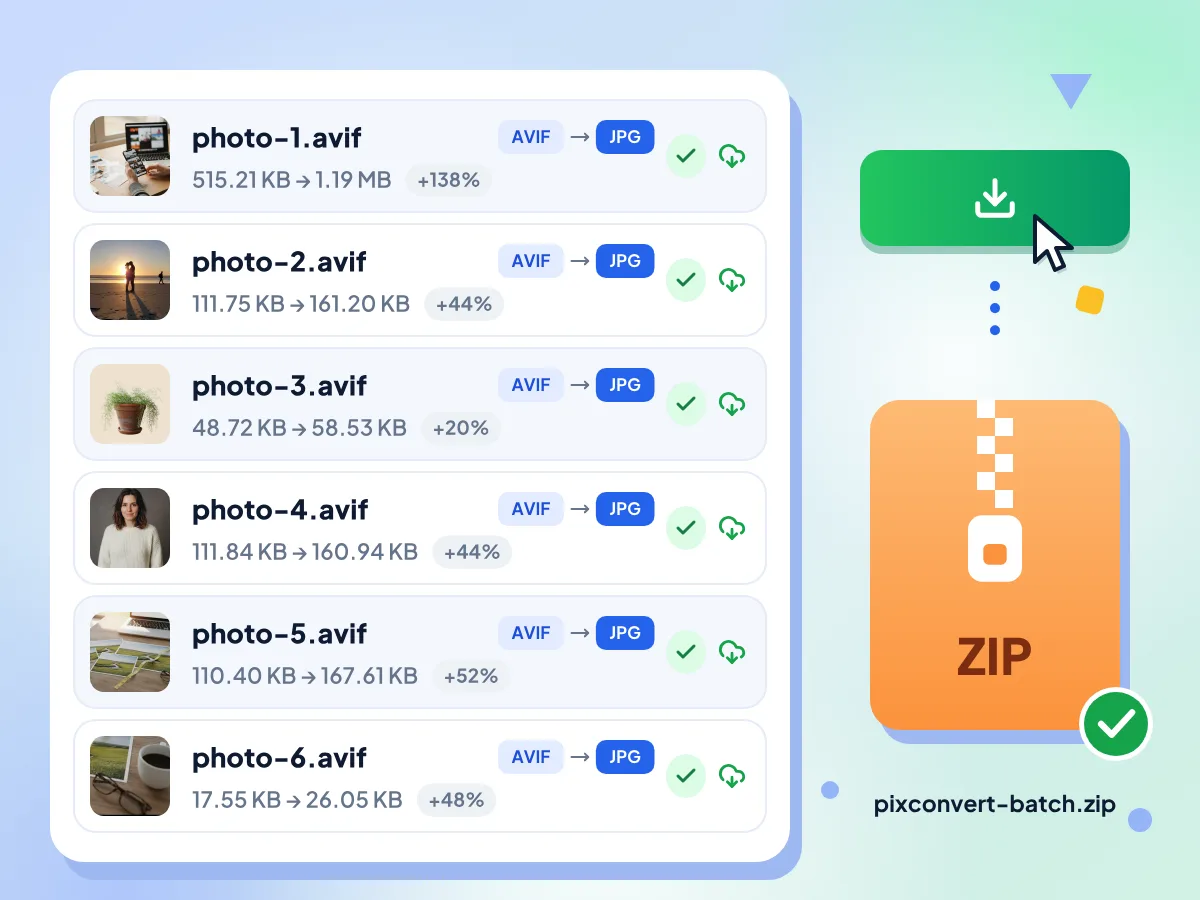
Pick dozens of AVIF images at once and press Convert All. Each one is processed in turn with the same settings, then Download All packs every JPG into a single ZIP file.
- No set limit on files per batch
- Download All makes one ZIP
- Each file shows its new size
Pick the Background Color
JPG can't store transparency, so clear parts of an AVIF are filled with white. Advanced opens on its own here, so pick another Background color there if your logo or cutout needs one.
AVIF to JPG Conversion FAQs
Answers to common questions about converting AVIF images to JPEG
How do I convert AVIF to JPG for free?
Add your .avif files to the box at the top of this page, keep JPG as the output and press Convert All. It costs nothing, there's no account to create, and you can run as many batches as you like. One file saves as a JPG; a batch can save as a ZIP.
Can I convert AVIF to JPG without losing quality?
Not fully, because JPG always compresses a little, but you can get very close. Move Quality from the default 90 up to 100 before converting. The width and height stay the same unless you set Resize. If you need an exact copy, pick PNG in the format menu instead.
Can I bulk convert AVIF to JPG with no limit?
Yes. There is no daily cap and no fixed number of files per batch, and each AVIF can be up to 100 MB. Pictures are processed one at a time, so a very large batch is limited by your device's memory. If the tab slows down, split the batch in two.
Why is my JPG bigger than the AVIF file?
AVIF fits the same picture into far fewer bytes than JPG, so the JPG usually grows. In our test, a 515 KB AVIF photo of 5376 by 3072 pixels became a 1.19 MB JPG at quality 90. Lower Quality or use Resize if the file must be smaller.
What happens to transparent parts of an AVIF?
JPG has no transparency, so clear areas are filled with a solid color, white by default. You can choose another Background color under Advanced before converting. To keep the see-through areas, choose PNG or WebP from the format menu, since both keep the alpha channel.
Why won't my AVIF file open on my computer?
Some photo viewers and older apps have no AVIF decoder, so they show an error or a blank picture. Converting the file here gives you a JPG those apps can open. This page reads AVIF on its own, so you don't need to install a codec or plugin first.
Can I convert an animated AVIF to JPG?
You get one still JPG made from the first frame, because JPG can't store animation. The converter doesn't show a notice for animated AVIF files, so check the result if your file moves. For a thumbnail or preview image, that single frame is usually what you need.
How do I convert AVIF to JPG on a Mac?
Open this page in your Mac's web browser, add the AVIF files and press Convert All. Nothing needs to be installed. A single file downloads as a JPG, and two or more can be saved together as one ZIP with Download All.
Do I need to sign up, and will there be a watermark?
No account and no watermark. You can start as soon as the page loads, and every JPG downloads clean, keeping the AVIF's file name with a .jpg ending. The image engine downloads once on first use, then your browser keeps it.
Are my AVIF images sent to a server?
No. Decoding the AVIF and writing the JPG both happen in a background worker inside your browser tab, so the pictures never travel to our servers. We do record simple usage stats, like how long the editor stayed open, but those never include file names or image data.
Why Convert AVIF to JPG?
Web Users & Developers:
- Open pictures saved from websites in apps that reject .avif files
- Supply JPG fallbacks for AVIF web assets that need to work in legacy browsers
- Upload product photos to shops and forms that only take JPG
Photographers & Content Creators:
- Send AVIF exports to clients as JPGs that open on any computer
- Resize a whole batch to one width before emailing it
- Submit work to stock sites and contests that require JPG files
Everyday Users:
- Open an AVIF you received when your photo viewer won't show it
- Print an AVIF photo at a photo kiosk that only accepts JPG or JPEG
- Convert AVIF screenshots or graphics to JPG for inserting into Word or Google Docs
Explore More Tools
Discover other free tools that work great alongside this one