

Compress JPEG Images Free
Compress JPEG photos to a smaller file size right in your browser. Set a quality level or a target like 100KB, then download. Your files never leave your device.
Drop your JPEG files here
or click to browse. JPG and iPhone HEIC photos, up to 50 MB each.
How This JPEG Compressor Shrinks Your Photos
JPEG output is already picked, so you only decide how small. Use the quality slider, a KB target or a pixel limit, one photo or many.
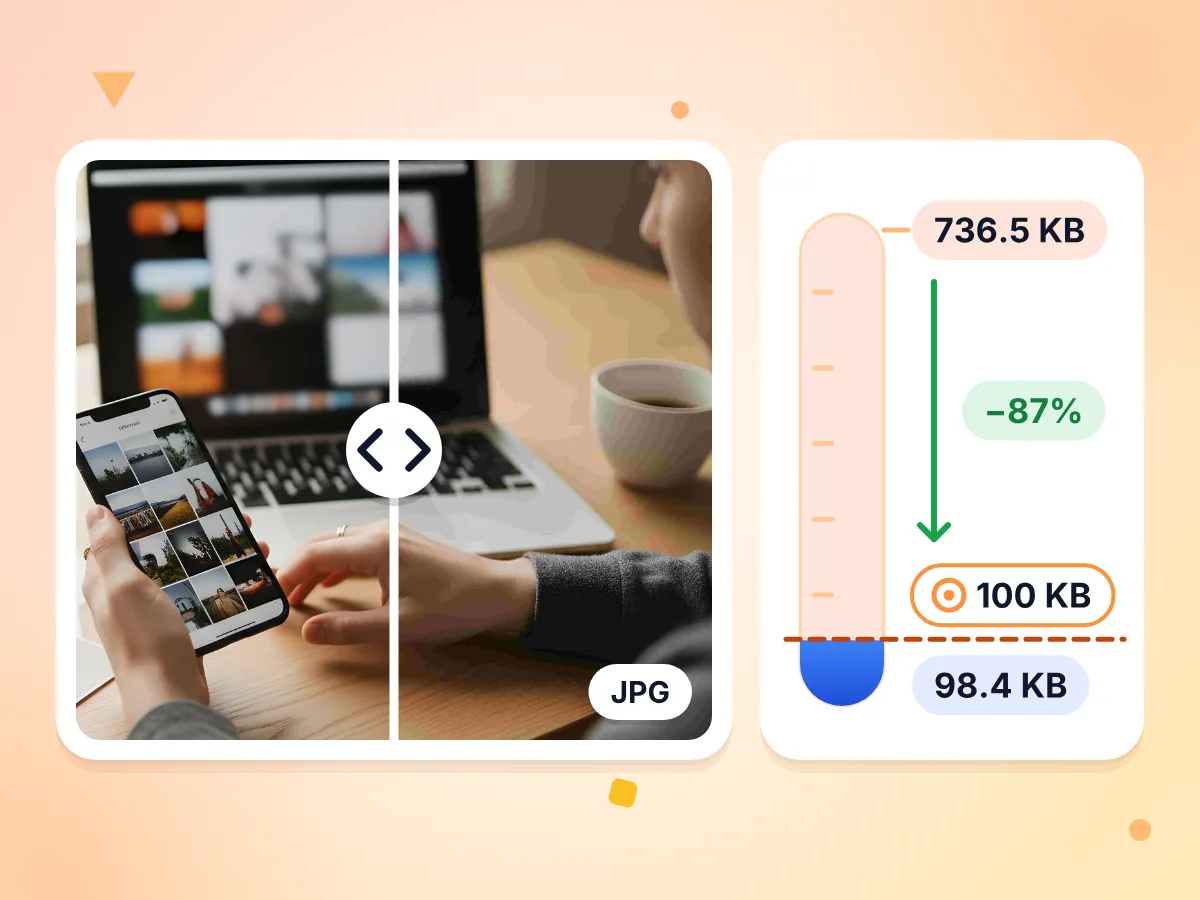
Compress JPEG Under a KB Limit
Type a size in KB or MB, or tap 100 KB, 250 KB, 500 KB or 1 MB. The JPEG compressor keeps the highest quality that fits, and shrinks the dimensions only if it must.
- Tries up to 8 quality levels
- Shows the size reached if it won't fit
- 736.5 KB photo cut to 98.4 KB
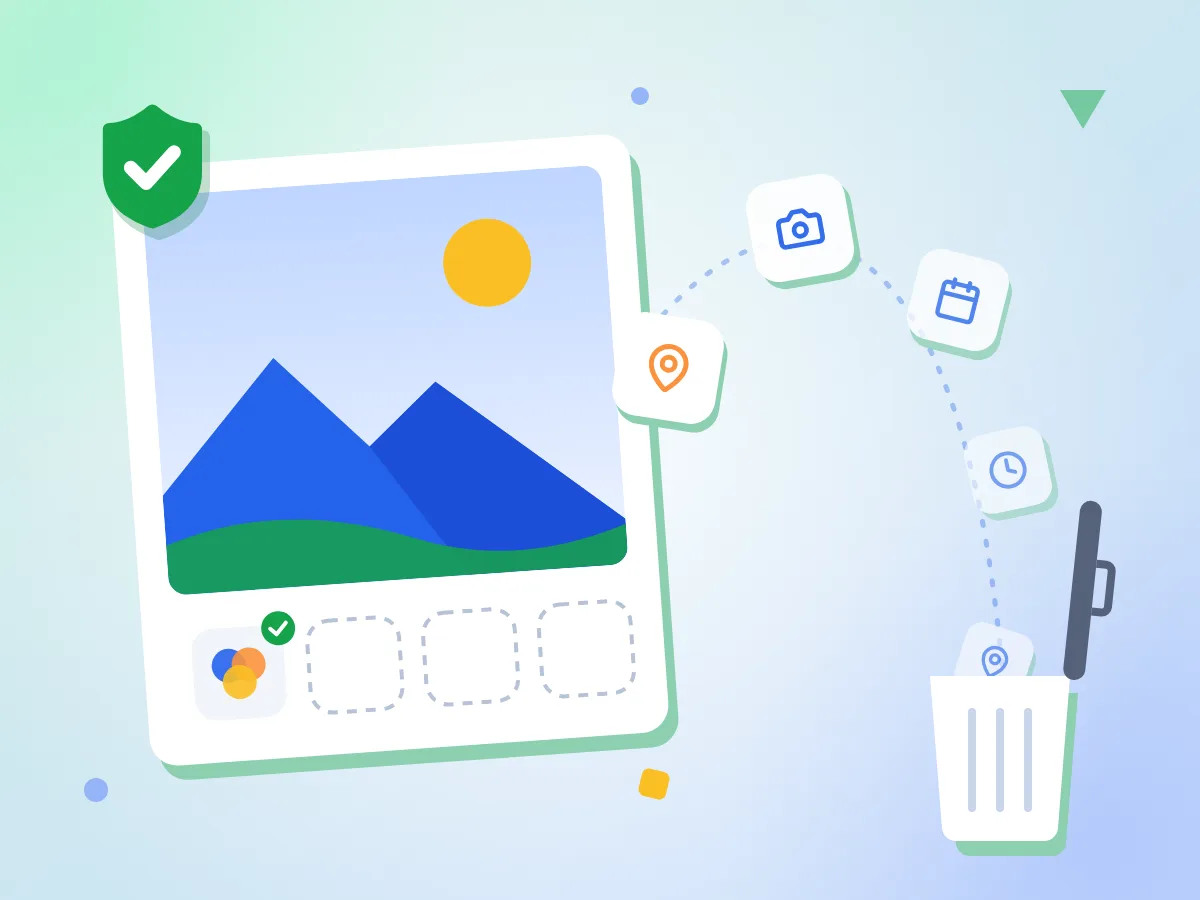
Remove GPS and Camera Data From JPEGs
Strip metadata is on by default, so EXIF details, GPS location and XMP are dropped. The color profile stays, and sideways photos are turned upright before saving.
- Strip metadata is on by default
- Removes EXIF, GPS location and XMP
- Keeps the color profile and fixes rotation
JPEG Output Is Preset
Upload and the editor opens with JPEG already chosen as the output. Need a different format later? Switch to Original, PNG, WebP, AVIF or GIF in the same panel.
Quality From 1 to 100
Start at the default of 75 and drag lower for smaller files. For photos, 70 to 80 is a common sweet spot between file size and visible detail.
Progressive JPEG Built In
Progressive JPEGs show a soft full preview that sharpens as they load, instead of drawing from the top down. It is on by default and can be turned off under Advanced.
Compress a Whole Batch
Add many JPEGs at once, up to 50 MB each. Every photo gets a status line, then shows its old size, new size and percent saved. Save them singly or as one ZIP.
How to Compress a JPEG in 3 Steps
Add your JPEG files.
Drop one photo or many onto the upload box, or click to pick them. The editor opens with JPEG output already selected.
Choose how small.
Drag the quality slider, or type a target size like 150KB. Add a max edge under Resize if the image also needs fewer pixels.
Compress and download.
Check the old size, new size and percent saved, drag the before and after slider to spot artifacts, then save each file or one ZIP.
When You Need a Smaller JPEG
JPEG is the format most cameras and upload forms expect, so it is usually the file that turns out too big.
Online Forms With a Size Cap
Job portals, exam boards and visa sites often reject photos over 100KB or 200KB. Type the limit into the target box and the tool picks the quality that fits.
- Passport-style photos and signature scans for applications
- Scanned certificates saved as JPEG for exam portals
- ID card photos for account sign-ups and verification checks
Sharing iPhone Photos
iPhone HEIC photos come out of this tool as small JPEGs that almost any phone, computer or website can open. Handy when a friend or a form cannot read HEIC.
- Turn a camera roll export into small JPEGs in one pass
- Send photos to apps and PCs that cannot open HEIC
- Remove GPS location before you post photos online
Product and Listing Photos
Shops and marketplace listings load faster with lighter photos. Cap the longest side at 1920 px or less and set quality around 75 for clean product shots.
- Shrink camera shots before adding them to a store listing
- Fit large product photos under a marketplace upload limit
- Keep originals apart with the -compressed filename suffix
Questions About Compressing JPEG Files
Quality settings, size limits and what happens to your photos when you compress a JPEG.
What quality setting should I use to compress a JPEG?
Start between 70 and 80 for most photos. The default here is 75. Go toward 60 for thumbnails or tight upload limits, then use the before and after slider to check skin, sky and small text for blocky patches before you download.
How do I compress a JPEG to 100KB or 200KB?
Type 100KB or 200KB in the Target file size box, or tap the 100 KB preset, then compress. The editor tries several quality levels and keeps the highest one that fits. If the lowest quality is still too large, it shrinks the width and height bit by bit until it lands under your limit.
Can I compress a JPEG without losing quality?
Not entirely, because JPEG is a lossy format and every save drops some detail. At quality 75 to 85 the loss is usually hard to see at normal viewing size. If you need every pixel kept exactly, save the image as PNG instead, though the file will be larger.
Does compressing a JPEG change its width and height?
No, not unless you ask for it. Resize is set to None by default, so the pixel size stays the same. Pick Max edge or Percent to make it smaller. The one exception is a target size so low that quality alone cannot reach it.
Why does my compressed JPEG look blocky?
Blocky squares and smudged edges are JPEG artifacts. They show up when quality is set too low or when a photo has already been saved as JPEG several times. Raise the quality slider, or start from the original photo rather than a copy that was compressed before.
What is a progressive JPEG, and should I leave it on?
A progressive JPEG loads as a soft full image that gets sharper, rather than appearing line by line from the top. Most browsers and apps open it fine, so leaving it on is a safe choice. Turn it off under Advanced if an old system rejects the file.
Should I keep my photo as JPEG or switch to WebP?
Keep JPEG when the file goes to a form, an email or an old app. Nearly everything opens it. WebP and AVIF often make smaller files at the same quality. You can switch to either in this editor if the site you share to takes them.
How do I compress JPEG photos on an iPhone or Mac?
Open this page in Safari or another modern browser and add photos from your library or Files. There is nothing to install. iPhone HEIC photos are saved as JPEG automatically, since JPEG is the preset output on this page.
Is it safe to compress JPEG photos here without an account?
Yes. You never sign up, and every photo is processed by your own browser and saved to your downloads, so it never leaves your device. That makes it a fit for ID photos, signatures and family pictures, with no watermark on any file.
Explore More Tools
Discover other free tools that work great alongside this one
PNG Compressor
Cut PNG size with fewer colors, transparency kept
GIF Compressor
Make animated GIFs smaller and keep every frame
WebP Compressor
Shrink WebP images, animated ones stay animated
Image Compressor
Reduce file size without losing quality
Image Resizer
Resize images to exact dimensions
Image Converter
Convert between 30+ image formats