

Free Online PDF Converter
Convert PDF documents to high-resolution JPG or PNG images, or turn photos into PDF files. Fast browser processing with zero uploads.
Drop your PDF here
Max file size: 500 MB · Multiple files supported
How to Convert a PDF in 3 Steps
Add your PDF files.
Drag one or more PDFs onto the box, or click to choose them. Each file can be up to 500 MB, and the converter opens as soon as they load.
Pick a format for each file.
Choose Compressed PDF, JPG, JPEG or Text (.txt) next to each PDF. On a computer, the side panel also sets the compression level and JPG quality.
Convert and download.
Click Convert All. Files run one after another and show Done with their new size. Save each one, or click Download All for a single ZIP.
What This Free PDF Converter Does
Turn PDFs into smaller PDFs, JPG page images or plain text files. Pick a format for each file and convert a whole batch in one go.
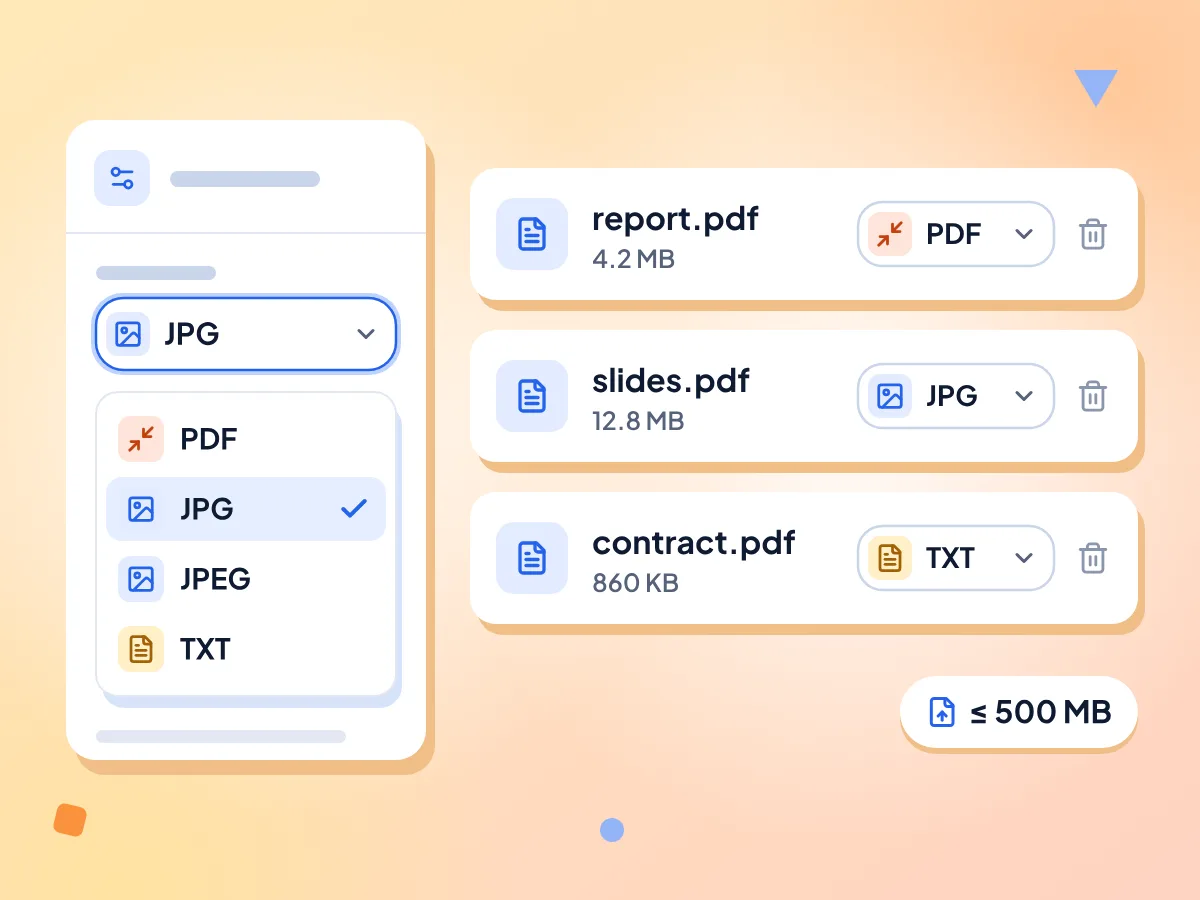
Choose an Output Format for Each PDF
Each PDF has its own Convert to menu: Compressed PDF, JPG, JPEG or Text (.txt). Mix them in one batch, or on a computer set one format for every file in the side panel.
- Compressed PDF, JPG, JPEG or Text
- One menu sets every file at once
- Up to 500 MB per PDF
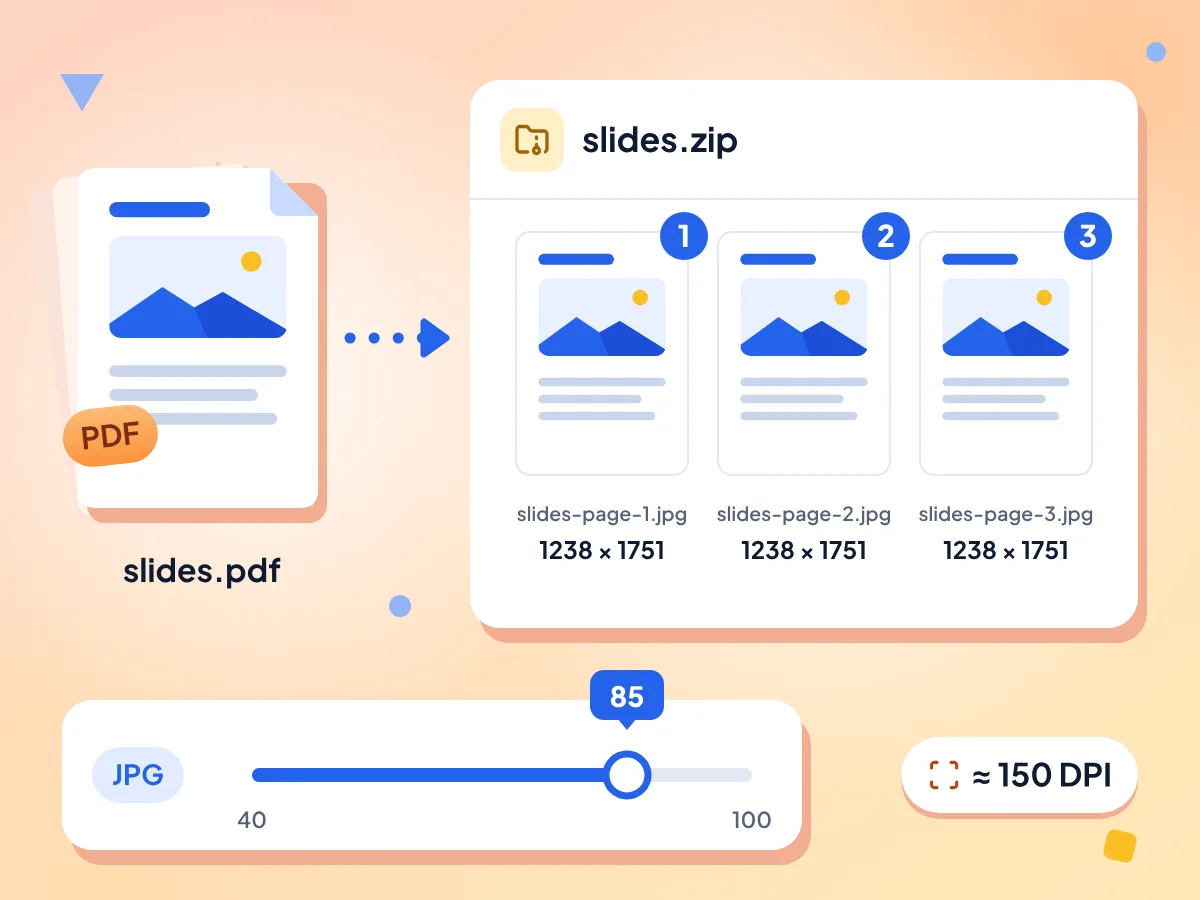
Save Every PDF Page as a JPG
Each page is drawn at about 150 DPI and saved as its own JPG. Set JPG quality from 40 to 100. A PDF with several pages downloads as one ZIP of numbered images.
- About 150 DPI for every page
- JPG quality 40 to 100, default 85
- Multi-page PDFs save as a ZIP
Your PDFs Stay on Your Device
PDFs are opened and converted inside this browser tab, and results save straight to your downloads. There is no account to create and no watermark on the output.
One ZIP for the Whole Batch
Each finished file shows Done with its new size and a Download button. Download All saves a single file directly, or packs several results into pdf-converter.zip.
Shrink PDFs at Three Levels
Compressed PDF redraws each page as an image. Low keeps the most detail and High makes the smallest file. Text can't be selected afterward. If the result would be bigger, you get the original back.
Extract PDF Text to TXT
Text (.txt) copies the words stored in the PDF into a plain UTF-8 file, with a blank line between pages. Scanned pages without a text layer come out empty.
Frequently Asked Questions About the PDF Converter
Answers about output formats, compression levels, JPG pages, text files and limits.
How do I convert a PDF for free?
Drop one or more PDFs on the box above, choose Compressed PDF, JPG, JPEG or Text (.txt) next to each file, then click Convert All. When a file shows Done, download it, or grab the whole batch with Download All. It costs nothing and needs no account.
What can this PDF converter turn a PDF into?
Three things: a smaller PDF, a JPG picture of every page, or a plain text (.txt) file. JPG and JPEG give the same image with a different file ending. The converter only takes PDF files in, so use Image to PDF to go the other way.
Can I convert a PDF to Word or Excel?
Not with this tool. It can't make DOCX or XLSX files. The closest option is Text (.txt), which keeps the words but drops fonts, tables, columns and pictures. You can paste that text into Word or a spreadsheet and format it there.
What do the Low, Medium and High compression levels do?
Each level redraws the pages as JPEG pictures, so text can't be selected afterward. Low keeps the most detail, Medium is the default, and High makes the smallest file. For a target file size or selectable text, use the PDF Compressor.
What size are the JPG images made from each page?
Pages are drawn at about 150 DPI, so an A4 page becomes roughly 1238 × 1751 pixels and a US Letter page 1273 × 1647. Quality is 85 unless you move the slider, which runs from 40 to 100. For PNG files or 300 DPI, use PDF to Image instead.
Why is my TXT file empty or jumbled?
The text option only copies words that are stored in the PDF. A scanned page is just a picture, so it gives nothing. For scans, save the pages as JPG here, then read them with Image to Text. Words on a page are joined with spaces, so columns and tables run together.
Can I convert multiple PDF files at once?
Yes. Add as many PDFs as you like, each up to 500 MB, and give each one its own format. They convert one after another. Download All packs the results into one ZIP. A multi-page JPG result is already a ZIP, so it sits inside as a ZIP of its own.
Is this PDF converter free, and is there a limit?
Yes, it's free, with no account, no daily cap and no watermark. The only hard limit is 500 MB per PDF. Very long or image-heavy PDFs need a lot of memory while they convert, so they can fail on phones and older computers.
Why does my PDF show Error?
A red Error badge usually means the PDF needs a password to open, or the file is damaged. The reason isn't shown yet. If you know the password, remove it with our PDF password remover, then add the file again. The other PDFs in the batch keep converting either way.
Can I use this PDF converter on my phone?
Yes. Add your PDFs, pick a format in each file's menu, then tap the convert button in the top bar. On screens narrower than 1024 pixels the settings panel is hidden, so compression stays at Medium and JPG quality at 85.
Is it safe to convert private PDFs with this tool?
Yes. Your PDFs are read and converted inside this browser tab and are not sent to our servers. The page fetches a PDF reading script from cdnjs, a public file host, and Google Analytics counts page visits. Neither one receives your files, their names or their text.
When a PDF Converter Helps
For Students and Researchers
Save the text of an article PDF to quote or search it, or turn lecture slides into page images you can flip through on a phone.
- Save article text as a .txt file for notes
- Turn lecture slide PDFs into numbered JPG pages
- Shrink a scanned assignment before you submit it
For Office and Admin Work
Cut the size of reports before you email them, or pull the wording out of a contract to paste into a message.
- Shrink several reports in one batch on Medium
- Turn a one-page flyer PDF into a single JPG
- Copy a contract's wording into an email from the TXT
For Sharing and Posting
Some apps and sites won't show a PDF. Turn its pages into JPG images, or send a smaller copy that is easier to email.
- Post PDF pages as JPG images on social media
- Send page images in chat apps that don't preview PDFs
- Email a smaller copy of a large PDF
Explore More Tools
Discover other free tools that work great alongside this one