

Free HEIC Converter
This free HEIC converter turns iPhone and iPad photos into JPG, PNG, WebP and many other image formats. Convert one photo or a whole batch with no sign-up, and your photos stay on your device.
Drop your images here
JPG, PNG, WebP, GIF, SVG and more
Max file size: 100 MB · Multiple files supported
How to Use the HEIC Converter
Add your HEIC photos.
Drop them on the box above or tap Choose images. You can add .heic and .heif files, even mixed with PNG or WebP images, up to 100 MB each.
Pick the output format.
JPG is already selected. Change it in a photo's menu or press Apply to all files, set Quality or Resize if you like, then press Convert All.
Download your photos.
Save each file with its own button, or press Download All to get every converted photo in one ZIP. Your HEIC originals are not changed.
About HEIC/HEIF Format
A modern image format developed by the MPEG group that uses HEVC compression to deliver excellent quality at roughly half the file size of JPEG.
Advantages
- Exceptional compression efficiency
- Supports both lossy and lossless compression
- Stores multiple images, depth maps, and HDR data
- Supports transparency and image sequences
Disadvantages
- Limited browser support outside Safari
- Patent-encumbered HEVC codec
- Not natively supported on Windows without extensions
- Limited compatibility with web platforms
Technical Specifications
Best Use Cases
Why Use Our HEIC Converter?
Change HEIC photos into formats that open on any computer or phone, at full resolution, one at a time or in bulk, with no watermark or daily limit.
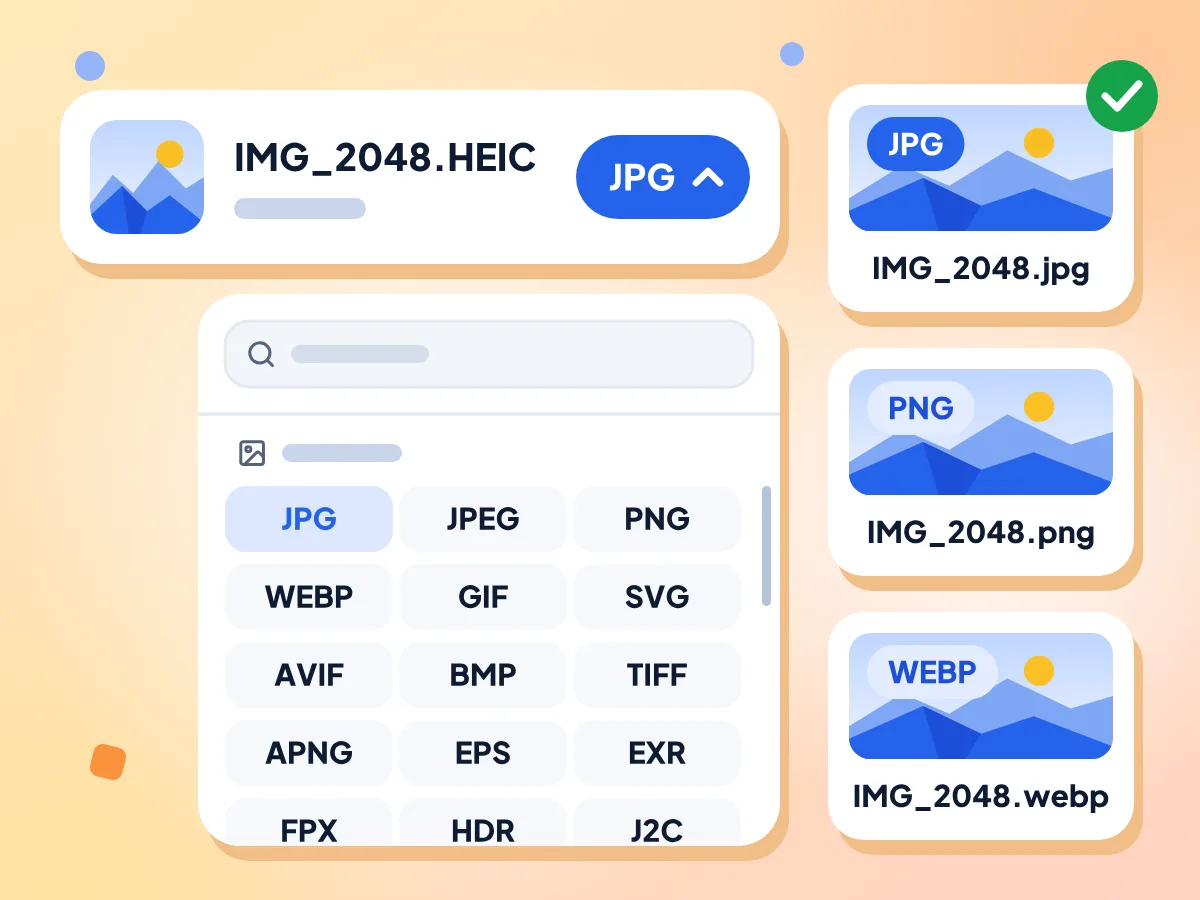
Pick JPG, PNG, WebP and More
JPG is selected for every photo, since almost any phone, computer or website opens it. Open a photo's format menu to pick PNG, WebP, AVIF, TIFF, GIF or another format instead.
- JPG is preselected for every photo
- Over 20 image formats in the menu
- Reads both .heic and .heif files
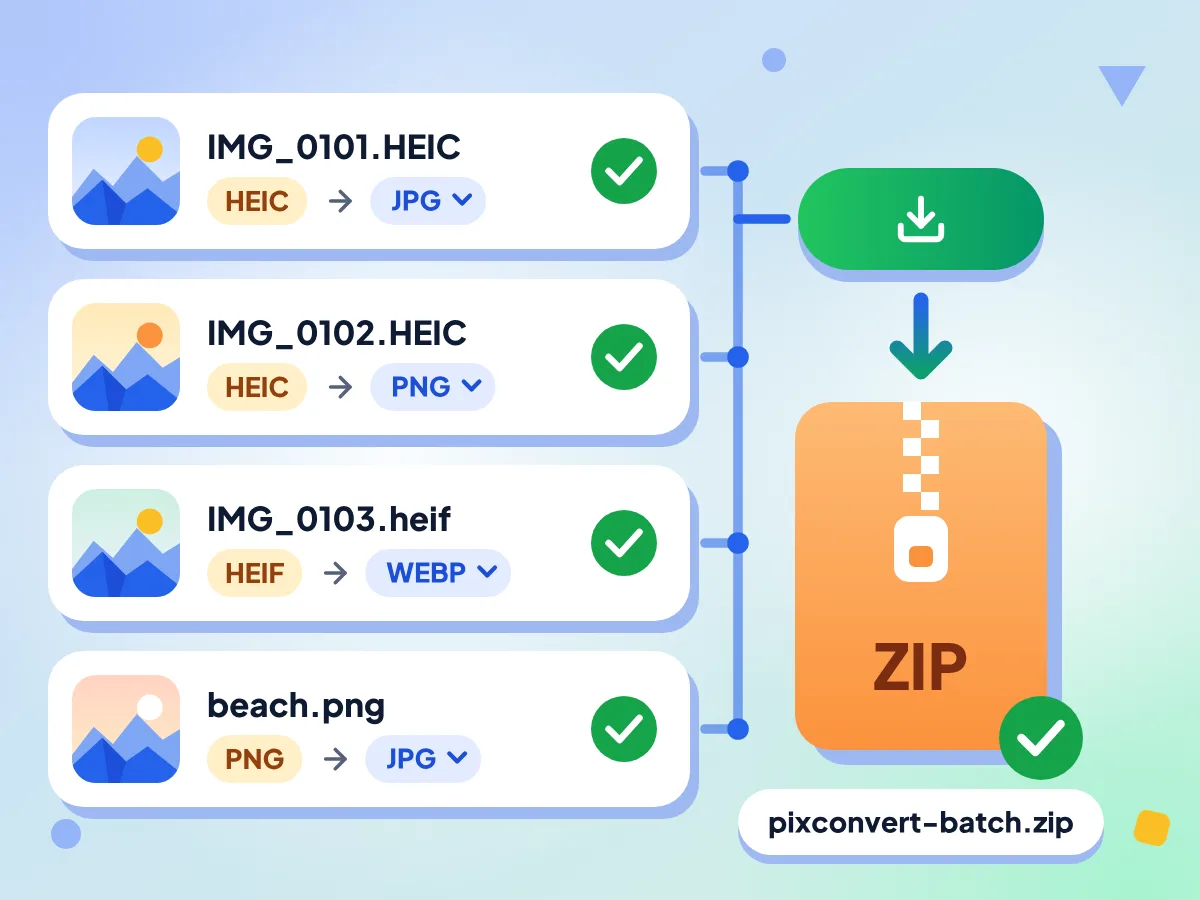
Batch Convert HEIC Photos in One Go
Add a batch of phone photos, even mixed with PNG or WebP files. They convert one after another, each can get its own format, and Download All saves them in one ZIP.
- Each photo can get its own format
- Up to 100 MB per file
- Retry a failed photo on its own
No App or Extension Needed
The converter engine loads in your browser the first time you press Convert All, about 14 MB from our site, and later visits reuse it. There is nothing to install on Windows, Mac or Android.
Full Size and True Colors
Photos keep their full resolution unless you set a size under Resize. The color profile stays, so iPhone colors don't look dull, while GPS location and camera details are removed.
HEIC Converter FAQ
Answers to the most common questions about Apple's HEIC photo format and how to convert it.
What is a HEIC file?
A HEIC file is a photo saved in the High Efficiency Image Container format, which iPhones and iPads use for camera shots. It often takes about half the space of a JPG, but many Windows PCs, Android apps and websites can't open it.
What formats can this HEIC converter save to?
It saves to more than 20 image formats, including JPG, PNG, WebP, AVIF, TIFF, GIF and BMP, and JPG is selected at the start. HEIC and PDF are not outputs. To put HEIC photos into a PDF, use the free Image to PDF tool.
Which format should I pick for my HEIC photos?
Pick JPG for sharing and uploads, since almost every device opens it. Pick PNG when you plan to edit the photo and want no further loss, though the file gets much larger. WebP suits websites, and its Quality slider and Lossless switch let you trade size for detail.
How do I open a HEIC file on Windows or Android?
Convert it into a JPG or PNG here, then open the copy in any photo viewer. Windows shows HEIC itself only after you add Microsoft's HEIF and HEVC extensions. This page reads the photo with its own engine, so nothing extra needs installing on your PC or phone.
How do I stop my iPhone from taking HEIC photos?
Open Settings, tap Camera, then Formats, and choose Most Compatible. New photos and videos then save as JPEG and H.264 instead of HEIF and HEVC. Photos you already took stay HEIC, so add those here and convert them in one batch.
Can I convert HEIC to TIFF or AVIF?
Yes. Both are in the format menu, along with JPG, PNG and WebP. TIFF suits printing and photo editors, and AVIF is a newer web format that makes small files. Each has a Quality slider from 1 to 100 that starts at 90.
Can I turn a HEIC Live Photo into an MP4 video?
Not with this tool. It makes still images, so MP4 is not in its menu, and a Live Photo's HEIC should come out as one still picture. If you have the moving part as a separate .MOV file, the free Video Converter can change that clip to MP4.
Does this HEIC converter send my photos to a server?
No. Your photos are decoded and re-saved by a worker inside the browser tab, so the files and their names stay on your device. The first conversion downloads the 14 MB converter engine from our site. We count simple usage, like time spent in the editor, never photo content.
Why is my HEIC file rejected or not converting?
The page takes files ending in .heic or .heif, so HEIF photos saved as .hif by some Canon and Fujifilm cameras are turned away. You can mix HEIC with PNG, WebP and other images in one batch, and a failed photo gets its own retry button.
What are the technical specifications of HEIC?
High Efficiency Image Container (HEIC) uses lossy/lossless compression with excellent quality output. It supports transparency and supports animation. Typical file sizes are small.
When should I use HEIC format?
When working within the Apple ecosystem and need excellent quality at small file sizes. Best use cases include iphone and ipad photography, apple ecosystem workflows, storage-efficient photo libraries. When you need broad web compatibility or cross-platform support.
What are the advantages of HEIC over other formats?
Key advantages of HEIC: Exceptional compression efficiency. Supports both lossy and lossless compression. Stores multiple images, depth maps, and HDR data. Supports transparency and image sequences. However, keep in mind: limited browser support outside safari, patent-encumbered hevc codec.
When Do You Need a HEIC Converter?
For Sharing iPhone Photos:
- Send photos to friends who use Windows PCs or Android phones
- Upload photos to web forms that only take JPG or PNG
- Attach photos to emails that open on Windows and Android
For Websites & Design Work:
- Save product photos as WebP for an online store
- Convert HEIC to PNG before editing or cutting out a background
- Export iPhone shots as TIFF for print or a photo editor
- Make every photo in a batch the same width with Resize
For Windows, Android & Office:
- View HEIC pictures on a PC that has no HEIF support
- Add phone photos to Word, PowerPoint or Google Docs files
- Convert .heif photos as well as .heic
- Prepare photos for print shops that ask for JPG or TIFF
Explore More Tools
Discover other free tools that work great alongside this one
Image Compressor
Reduce file size without losing quality
Image Resizer
Resize images to exact dimensions
Background Remover
Remove image backgrounds and save a transparent PNG
QR Code Generator
Make free QR codes in your colors