

Free HEIF Converter
This free HEIF converter saves .heif and .heic photos as JPG, PNG, WebP, TIFF or another of over 20 image formats. Convert one file or a large batch with no sign-up and no watermark.
Drop your images here
JPG, PNG, WebP, GIF, SVG and more
Max file size: 100 MB · Multiple files supported
How to Convert HEIF Files
Add your HEIF files.
Drop .heif or .heic photos on the box above or tap Choose images. Each can be up to 100 MB, and PNG or WebP images (not JPGs) can join the batch.
Choose an output format.
JPG is set for every file. Change one tile's menu or use Apply to all files, adjust Quality or Resize if you want, then press Convert All.
Download your images.
Save each file on its own, or press Download All to get one ZIP with every converted image. The HEIF files on your device stay unchanged.
Why Convert HEIF With Our Tool?
Open HEIF photos from phones and tablets on any device, at full resolution, with a separate format for each file and no daily limit.
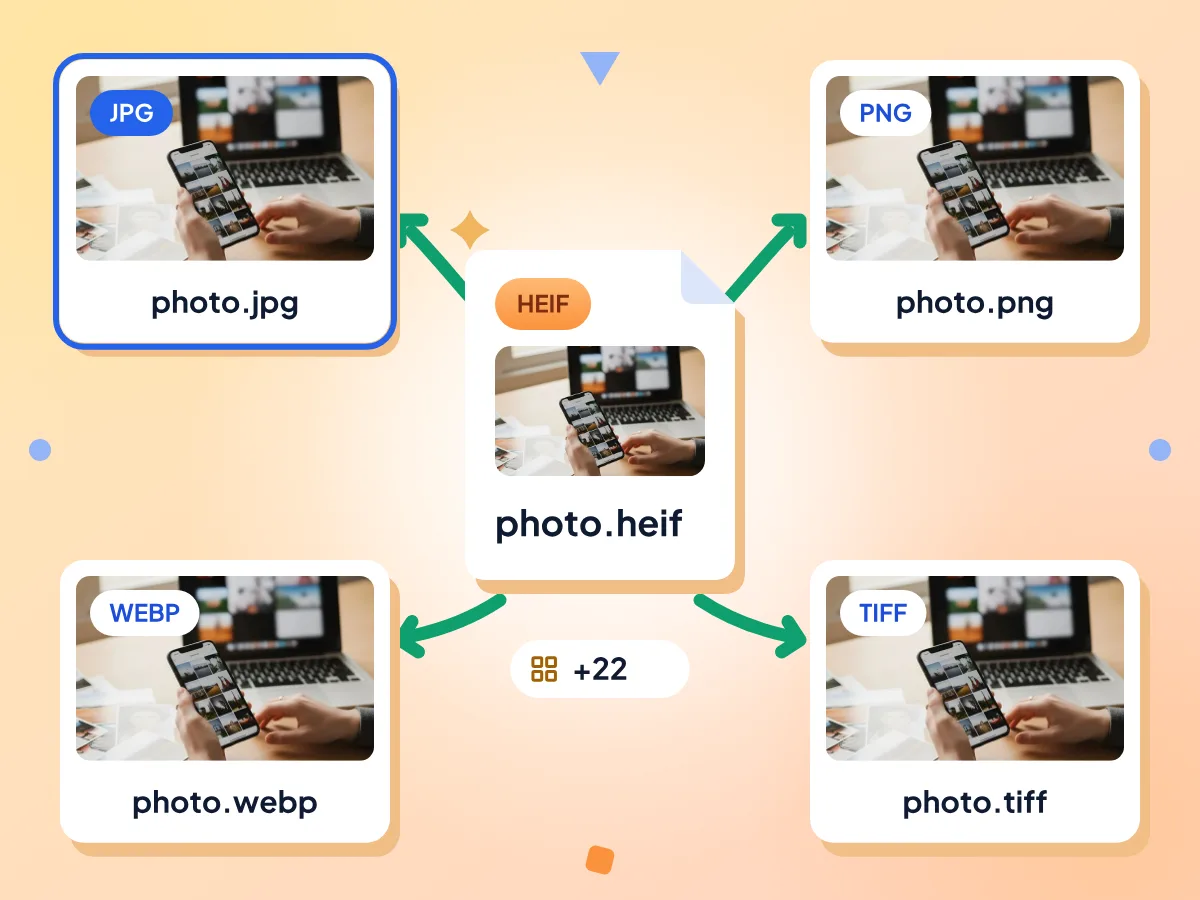
Convert HEIF Photos to 20+ Formats
Every file starts as JPG, which almost any device opens. Open a tile's format menu to choose PNG for editing, WebP or AVIF for websites, TIFF for print, or one of 20 more.
- Every file starts as JPG
- Over 20 image formats to pick
- A separate format for each file
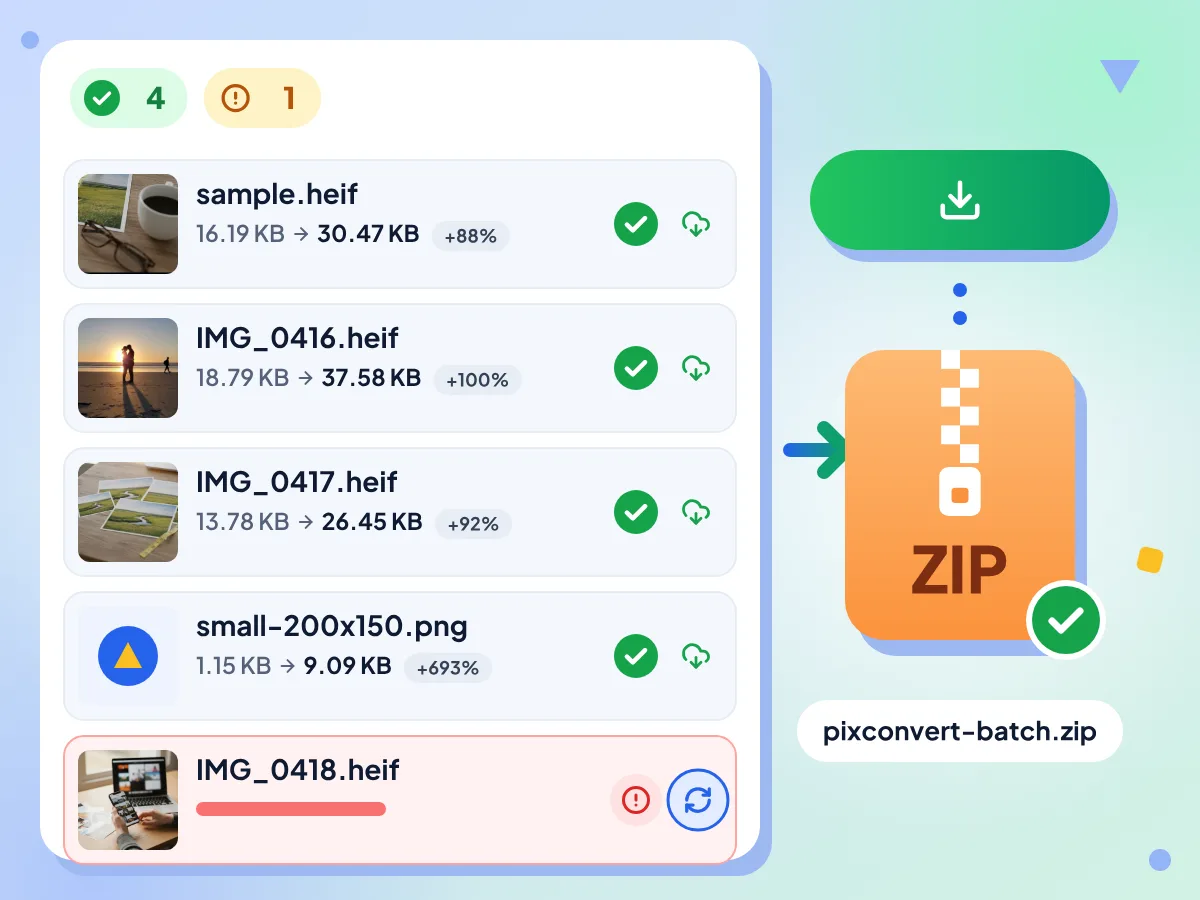
HEIF Batch Conversion in One ZIP
Drop many HEIF photos at once, even mixed with PNG or WebP images. They are converted one by one, a failed file can be retried alone, and Download All saves one ZIP.
- 100 MB limit per file
- Retry any failed file alone
- Download All saves one ZIP
Your Photos Stay on Your Device
The converter engine, about 14 MB, downloads from our site the first time you convert, and your browser reuses it after that. There is nothing to set up on Windows, Mac or Android.
Full Size and 8-Bit Color
Photos keep their width and height unless you use Resize. JPG output keeps the color profile and GPS details are removed, while 10-bit HEIF images are saved at 8 bits per channel.
HEIF Converter: Common Questions
Common questions about the HEIF image container format and how to work with it.
What is a HEIF file?
HEIF, short for High Efficiency Image File Format, is a standard for storing photos in less space than JPG. iPhones save it with a .heic ending, and some Android phones and cameras offer it too. Many older PCs and websites can't open it.
What is the difference between HEIF and HEIC?
HEIF is the container standard, and HEIC is the name for HEIF files whose images use HEVC compression, the kind iPhones make. Both endings hold the same sort of photo, and this converter accepts .heif and .heic files alike.
What can I convert HEIF files to?
More than 20 image formats: JPG, which is chosen at the start, plus PNG, TIFF, GIF, BMP, WebP and AVIF. PDF isn't an output, and Image to PDF doesn't take .heif yet, so convert to JPG here first and then add the JPGs to Image to PDF.
Can this HEIF converter open Sony, Canon or Fujifilm files?
Not yet. Those cameras save HEIF photos with a .hif ending, which the converter doesn't accept, so the files are turned away at upload. Photos ending in .heif or .heic from phones, tablets and other apps work, up to 100 MB each.
Does the HEIF converter keep HDR and 10-bit color?
No. It works at 8 bits per channel, so 10-bit and HDR photos are saved as standard 8-bit images. That suits sharing and the web, but bright HDR highlights may look flatter than they did on the phone.
What happens to HEIF files that hold several images?
A HEIF can store a burst, an image sequence or a depth map next to the main photo. For JPG, PNG and most other outputs, the converter saves one picture, which should be the main image. Extra frames and depth data are not saved as separate files.
Which output keeps the most quality from a HEIF photo?
PNG, because it keeps every pixel, though the file gets several times larger than a JPG. WebP with its Lossless switch on is the other no-loss choice. For JPG, WebP, AVIF and TIFF, raise Quality toward 100 to keep more detail.
Is there a limit on how many HEIF files I can convert?
There's no daily limit and no cap on files per batch, and each file can be up to 100 MB. Files are processed one at a time, so a very long batch on a phone may take a while and use a lot of memory.
Is this HEIF converter safe for personal photos?
Yes. Your HEIF files are read and converted inside the browser tab and are not sent to our servers. The only network step is a one-time engine download from our site. We measure page visits and time in the editor, never what your photos show.
Who Converts HEIF Files?
Android Phone Users:
- Open HEIF photos from an Android phone on any computer
- Share high efficiency pictures with people on older devices
- Upload HEIF photos to sites that take only JPG or PNG
Editors & Web Builders:
- Save HEIF as PNG before editing so later saves add no loss
- Export HEIF photos as WebP or AVIF for a website
- Make TIFF copies for print or page layout work
- Resize a set of HEIF photos to one width in one pass
Windows & Office Users:
- View HEIF pictures on a PC without Microsoft's extensions
- Put HEIF photos into Word or PowerPoint as JPG
- Convert .heic files from an iPhone in the same batch
- Remove GPS location before you share photos at work
Explore More Tools
Discover other free tools that work great alongside this one
Image Compressor
Reduce file size without losing quality
Image Resizer
Resize images to exact dimensions
Background Remover
Remove image backgrounds and save a transparent PNG
QR Code Generator
Make free QR codes in your colors