

Blue Background Photo Maker: Put Any Photo on Blue
Cut the subject out and drop it onto a solid blue background, the colour most ID photos and school portraits ask for. Runs in your browser.
Drop your image here
Supports JPG, JPEG, PNG, and WebP
No photo handy? Try one of these:
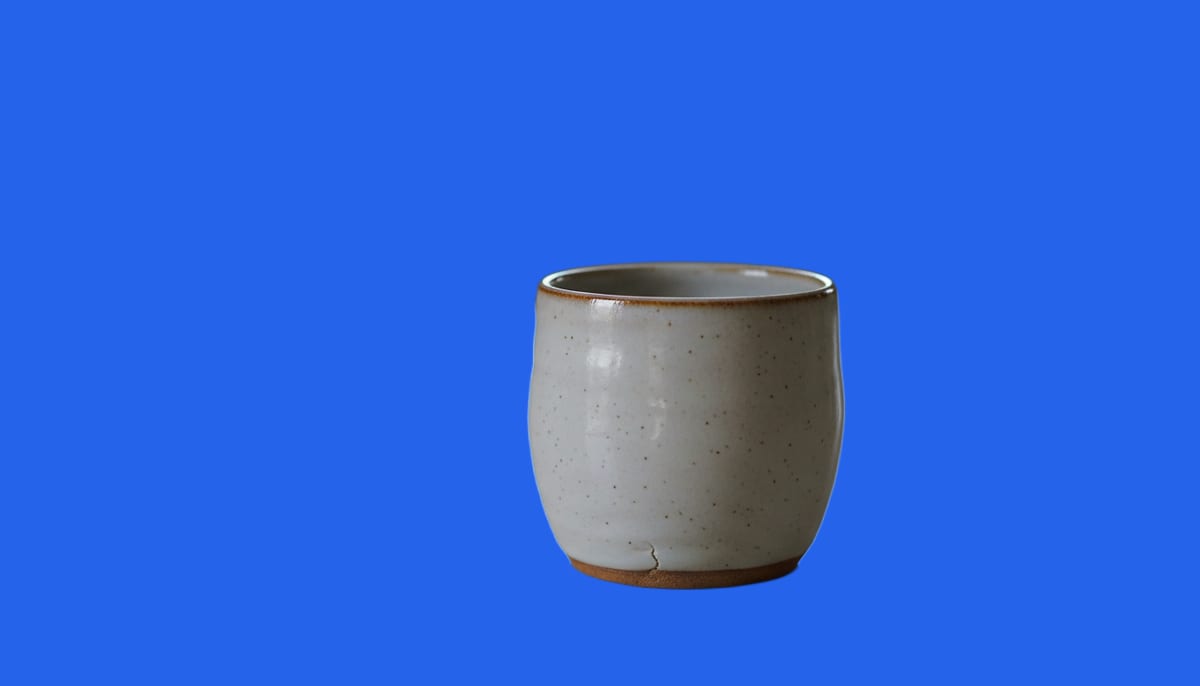
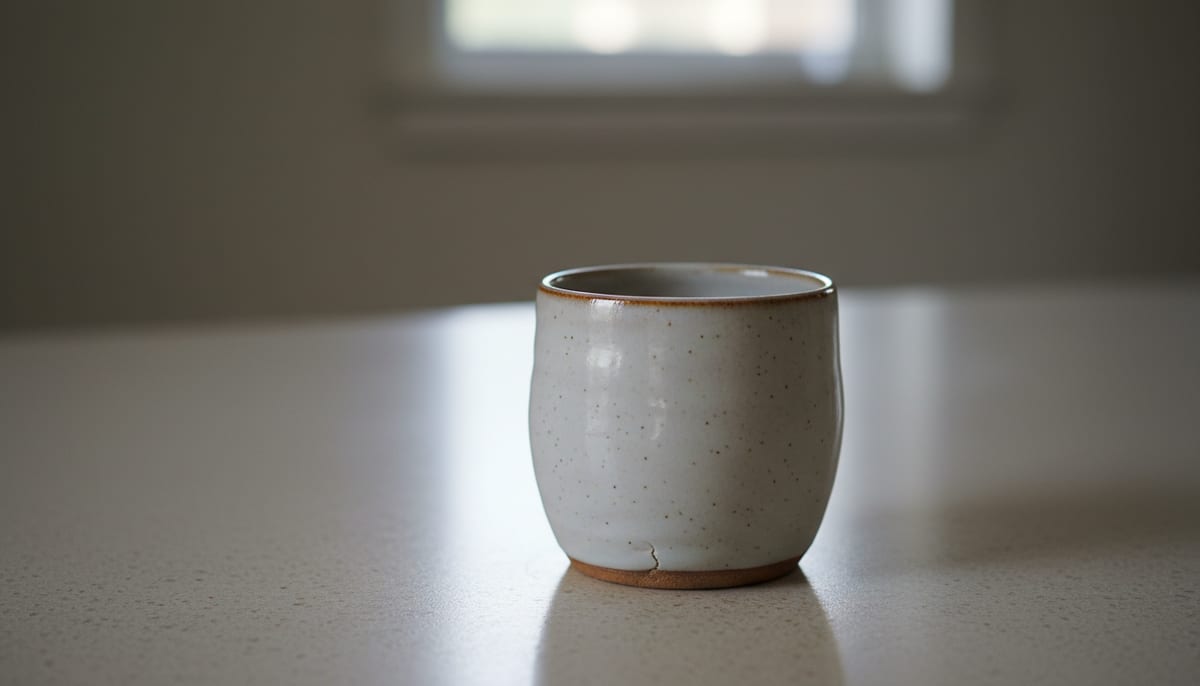
See a real cutout on a blue background
Drag the divider. These are ordinary photos, cut out and placed on solid blue.
See another example:
How to Make a Blue Background Photo
Upload your photo by dragging it in or clicking to browse.
Pick Fast or High Quality, then click "Make Blue Background".
Download your photo as a JPG with a solid blue background, ready to submit.
- Accepts
- JPG, PNG, WebP
- Output
- JPG on blue
- In your browser
- Free, unlimited
Plain blue is what many ID photos and school portraits ask for, though requirements vary by country and document, so check yours first. Browser mode processes up to 1920px on your device and your photo is never uploaded. The colour is applied on your device after the cutout, so you can switch to any other shade without running the AI again.
A Blue Background Photo Maker Built for Precision
AI accuracy that runs in your browser, with no subscription. Get a clean blue background on any photo in seconds.
AI-Powered Accuracy
State-of-the-art segmentation models handle hair, fur, and fine edges cleanly, so stray strands don't blend into a solid blue backdrop or leave messy halos.
Private by Default
The free mode runs the AI model on your own device using WebGL and WebAssembly. Your photos never leave your browser.
Fast and High Quality Modes
Pick Fast for a quick blue background on simple shots, or High Quality for complex subjects like wispy hair, glasses, or busy backgrounds.
A Default Blue, Any Colour, or Transparent
Drop the subject onto a mid blue at RGB 60, 150, 220 by default, enter your own hex code to match a specific spec, or keep the background see-through as a PNG. Switching colours is instant and never re-runs the AI.
No Signup, No Watermark
The browser mode is free forever. No account, no credit card, and no watermark on your blue background photo. Unlimited uses, unlimited downloads.
Works Offline After First Use
Once the AI model downloads, the tool works fully offline. Make a blue background photo on a plane, a train, or with flaky Wi-Fi.
Who Uses This Blue Background Photo Maker
From passport applicants to school photographers, anyone who needs a blue background reaches for a fast, private tool.
Passport, Visa, and ID Photos
Put your headshot on a solid blue background for the passport, visa, or ID document that asks for it, like Kuwait, Oman, or some Indian OCI and visa forms.
- Solid blue background matched to your document's spec, or a custom hex code
- Sharp edges around hair so stray background doesn't show through
- A tip: skip blue clothing so your outfit doesn't blend into the backdrop
School and Student ID Photos
Swap any student photo onto blue to match a school's yearbook or ID card backdrop, without a studio shoot.
- Light blue or dark blue shades in one click
- Consistent background colour across a full class for yearbook printing
- Re-export in a different blue shade without re-running the cutout
Headshots, Social Graphics, and Design Composites
Isolate a subject on blue for LinkedIn banners, thumbnails, posters, and composites, with no advanced editing software needed.
- Blue background headshots for LinkedIn, resumes, and profile photos
- Subject isolation for poster and ad composites
- Any other colour, or a transparent PNG, when blue isn't the goal
Explore More Tools
Discover other free tools that work great alongside this one
Transparent Background Maker
Make an image background transparent and download a PNG
White Background Maker
Put a product or portrait on a clean white background
Black Background Maker
Put a photo or product on a solid black background
Grey Background Maker
Put a photo or product on a neutral grey background
Green Background Maker
Put a photo on a solid green background for chroma keying
Blur Background
Blur the background behind your subject, like portrait mode
Background Remover
Remove backgrounds with AI precision
Image Resizer
Resize images to exact dimensions
Image Compressor
Reduce file size without losing quality
Circle Crop
Crop any image into a perfect circle with transparent background
Frequently Asked Questions
Answers to common questions about making a blue background photo online.
Does this blue background photo maker upload my photos to a server?
No. The default mode runs entirely in your browser using WebAssembly and WebGL, so your photos never leave your device.
What is the hex code for a blue passport photo background?
There's no single official code, since the exact shade varies by country and document type. This tool defaults to a mid blue at RGB 60, 150, 220, and you can enter your own hex code if your form specifies a different shade. You can also switch to white, black, or any other colour on the same cutout without re-running the AI.
Does a passport photo need a blue background?
Only for some documents. Most passport photos ask for plain white, but blue shows up for specific forms, like Kuwait and Oman passport photos and some Indian OCI and visa applications. Check your country's official photo requirement before you download, since this tool changes the background colour but doesn't crop or resize your photo to an official pixel size.
What's the difference between Fast and High Quality mode?
Fast mode uses a smaller AI model built for speed, good for simple backgrounds. High Quality mode uses a larger model that produces cleaner edges and handles hair, fur, and busy backgrounds much better.