

Grey Background Maker: Put Your Photo on a Grey Background
Cut the subject out and place it on a neutral grey background, the studio look used for headshots, ID photos, and product shots. Runs in your browser.
Drop your image here
Supports JPG, JPEG, PNG, and WebP
No photo handy? Try one of these:
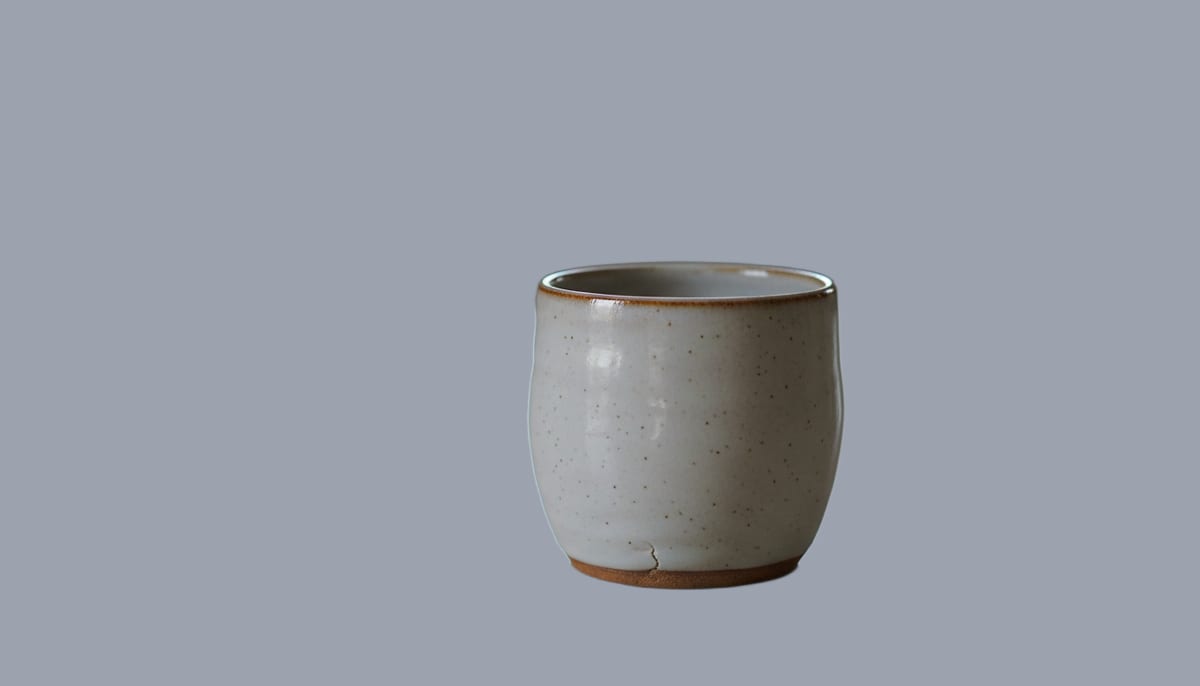
See a real cutout on a grey background
Drag the divider. These are ordinary photos, cut out and placed on solid grey.
See another example:
How to Make a Grey Background
Upload your photo by dragging it in or clicking to browse.
Pick Fast or High Quality, then click "Make Grey Background".
Download your photo as a JPG with a solid grey background, ready to upload.
- Accepts
- JPG, PNG, WebP
- Output
- JPG on grey
- In your browser
- Free, unlimited
Neutral grey at RGB 128, 128, 128 is the studio look used for headshots and catalogue photos. Browser mode processes up to 1920px on your device and your photo is never uploaded. The colour is applied on your device after the cutout, so you can switch to a lighter grey or any other colour without running the AI again.
A Grey Background Maker Built for Precision
AI accuracy that runs in your browser, with no subscription. Get a clean grey background on any photo in seconds.
AI-Powered Accuracy
State-of-the-art segmentation models handle hair, fur, and fine edges cleanly, so you get a clean grey background without messy halos or manual touch-ups.
Private by Default
The free mode runs the AI model on your own device using WebGL and WebAssembly. Your photos never leave your browser.
Fast and High Quality Modes
Pick Fast for a quick grey background on simple shots, or High Quality for complex subjects like wispy hair, transparent objects, or busy backgrounds.
Solid Grey, Any Colour, or Transparent
Drop the subject onto solid grey at RGB 128, 128, 128 for a studio look, pick black or any other colour, or keep the background see-through as a PNG. Switching colours is instant and never re-runs the AI.
No Signup, No Watermark
The browser mode is free forever. No account, no credit card, and no watermark on your grey background photo. Unlimited uses, unlimited downloads.
Works Offline After First Use
Once the AI model downloads, the tool works fully offline. Make a grey background photo on a plane, a train, or with flaky Wi-Fi.
Who Uses This Grey Background Maker
From product sellers to job seekers, anyone who needs a clean grey background reaches for a fast, private tool.
Product and Studio Photos
Create a solid grey background for catalog shots, listings, and studio-style product photography.
- Solid grey background at RGB 128, 128, 128 for a studio look
- Consistent product cutouts across a catalog
- JPG output ready to upload straight to your store
Passport, ID, and Profile Photos
Put your headshot on a grey background for ID and profile photos, including passport and visa photos where a light grey background is required.
- Switch to a light grey shade for UK, Schengen, and French passport and visa photos
- Clean headshots for LinkedIn, CVs, and job applications
- Sharp edges around hair for a natural look
Designers and Content Creators
Isolate a subject on grey for posters, thumbnails, social graphics, and composites, with no advanced editing software needed.
- Grey background cutouts for thumbnails and banners
- Subject isolation for poster and ad composites
- Any colour background when grey isn't the goal
Explore More Tools
Discover other free tools that work great alongside this one
Transparent Background Maker
Make an image background transparent and download a PNG
White Background Maker
Put a product or portrait on a clean white background
Black Background Maker
Put a photo or product on a solid black background
Blue Background Maker
Put a photo on a solid blue background for ID and school photos
Green Background Maker
Put a photo on a solid green background for chroma keying
Blur Background
Blur the background behind your subject, like portrait mode
Background Remover
Remove backgrounds with AI precision
Image Resizer
Resize images to exact dimensions
Image Compressor
Reduce file size without losing quality
Circle Crop
Crop any image into a perfect circle with transparent background
Frequently Asked Questions
Answers to common questions about making a grey background photo online.
How do I change my photo background to grey for free?
Upload a JPG, PNG, or WebP photo, pick Fast or High Quality, and click Make Grey Background. The browser mode runs the AI cutout on your device for free, with no account, no watermark, and no upload to a server.
What is the RGB or hex code for a grey background?
The default grey in this tool is a neutral mid grey at RGB 128, 128, 128, written as #808080, the shade used for studio and product photos. The colour is applied after the AI cutout, so you can switch to a lighter grey or any other shade instantly without reprocessing the image.
Does a UK or Schengen passport photo need a grey background?
Yes. The UK and the Schengen area, including France, require a plain light grey background for passport and visa photos, while the US requires white. Use the colour picker in this tool to switch from the default mid grey to a lighter grey shade before you download.
What's the difference between grey and gray?
Grey and gray are the same colour. Grey is the spelling used in the UK and most of the Commonwealth, and gray is standard in the US. This tool works the same either way, so searching for a gray background maker gets you the same result.