

Green Screen Background Maker
Cut your subject out and drop it onto solid chroma key green, ready to key out in Premiere, After Effects, or OBS. No physical green screen needed.
Drop your image here
Supports JPG, JPEG, PNG, and WebP
No photo handy? Try one of these:
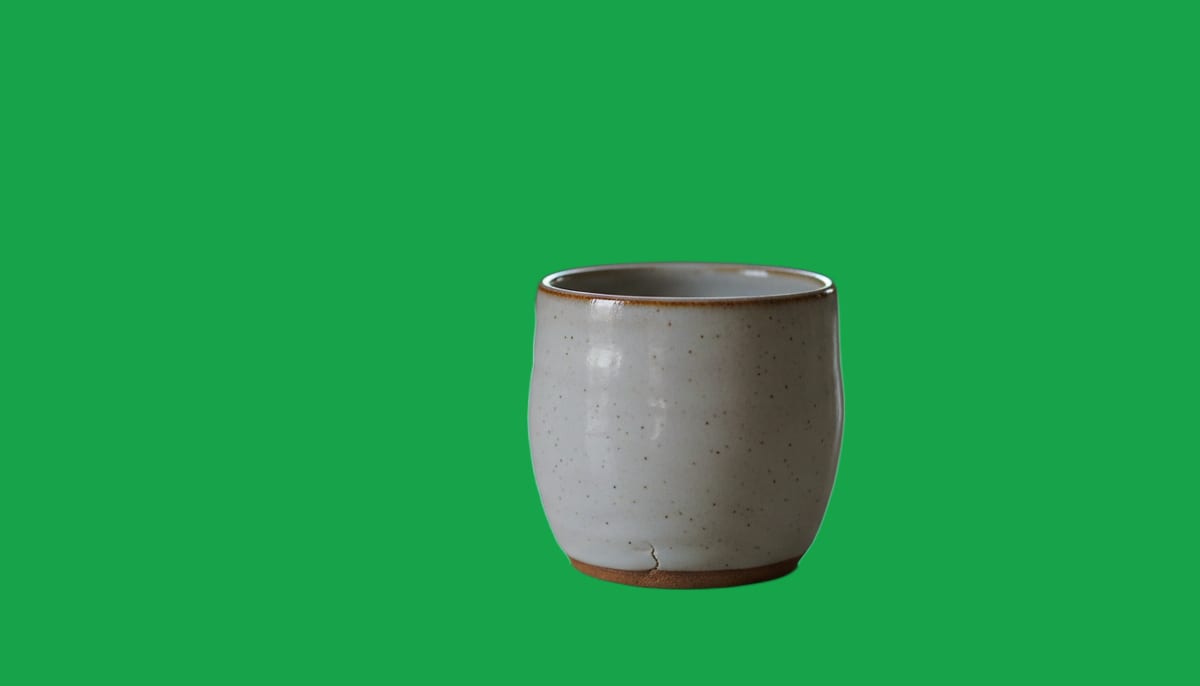
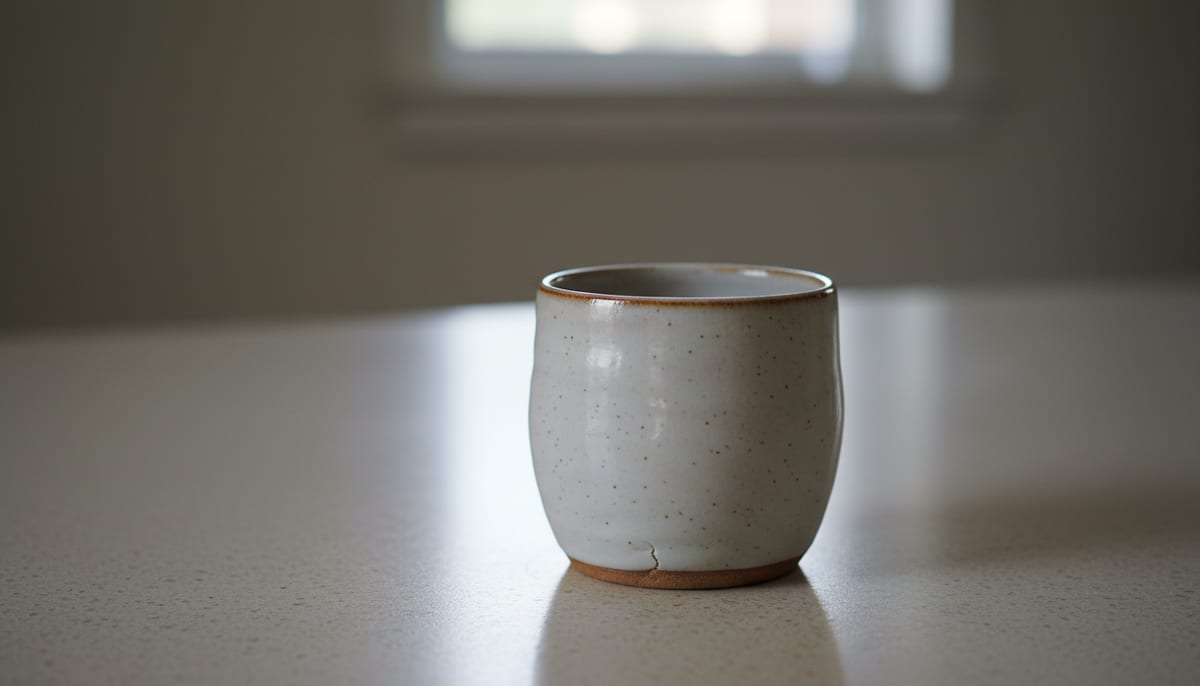
See a real cutout on a green background
Drag the divider. These are ordinary photos, cut out and placed on solid green.
See another example:
How to Make a Green Screen Background
Upload your photo by dragging it in or clicking to browse.
Pick Fast or High Quality, then click "Make Green Background".
Download your photo as a JPG on solid chroma key green, ready to key out.
- Accepts
- JPG, PNG, WebP
- Output
- JPG on green
- In your browser
- Free, unlimited
This tool uses true chroma key green at RGB 0, 177, 64, the shade a video editor keys out cleanly. Browser mode processes up to 1920px on your device and your photo is never uploaded. The colour is applied on your device after the cutout, so you can switch to any other colour without running the AI again.
A Green Screen Background Maker Built for Precision
AI accuracy that runs in your browser, with no subscription. Get a clean green screen background on any photo in seconds.
AI-Powered Accuracy
State-of-the-art segmentation models handle hair, fur, and fine edges cleanly, so you get a clean green screen background without messy halos or manual touch-ups.
Private by Default
The free mode runs the AI model on your own device using WebGL and WebAssembly. Your photos never leave your browser.
Fast and High Quality Modes
Pick Fast for a quick green background on simple shots, or High Quality for complex subjects like wispy hair, transparent objects, or busy backgrounds.
True Chroma Key Green, Any Colour, or Transparent
Drop the subject onto true chroma key green at RGB 0, 177, 64 for a clean key in your video editor, pick black or any other colour, or keep the background see-through as a PNG. Switching colours is instant and never re-runs the AI.
No Signup, No Watermark
The browser mode is free forever. No account, no credit card, and no watermark on your green screen photo. Unlimited uses, unlimited downloads.
Works Offline After First Use
Once the AI model downloads, the tool works fully offline. Make a green background photo on a plane, a train, or with flaky Wi-Fi.
Who Uses This Green Screen Background Maker
From video editors to streamers, anyone who needs a clean green screen background reaches for a fast, private tool.
Video Editing and Compositing
Create a solid chroma key green background for photos you plan to key out in Premiere, After Effects, or DaVinci Resolve.
- True chroma key green at RGB 0, 177, 64 for a clean key
- Sharp edges around hair and fine detail for a clean key
- JPG output ready to drop straight into your timeline
Streaming and Virtual Backgrounds
Put yourself on a green background for OBS scenes, Zoom and Teams virtual backgrounds, or a webcam overlay, without a fabric backdrop.
- No physical backdrop or studio lighting needed
- Clean cutouts for OBS scenes and stream overlays
- Works for headshots, half-body, and full-body shots
Designers and Content Creators
Isolate a subject on green for thumbnails, memes, and composites you'll build later, with no advanced editing software needed for the cutout itself.
- Green screen cutouts for thumbnails and social posts
- Subject isolation for composites and mockups
- Any colour background when green isn't the goal
Explore More Tools
Discover other free tools that work great alongside this one
Transparent Background Maker
Make an image background transparent and download a PNG
White Background Maker
Put a product or portrait on a clean white background
Black Background Maker
Put a photo or product on a solid black background
Grey Background Maker
Put a photo or product on a neutral grey background
Blue Background Maker
Put a photo on a solid blue background for ID and school photos
Blur Background
Blur the background behind your subject, like portrait mode
Background Remover
Remove backgrounds with AI precision
Image Resizer
Resize images to exact dimensions
Image Compressor
Reduce file size without losing quality
Circle Crop
Crop any image into a perfect circle with transparent background
Frequently Asked Questions
Answers to common questions about making a green screen background photo online.
Does this green screen background maker upload my photos to a server?
No. The default mode runs entirely in your browser using WebAssembly and WebGL, so your photos never leave your device.
What is the RGB or hex code for chroma key green, and what output formats does this tool support?
You can upload JPG, JPEG, PNG, and WebP photos. Choose a transparent PNG, or pick green, black, or any colour to get a flattened JPG instead. The green option uses true chroma key green at RGB 0, 177, 64, the shade video editors key out cleanly in Premiere, After Effects, and OBS.
How do I put a green background on a photo without a green screen?
Upload your photo and the AI model cuts out the subject automatically, no fabric backdrop or studio lighting needed. Pick Fast or High Quality, then choose green as your background colour. You get a photo on solid chroma key green in seconds, ready for keying in your video editor.
What's the difference between Fast and High Quality mode?
Fast mode uses a smaller AI model built for speed, good for simple backgrounds. High Quality mode uses a larger model that produces cleaner edges and handles hair, fur, and busy backgrounds much better.